
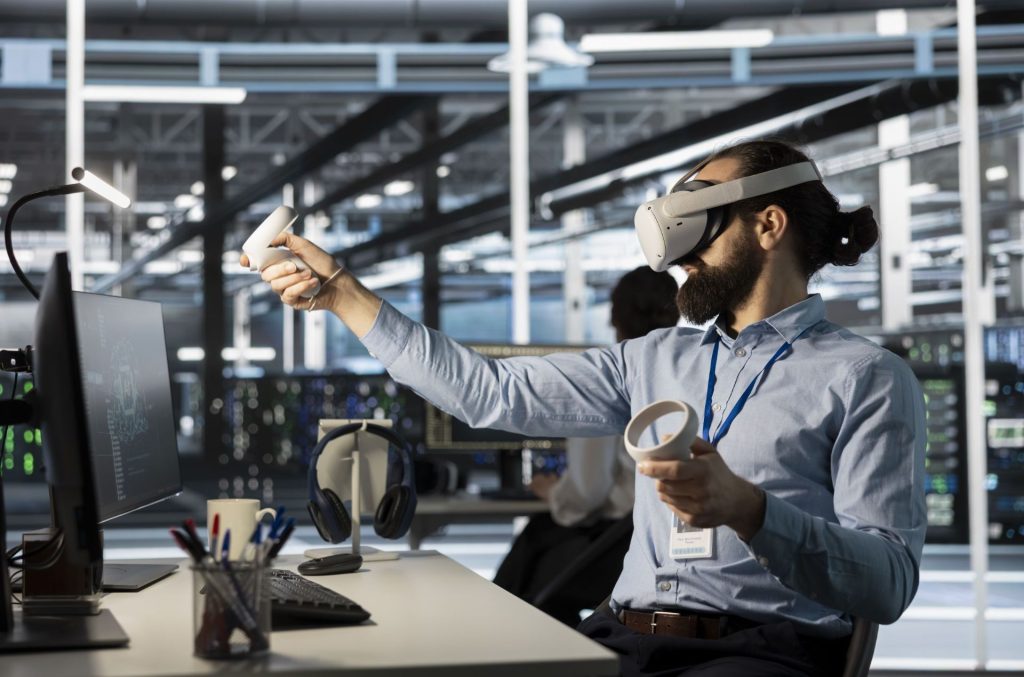
Imagine having a tool that lets you see and interact with complex software systems as if they were right in front of you. What if maintaining your software could become clearer, faster, and less frustrating?
A virtual reality system designed to support software maintenance can do just that. It transforms the way you understand code, making hidden problems easier to spot and fix. If you want to save time, reduce errors, and improve your workflow, keep reading to discover how this innovative technology can change your software maintenance experience forever.
Virtual Reality In Software Maintenance
Virtual reality (VR) is changing how software maintenance is handled. Instead of reading lines of code or static diagrams, you can step into a 3D environment that makes the software’s structure and behavior easier to understand. This hands-on approach helps you spot problems faster and communicate solutions more clearly.
Understanding Complex Software Structures
Software systems often have layers of complexity that are hard to visualize on a flat screen. VR lets you navigate through modules and components as if you were walking inside the system itself. This immersive experience helps you see dependencies and interactions that might be missed in traditional views.
Improving Collaboration Among Teams
When multiple developers work on the same project, miscommunication can slow down progress. VR creates a shared virtual space where teams can gather, discuss, and even manipulate software models together in real time. This direct interaction cuts down misunderstandings and speeds up decision-making.
Accelerating Bug Identification And Fixes
Finding bugs often means tracing through complex code paths. VR systems can visualize runtime data and highlight problematic areas visually. This clear, spatial representation lets you quickly pinpoint issues, reducing the time spent hunting for errors.
Training And Onboarding New Developers
New team members usually face a steep learning curve when joining software maintenance projects. VR can simulate real-life scenarios and system behaviors, providing hands-on practice without risking live environments. This immersive training helps you ramp up faster and gain confidence in managing the software.
Reducing Maintenance Costs
Maintenance is a major part of software budgets. By making the process more intuitive and efficient, VR reduces the hours needed for troubleshooting and updating systems. This not only saves money but also keeps your software running smoothly with fewer disruptions.
Have you considered how stepping into your software system could change the way you work? Virtual reality offers a practical tool to enhance every stage of software maintenance, from understanding to fixing and collaborating. What would it mean for your next project to see the code in three dimensions?
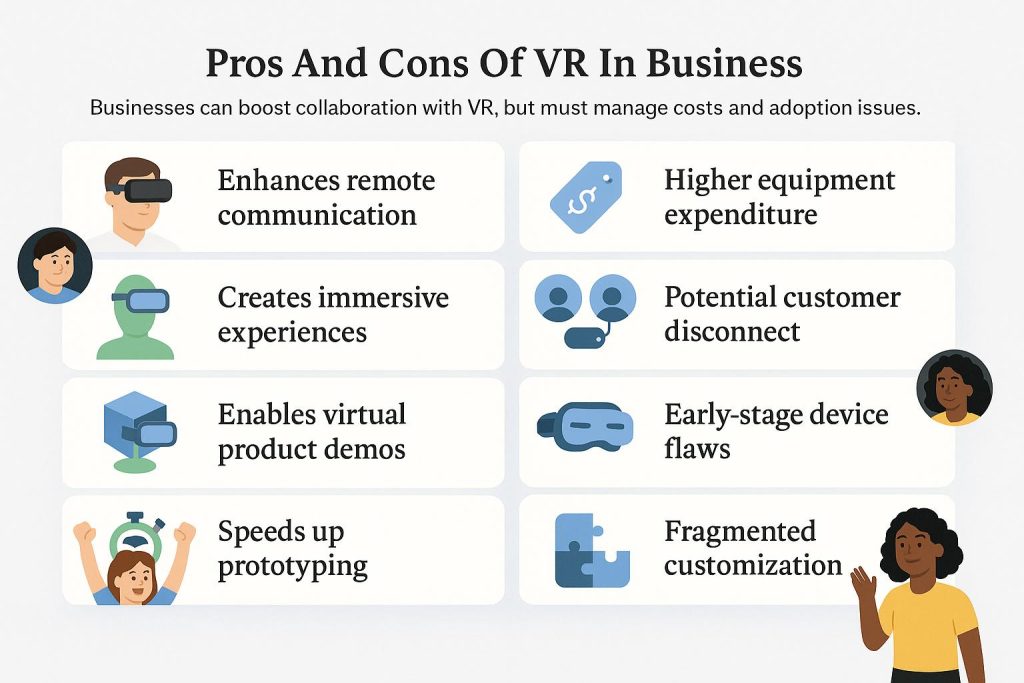
Credit: www.business.com
Current Challenges In Software Maintenance
Software maintenance is crucial but often riddled with obstacles that slow down progress and increase costs. Developers face complex codebases that can be hard to understand, especially when documentation is outdated or missing. These challenges can leave you stuck, wondering how to move forward efficiently without causing new problems.
Understanding Complex Legacy Systems
Many software projects have layers of old code written by different developers over time. This makes it difficult for you to quickly grasp how parts of the system interact. Without clear insight, even minor changes can lead to unexpected bugs or system crashes.
I once struggled with a legacy system that lacked proper comments or diagrams. Spending hours just to figure out one function’s role was frustrating, but it showed me how crucial better visualization tools could be.
Keeping Track Of Frequent Changes
Software maintenance often involves juggling many updates simultaneously. Tracking these changes and their effects on the entire system can overwhelm you, especially without a centralized view. Missing this can cause conflicts or regressions that are hard to detect early.
Limited Collaboration And Communication
Maintenance rarely happens in isolation. You need to coordinate with team members, sometimes across different locations. When communication tools fall short, important context and decisions can get lost, leading to duplicated work or errors.
Insufficient Documentation
Many teams face the issue of documentation that is outdated or incomplete. You might have to rely on guesswork to understand how the software was originally designed or why certain decisions were made. This uncertainty increases the risk of mistakes during maintenance.
High Cognitive Load And Time Pressure
Maintaining software demands deep concentration and understanding of complex systems. Combined with tight deadlines, this pressure can lead to fatigue and errors. Have you ever felt overwhelmed trying to fix a bug quickly, only to discover it caused more issues?
- How can you reduce the mental burden when dealing with complex code?
- What tools can help you visualize and track changes better?
- How do you ensure clear communication within your maintenance team?
Addressing these challenges head-on is essential for smoother, more effective software maintenance. A Virtual Reality System can offer fresh ways to see and interact with code, making it easier for you to understand and manage complex software landscapes.
Benefits Of Virtual Reality Systems
Virtual reality systems offer several benefits for software maintenance tasks. They create a new way to interact with complex software. This technology helps users see and understand data more clearly. It also makes teamwork easier and speeds up problem solving. These advantages improve the overall efficiency of software maintenance.
Enhanced Visualization
Virtual reality allows users to explore software structures in 3D. This makes understanding code and system architecture simpler. Developers can spot errors and connections that are hard to see in 2D. It reduces confusion and helps users focus on important details. The immersive experience improves learning and memory retention.
Improved Collaboration
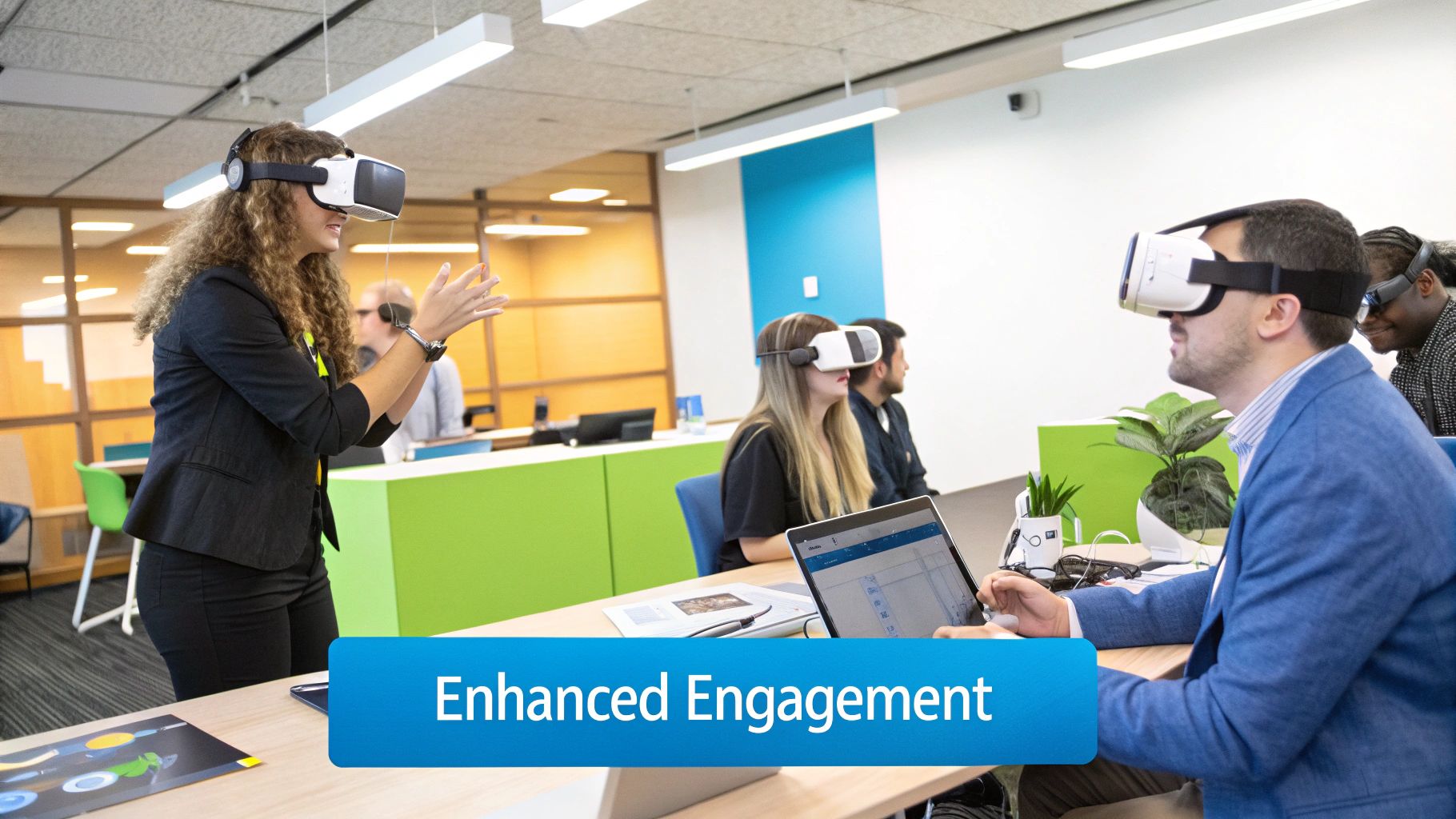
Teams can work together in virtual spaces regardless of location. They share the same view and interact with software models in real-time. This reduces miscommunication and speeds up decision-making. Virtual meetings become more productive and engaging. Collaboration tools in VR support better teamwork on complex projects.
Streamlined Problem Solving
Virtual reality helps users isolate and fix software issues faster. It offers interactive tools to test and debug code visually. Users can simulate different scenarios to understand the root cause of problems. This approach saves time and reduces errors. It supports a more effective and hands-on problem-solving process.
Key Components Of A Vr System For Maintenance
A Virtual Reality system designed for software maintenance relies on several essential components that work together to create an effective and immersive experience. Understanding these parts helps you choose or build a VR setup that truly supports your maintenance tasks. Let’s break down the key elements that make VR a powerful tool for maintaining software systems.
Hardware Requirements
The hardware forms the backbone of any VR system. You’ll need a reliable VR headset that offers high resolution and a wide field of view to clearly see software interfaces and system details.
Controllers or hand-tracking devices are crucial too, allowing you to interact naturally with virtual objects. Don’t forget a powerful computer or console capable of running VR software smoothly without lag, which can disrupt your focus.
Consider additional gear like sensors for precise motion tracking and comfortable seating if you plan long sessions. Have you checked if your current hardware meets these demands?
Software Tools
The software layer connects your maintenance tasks with the VR environment. This includes VR development platforms that let you build or customize maintenance scenarios tailored to your software systems.
Tools for real-time data integration are vital, so you can view and manipulate live system information inside VR. Debugging and visualization software helps spot issues faster by presenting data in 3D models or interactive dashboards.
Look for compatibility with existing maintenance management systems to avoid workflow interruptions. Which software features would save you the most time during troubleshooting?
User Interface Design
A well-designed user interface in VR makes all the difference in how easily you can perform maintenance tasks. It should be intuitive, with clear menus and controls that don’t overwhelm your view or distract you.
Visual cues like highlights, arrows, or color coding guide your attention to key components or problem areas. Voice commands or gesture controls can enhance interaction, freeing your hands for complex operations.
Test your interface early and often with actual users to identify confusing elements. What interface features would make your maintenance work feel less like a challenge and more like a natural process?
Implementing Vr In Software Maintenance
Implementing virtual reality (VR) in software maintenance can change how teams work on code and systems. VR offers an immersive way to visualize complex software structures. It helps developers and engineers understand problems faster and fix bugs more efficiently. This new approach needs careful planning and support for smooth adoption.
Integration Strategies
Start by connecting VR tools with existing development environments. Use APIs to link VR systems with software repositories and issue trackers. This creates a seamless flow of data between VR and current tools. Choose VR platforms that support popular programming languages and frameworks. Test VR features on small projects before full rollout. Focus on easy access to VR for all team members.
Training And Adoption
Offer simple, hands-on training sessions for developers and maintenance staff. Use VR tutorials to explain its features and benefits. Encourage team members to practice in a safe, virtual environment. Collect feedback to improve VR experiences continuously. Highlight quick wins to build confidence. Foster a culture open to new technology and learning.
Cost Considerations
Calculate initial expenses for VR hardware and software licenses. Include costs for training and system integration. Compare costs with expected benefits, like faster issue resolution and fewer errors. Consider subscription models to reduce upfront investment. Plan for ongoing maintenance and updates of VR systems. Budget carefully to avoid surprises and maximize value.

Credit: www.mdpi.com
Case Studies: Success Stories
Case studies provide real-world proof of how a virtual reality system can transform software maintenance. They highlight the challenges faced, the solutions applied, and the tangible benefits gained. Reading these success stories helps you understand what works and what to watch out for.
Industry Leaders
Top tech companies have started using virtual reality to support software maintenance. One global software giant reported a 30% reduction in debugging time after integrating VR tools into their workflow. Another leader in financial software saw improved team collaboration when remote engineers used VR environments to simulate complex system issues.
These companies didn’t just adopt VR because it was trendy—they had clear goals: faster problem-solving and better communication. Their experiences show that VR is not just for gaming or training but a powerful tool for everyday software tasks.
Lessons Learned
Early adopters discovered that success depends on more than just technology. Proper training and gradual integration are key. Jumping straight into full VR use without preparing your team can cause frustration and slow down projects.
One software team initially struggled with VR because they hadn’t tailored the system to their specific maintenance needs. Adjusting the VR interface and workflows based on user feedback made a huge difference. This shows how important it is to listen to your team and customize the experience.
Measurable Outcomes
| Metric | Before VR | After VR | Improvement |
|---|---|---|---|
| Bug Resolution Time | 10 hours | 7 hours | 30% faster |
| Team Collaboration Score | 65% | 85% | +20% |
| Training Time for New Staff | 5 days | 3 days | 40% shorter |
These numbers prove that VR systems can deliver concrete benefits. You might wonder how these improvements could impact your own software maintenance process. Could faster bug fixing and better teamwork give your projects a competitive edge?
Future Prospects Of Vr In Software Maintenance
The future of virtual reality (VR) in software maintenance looks promising. VR offers new ways to understand and fix complex software. It can improve teamwork and reduce errors during updates and repairs. As VR technology grows, its role in software maintenance will expand and evolve.
Technological Advancements
VR hardware is becoming more affordable and powerful. Headsets are lighter and offer better visuals. Motion tracking and hand gestures help users interact naturally. Software tools in VR allow real-time collaboration. AI integration can help detect bugs faster. These advancements make VR more practical for maintenance tasks.
Potential Challenges
Adopting VR in software maintenance faces some hurdles. High setup costs may limit small teams. Learning to use VR tools takes time. Some users may experience discomfort or fatigue. Security concerns arise with remote access in VR. Overcoming these challenges is key for wider use.
Opportunities For Innovation
VR opens doors for new maintenance methods. Virtual workspaces let teams explore code visually. Training sessions can simulate real problems without risks. Developers can test fixes in a virtual environment. Combining VR with cloud computing enhances access. These innovations can make software maintenance faster and safer.
Credit: aidarsolutions.com
Frequently Asked Questions
What Is A Virtual Reality System For Software Maintenance?
A virtual reality system for software maintenance uses immersive tech to visualize and manage code. It helps developers understand complex software structures and speeds up debugging and updates.
How Does Vr Improve Software Maintenance Efficiency?
VR offers 3D visualization of software components, making it easier to spot issues. It enhances collaboration and reduces errors by providing an interactive environment for developers.
Can Vr Systems Reduce Software Maintenance Costs?
Yes, VR systems can lower costs by minimizing errors and speeding up problem-solving. They reduce downtime and training expenses through immersive, hands-on learning experiences.
What Are The Key Features Of Vr In Software Maintenance?
Key features include 3D code visualization, interactive debugging, real-time collaboration, and immersive training modules. These improve understanding, communication, and overall maintenance quality.
Conclusion
Virtual reality can make software maintenance easier and clearer. It helps users see complex data in a simple way. Teams can find and fix problems faster with VR tools. This new approach supports better understanding and communication. It saves time and reduces errors during maintenance work.
VR offers a fresh way to handle software updates. Technology keeps improving, and VR will play a big role. Adopting VR systems can improve software care for many users.


