
Imagine a world where all your smart devices work seamlessly together. No more juggling between different apps or struggling with compatibility issues.
Sounds like a dream, right? If you’ve ever wondered whether SmartThings can work with Smart Life devices, you’re not alone. Many of us are looking for a simple solution to manage our smart homes efficiently. The good news is, you might be closer to achieving that harmony than you think.
We’ll explore how these two popular platforms can interact, potentially transforming your smart home experience. Ready to discover how you can simplify your smart home setup? Keep reading to find out how to make your devices work in harmony, just for you.

Credit: www.samsung.com
Smart Things And Smart Life Platforms
Smart Things and Smart Life are two popular platforms for managing smart home devices. Each platform offers unique tools to control and automate gadgets. Understanding their features helps users decide how to integrate devices smoothly. Both platforms aim to make smart homes easier to manage and more efficient.
Key Features Of Smart Things
- Centralized control for various smart devices
- Customizable automation routines
- Supports a wide range of brands and products
- Voice assistant compatibility with Alexa and Google
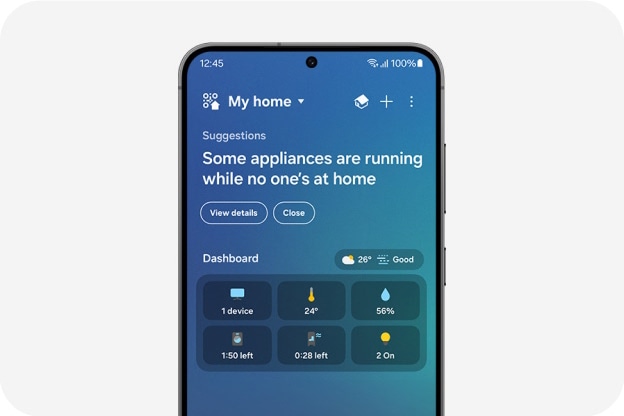
- Remote access through mobile app
- Real-time notifications and alerts
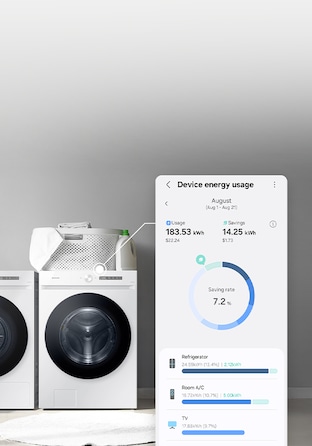
- Energy monitoring for connected devices
Core Functions Of Smart Life Devices
- Easy setup with QR code scanning
- Device grouping for simultaneous control
- Scheduling and timer functions
- Voice control integration with Alexa and Google
- Supports Wi-Fi and Zigbee devices
- Scene creation for multiple device actions
- Works with a wide variety of smart home brands
Credit: x.com
Compatibility Between Smart Things And Smart Life
Understanding the compatibility between Smart Things and Smart Life is crucial if you want your smart home devices to work seamlessly together. Both platforms offer a wide range of products, but their ability to communicate can vary. Knowing which devices and brands you can connect helps you avoid frustration and get the most out of your smart home setup.
Supported Devices And Brands
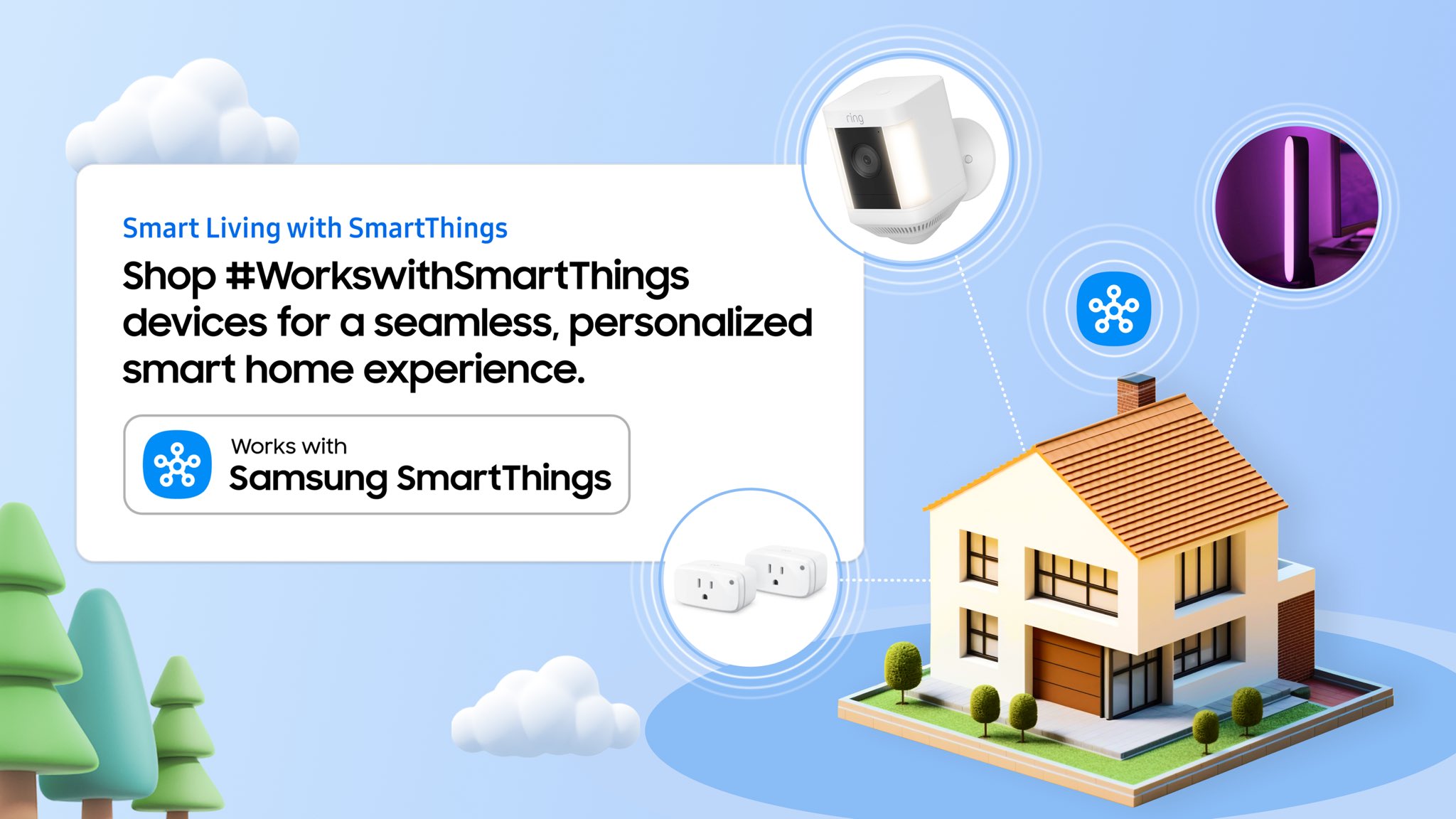
Smart Things supports many devices, including those from Samsung, Philips Hue, and Ring. Smart Life, on the other hand, mainly works with Tuya-based products, which cover a vast array of smart plugs, lights, and sensors. Some popular brands that overlap include Gosund, Teckin, and Meross.
You can often find devices that work with both platforms, especially if they are Tuya-compatible. This means you can control a Smart Life device through Smart Things with some effort. However, direct support isn’t guaranteed for every device, so checking compatibility before buying is essential.
Integration Challenges
One challenge is that Smart Things and Smart Life use different ecosystems and cloud services. This can cause delays or failures in device response when trying to control Smart Life devices through Smart Things. Sometimes, you need to use third-party tools like IFTTT or custom device handlers to bridge the gap.
Another issue is the inconsistency in device features. Some Smart Life devices might not expose all their functions when connected to Smart Things. For example, a smart plug might only show on/off controls but lack energy monitoring features.
Have you ever bought a device expecting full integration, only to find it limited or unresponsive? This is common when mixing these platforms. Testing devices in your environment or reading user experiences can save you time and effort.
Connecting Smart Life Devices To Smart Things
Connecting Smart Life devices to Smart Things lets you control many gadgets from one app. This integration helps manage lights, plugs, cameras, and sensors easily. Using both platforms together creates a smoother smart home experience. Follow clear steps to link your devices and solve common problems fast.
Step-by-step Setup Guide
- Open the Smart Things app on your phone.
- Go to the Devices tab and tap Add Device.
- Select the brand or search for “Smart Life.”
- Log in to your Smart Life account inside Smart Things.
- Grant permission to access your Smart Life devices.
- Wait for the app to find your devices.
- Choose devices to add and confirm.
- Test each device to ensure it works properly.
Common Issues And Fixes
- Devices not found: Check Wi-Fi connection and app updates.
- Login errors: Confirm Smart Life credentials and try again.
- Devices offline: Restart the device and router.
- Control delays: Reduce network traffic or move devices closer to router.
- Partial device control: Verify device compatibility with Smart Things.
- App crashes: Clear cache or reinstall Smart Things app.
Benefits Of Using Both Platforms Together
Using Smart Things and Smart Life together offers many benefits. Each platform supports different devices and features. Combining them can improve your smart home setup. It creates a more flexible and powerful system. You can enjoy better control and smoother automation. This section explains the key advantages of using both platforms.
Enhanced Automation Options
Both platforms provide unique automation tools. Smart Things offers complex triggers and actions. Smart Life supports a wide range of devices. Together, they expand your automation possibilities. You can create scenes that involve devices from both platforms.
For example:
- Turn on lights from Smart Life when a Smart Things sensor detects movement.
- Set your thermostat to adjust based on Smart Life weather updates.
This combination allows more precise and customized routines. Your smart home reacts better to your lifestyle.
Centralized Control Advantages
Using both platforms lets you control many devices in one place. Smart Things acts as a central hub for Smart Life gadgets. This reduces the need to switch between apps. You get a simpler, unified experience.
Benefits include:
- One app to manage lights, cameras, and sensors.
- Easy monitoring and control from anywhere.
- Consistent user interface across devices.
This central control saves time and reduces confusion. Your smart home feels more connected and easier to handle.
Alternatives For Smart Life Device Integration
Connecting Smart Life devices with Smart Things can be tricky. Both platforms use different systems and protocols. Direct integration might not always work. Still, there are alternatives to make your devices work together smoothly. These options help you control various gadgets from one place. They also improve your smart home experience without extra hassle.
Using Third-party Apps
Third-party apps act as bridges between Smart Life and Smart Things. Apps like IFTTT or Hubitat help connect devices from different brands. They create rules to trigger actions across platforms. For example, turning on a Smart Life light when a Smart Things sensor detects motion.
These apps support many devices and services. You just need to link your accounts and set up automation. The process is simple and does not require coding skills. It expands your smart home possibilities without buying new gadgets.
Voice Assistant Compatibility
Voice assistants like Alexa, Google Assistant, and Siri support both Smart Life and Smart Things. They allow you to control devices using simple voice commands. Linking your Smart Life and Smart Things accounts to one assistant helps unify control.
For example, ask Alexa to turn off lights connected to either platform. Voice commands work instantly and save time. This method suits users who prefer hands-free control or have many smart devices.
Future Trends In Smart Home Interoperability
Smart home technology is rapidly evolving, aiming to connect various devices seamlessly. Future trends focus on improving how different brands work together. This will help users control all their smart devices from one platform. Interoperability is key to creating a smoother smart home experience.
Upcoming Updates For Smart Things
Smart Things plans to support more third-party devices soon. Updates will enhance compatibility with popular smart home brands. Expect better integration with voice assistants and automation tools. These updates will simplify device management and setup. Users will enjoy more reliable and faster connections between devices.
Evolving Smart Life Ecosystem
The Smart Life ecosystem is expanding its device range and features. It is working on improved communication with other smart platforms. Future versions will focus on easier device pairing and control. The ecosystem aims to offer unified app control for various products. This growth will help users mix and match devices freely.
Credit: www.samsung.com
Frequently Asked Questions
Does Smartthings Support Smart Life Devices?
SmartThings does not natively support Smart Life devices. However, some third-party integrations may enable limited compatibility. Users often rely on cloud-to-cloud connections or smart home hubs for bridging these platforms.
Can I Control Smart Life Devices Via Smartthings App?
Direct control is generally unavailable. You can use third-party services like IFTTT or Alexa to link Smart Life devices with SmartThings for basic control features.
Are Smart Life And Smartthings Compatible With Alexa?
Yes, both Smart Life and SmartThings work with Alexa. You can control devices from both platforms using Alexa voice commands and routines.
How To Integrate Smart Life Devices Into Smartthings?
Integration requires third-party tools or hubs since there is no official support. Using services like IFTTT or SmartThings-compatible bridges can help connect Smart Life devices.
Conclusion
SmartThings and Smart Life devices can work together, but with limits. Some devices connect easily, while others may need extra apps or setups. Compatibility depends on the device brand and model. Testing your devices before full use helps avoid problems.
Choose devices that support common platforms for smooth control. This way, your smart home runs better and feels simpler. Keep learning about updates to improve your system over time. Smart home technology grows fast, so stay patient and curious.


