
Imagine walking into your home and having the lights turn on, the thermostat adjust to your preferred temperature, and your favorite music start playing—all without lifting a finger. Sounds like something out of a sci-fi movie, right?
This is the magic of smart home devices working together seamlessly. But have you ever wondered how they communicate with each other to make your life more convenient? Understanding this communication can unlock endless possibilities for creating a smarter, more efficient living space.
You’ll discover the fascinating ways these devices interact, transforming your home into a harmonious hub of technology. Dive in to find out how these everyday marvels connect, ensuring your home is not just smart, but brilliantly so.
Credit: iotex.io
Smart Home Communication Basics
Smart home devices work together to make life easier. They share information and commands over various networks. Understanding how these devices communicate helps to see the bigger picture of a connected home. Communication is the foundation that links all smart gadgets.
Types Of Smart Home Devices
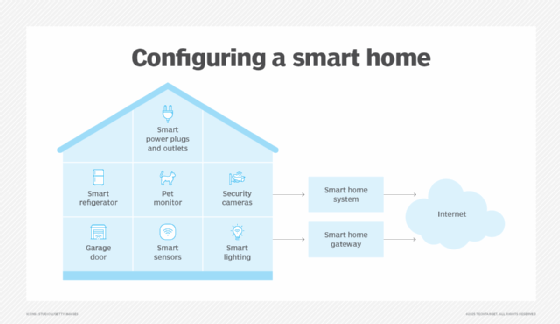
Smart homes include many kinds of devices. Each device has a specific role and function. Here are some common types:
- Smart lights that adjust brightness and color
- Thermostats that control home temperature
- Security cameras that monitor and record activity
- Voice assistants that respond to spoken commands
- Smart locks that manage door access
These devices often connect to a central hub or work independently. Their ability to communicate creates a seamless user experience.
Role Of Connectivity In Smart Homes
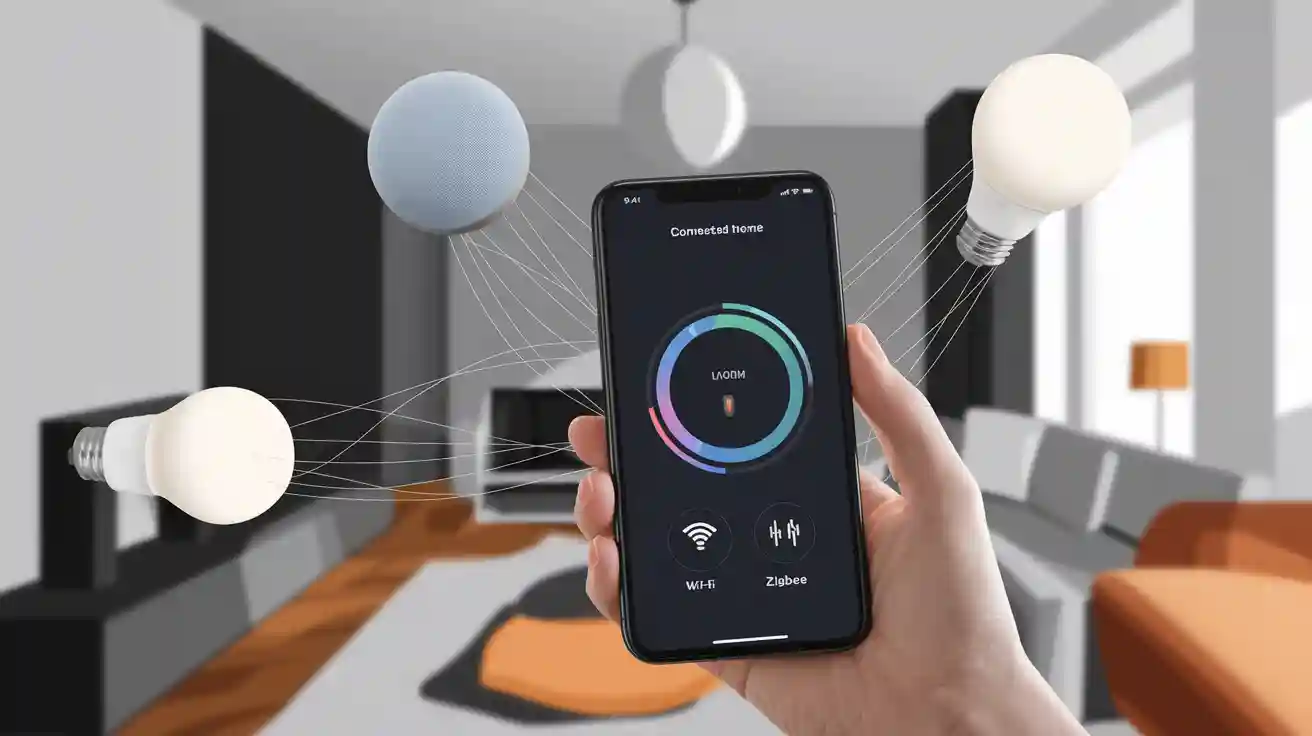
Connectivity is key for smart devices to talk to each other. It allows devices to send and receive data quickly and reliably. Different technologies provide this connection:
- Wi-Fi:Common for high-speed internet access and device control
- Bluetooth:Used for short-range communication between devices
- Zigbee and Z-Wave:Low-power networks designed for home automation
- Thread:A newer protocol that supports secure and reliable connections
Each technology has strengths and suits different needs. Good connectivity ensures devices respond smoothly and work as expected.
Credit: x.com
Communication Protocols
Smart home devices rely on specific communication protocols to share information and work together seamlessly. These protocols define how devices send, receive, and interpret data. Choosing the right protocol affects your system’s speed, range, and energy use.
Wi-fi
Wi-Fi is one of the most common ways smart devices communicate, especially for those needing internet access. It offers high data speeds and works well for streaming or controlling cameras and speakers. However, Wi-Fi can drain battery-powered devices quickly and may struggle with many devices connected simultaneously.
Have you noticed your Wi-Fi slows down when multiple devices are on? This is a typical issue in smart homes relying heavily on Wi-Fi.
Bluetooth
Bluetooth is ideal for short-range communication between devices like smart locks, earbuds, or fitness trackers. It uses less power than Wi-Fi, making it great for battery-operated gadgets. Newer versions, like Bluetooth Low Energy (BLE), allow devices to stay connected longer without using much battery.
Think about how your phone pairs easily with your smartwatch using Bluetooth. That same principle helps your smart home devices sync locally without needing internet.
Zigbee
Zigbee is a low-power, mesh networking protocol designed specifically for smart homes. It connects devices over a wider area by passing messages through multiple devices, extending the network’s reach. This makes it reliable for lights, sensors, and switches spread across your home.
Imagine your smart bulbs still respond even if one device is out of range. That’s the strength of Zigbee’s mesh setup.
Z-wave
Z-Wave also uses mesh networking and operates on a different frequency than Wi-Fi or Zigbee, which reduces interference. It’s known for easy setup and strong security, often preferred in home security systems. Although it supports fewer devices than Zigbee, its compatibility across brands is a key benefit.
If you want a hassle-free connection for door locks or alarms, Z-Wave might be the protocol to consider.
Thread
Thread is a newer protocol built on mesh networking that focuses on low power and high security. It supports direct internet connections without a central hub, simplifying device management. Thread works well with Apple HomeKit and Google Nest ecosystems, making it a smart choice if you use those platforms.
Have you ever wished your devices could talk directly without a middleman? Thread enables that kind of smooth communication.
Hub-based Vs Hubless Systems
Smart home devices communicate in two main ways: through hub-based systems or hubless systems. Each approach affects how your devices connect, respond, and work together in your home. Understanding the differences can help you choose the setup that fits your lifestyle and tech skills.
Advantages Of Hubs
Hubs act as a central point where all your smart devices connect. This makes managing multiple gadgets easier because the hub handles communication and control.
Hubs often support a wide range of devices, even from different brands. This means you can mix and match sensors, lights, and thermostats without worrying about compatibility issues.
Security is another benefit. Hubs usually provide an extra layer of protection by managing device access and updates in one place. Have you noticed how your smart home feels more reliable when one device controls the network?
Direct Device Communication
Hubless systems let devices talk directly to each other without a central controller. This can speed up response times since the devices don’t need to send commands through a hub.
However, direct communication often requires devices to use the same protocol, like Bluetooth or Wi-Fi. This can limit your options if you want to add new gadgets from different brands.
Without a hub, setting up and troubleshooting might be trickier, especially if you have many devices. But if you prefer a simple setup with fewer parts, hubless systems might be a better fit for your home.
Data Transmission Methods
Smart home devices rely on various ways to send data between each other. These data transmission methods create a connected environment in your home. Each method has unique features that suit different devices and needs.
Radio Frequency Signals
Radio frequency (RF) signals are common in smart homes. Devices use wireless waves to send and receive data. RF communication covers a wide range of distances, from short to long. Popular protocols include Wi-Fi, Zigbee, and Z-Wave. These signals can pass through walls and obstacles. They offer flexibility and ease of installation without wires.
Infrared Communication
Infrared (IR) communication uses light waves just below visible red light. Many remote controls use IR to send commands to devices. It requires a direct line of sight between devices. IR is simple and low cost but has limited range. It is ideal for controlling TVs, air conditioners, and other appliances in the same room.
Power Line Communication
Power line communication (PLC) sends data through existing electrical wiring. Devices communicate by modulating signals over power cables. This method avoids extra wiring and works well in buildings. PLC can cover the whole house using the electrical grid. It is useful where wireless signals face interference or weak reception.
Integration With Voice Assistants
Voice assistants have become the central hub for many smart homes. They allow your devices to talk to each other seamlessly and respond to your commands effortlessly. Integrating smart home devices with these assistants turns scattered gadgets into a cohesive system that reacts instantly to your voice.
Amazon Alexa
Alexa connects with thousands of smart home devices through the Alexa app. Once linked, you can control lights, thermostats, and security cameras just by speaking. I found that setting up routines, like turning off all lights at bedtime, saves me time and energy every day.
Alexa’s skills store offers additional features created by device makers. This means you can add new functionalities without buying extra hardware. It’s worth exploring the skills for your specific devices to maximize control and convenience.
Google Assistant
Google Assistant works well with a wide range of smart devices and understands natural language very well. You can say, “Hey Google, set the living room temperature to 72 degrees,” and it will adjust your smart thermostat right away. The Assistant’s ability to recognize context makes multi-step commands easier and more intuitive.
Integration happens through the Google Home app, where you add devices and organize them by rooms. This setup helps you manage your home efficiently. Have you tried grouping your devices by activity, like “movie time” or “dinner mode,” to simplify control?
Apple Siri
Siri integrates smoothly with HomeKit-enabled devices, focusing on privacy and security. You control your smart home using the Home app or voice commands on your iPhone, iPad, or HomePod. I appreciate how Siri handles multiple devices at once, like locking doors and turning off lights when you say, “Good night.”
Apple’s ecosystem encourages automation through scenes and triggers, which can be customized easily. If you already use Apple products, Siri offers a convenient and secure way to manage your smart home without juggling multiple apps.
Security In Device Communication
Security plays a vital role in how smart home devices communicate. These devices exchange sensitive data and control critical home functions. Protecting this data prevents unauthorized access and potential harm. Strong security measures keep your smart home safe and reliable.
Encryption Techniques
Encryption scrambles data so only authorized devices can read it. Most smart home devices use advanced encryption standards like AES. This method turns plain data into code during transmission.
Common encryption types include:
- Symmetric encryption – uses one key for both encrypting and decrypting data.
- Asymmetric encryption – uses a pair of keys, public and private, for secure communication.
Encryption protects data from hackers and eavesdroppers. It is essential for wireless communication between devices.
Authentication Processes
Authentication ensures devices communicate with trusted sources only. It verifies the identity of each device before data exchange.
Methods used include:
- Passwords or PINs that devices share securely.
- Digital certificates that confirm device identity.
- Biometric verification in some advanced systems.
This step stops unauthorized devices from entering the network. It builds trust between devices in the smart home system.
Common Vulnerabilities
Smart home devices face several security risks during communication.
- Weak passwords that hackers can guess easily.
- Unencrypted data that can be intercepted.
- Outdated software with known security flaws.
- Improper device pairing leading to unauthorized access.
Device manufacturers must address these vulnerabilities. Regular updates and strong security protocols help reduce risks.
Future Trends In Smart Home Communication
Smart home devices are evolving rapidly, and how they talk to each other is changing just as fast. The future of smart home communication promises faster connections, smarter responses, and easier setups. Understanding these trends can help you prepare your home for what’s coming next.
5g And Beyond
5G networks bring lightning-fast speeds and super low delays. This means your smart devices can share data almost instantly, making your home more responsive. Imagine your security cameras sending real-time alerts without lag or your thermostat adjusting perfectly as you arrive home.
Beyond 5G, technologies like 6G are being developed to push these limits even further. They aim to connect more devices at once with better reliability. Could your entire neighborhood’s smart devices one day work seamlessly together?
Artificial Intelligence Integration
AI is becoming the brain behind smart homes, helping devices learn your habits and react automatically. Instead of just following preset rules, your home could anticipate your needs—like dimming lights when you’re watching a movie or ordering groceries when supplies run low.
This integration makes communication between devices smarter too. Devices can share insights, not just data, creating a network that adapts to your lifestyle. How much easier would your daily routine become with a home that truly understands you?
Interoperability Improvements
One major frustration today is that smart devices from different brands often don’t work well together. The future focuses on better interoperability standards so your devices can communicate smoothly, no matter who makes them.
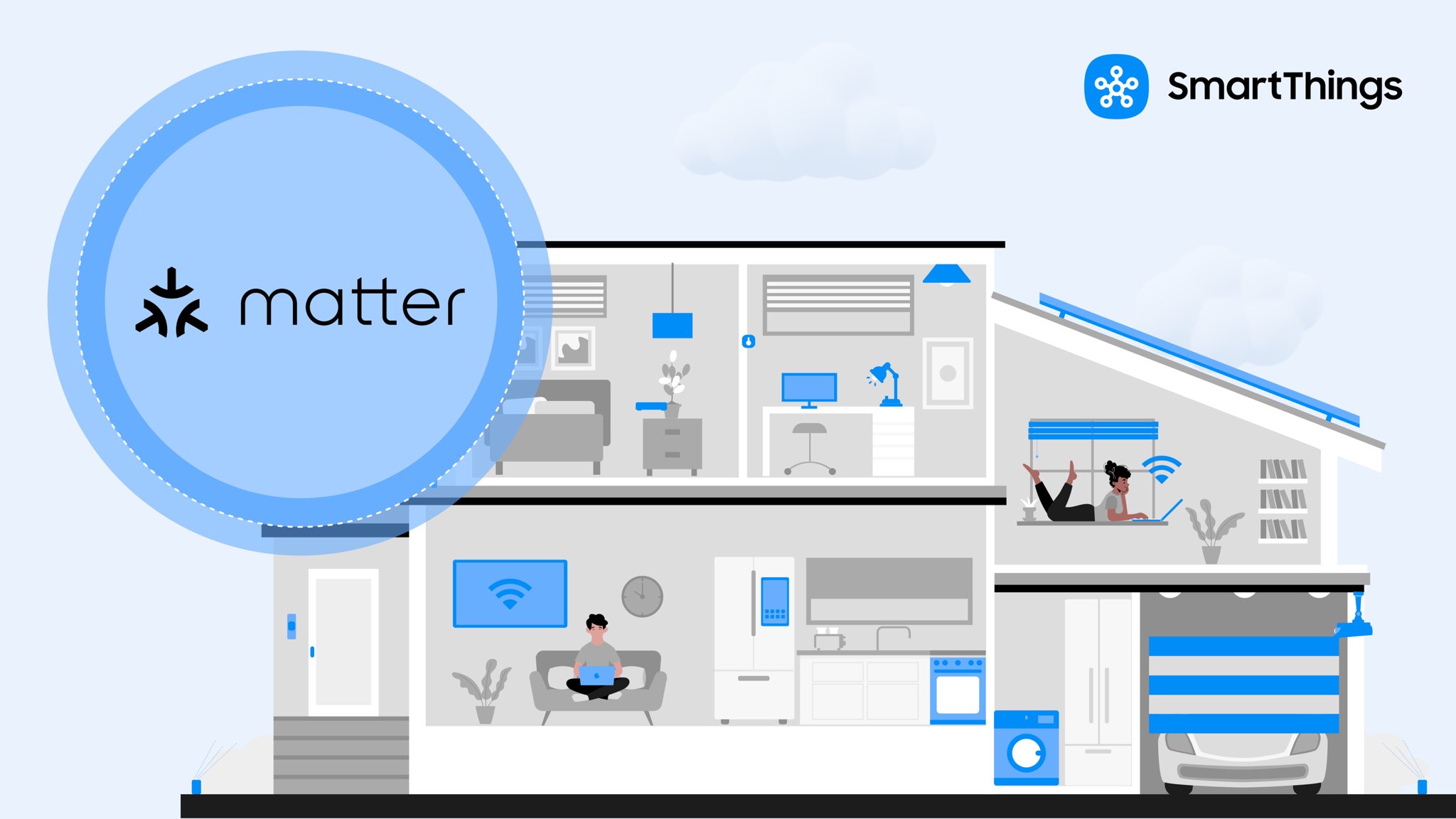
Efforts like Matter, a new standard, aim to simplify setup and increase compatibility. This means less time troubleshooting and more time enjoying your smart home. Wouldn’t you want all your gadgets to just work together without extra hassle?
Credit: www.wonderfulpcb.com
Frequently Asked Questions
How Do Smart Home Devices Connect With Each Other?
Smart home devices connect using wireless protocols like Wi-Fi, Zigbee, and Z-Wave. These allow seamless data exchange and control.
What Role Does A Smart Hub Play In Device Communication?
A smart hub acts as a central controller. It manages communication between devices and integrates different protocols for smooth operation.
Can Smart Home Devices Communicate Without Internet?
Yes, many devices communicate locally via Bluetooth, Zigbee, or Z-Wave. Internet is needed only for remote access and updates.
How Secure Is The Communication Between Smart Home Devices?
Most devices use encryption and secure protocols to protect data. Regular updates enhance security and prevent unauthorized access.
Conclusion
Smart home devices talk through wireless signals and networks. They share information using common languages like Wi-Fi and Bluetooth. This lets them work together smoothly and respond to your commands. Understanding how they communicate helps you use them better. It also makes your home more connected and smart.
The technology keeps improving, making devices easier to control. You can enjoy a safer, more comfortable home every day. Smart homes are becoming part of daily life, quietly making things simple.


