
Imagine living in a world where your coffee brews itself before you even step out of bed, your thermostat adjusts to the perfect temperature without a single touch, and your lights dim just as you settle in for a cozy evening. Sounds like a sci-fi movie, right?
But it might just be your home right now. You might already be surrounded by smart devices, and not even know it. Are you curious about what makes a device ‘smart’ or wondering if your gadgets fit the bill? Stay with us as we unravel the secrets behind smart technology and help you discover the hidden potential within your own home.
After all, understanding your devices better not only enhances your lifestyle but also gives you the power to make informed choices. Let’s dive in and uncover the tech-savvy side of your everyday life.
Identifying Smart Devices
Identifying a smart device is easier than it seems. These devices connect, communicate, and react to your needs. They often have features that make daily tasks simpler and more efficient.
Knowing what to look for helps you spot smart devices in your home or office. Focus on how the device connects, controls, and integrates with other tech. Automated actions also reveal smart capabilities.
Connectivity Features
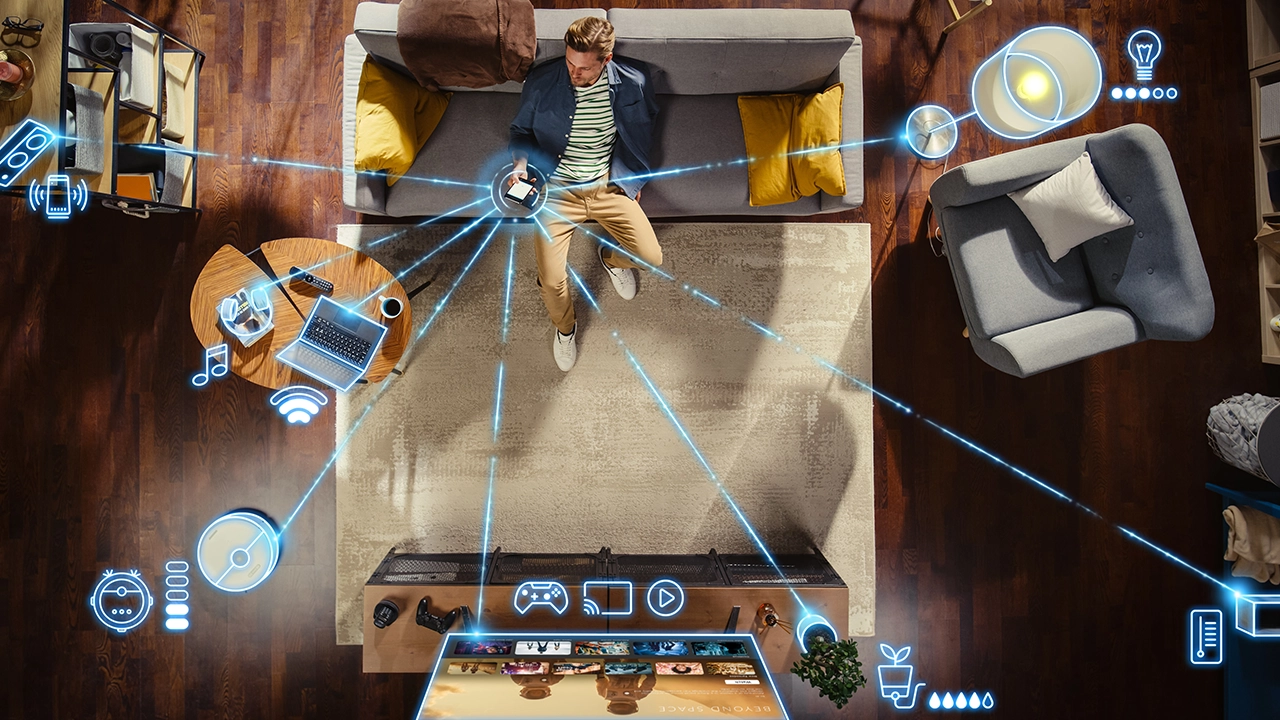
Smart devices often connect to the internet or a home network. They use Wi-Fi, Bluetooth, or Zigbee to link with other devices. This connection allows remote control and updates. Check if the device can sync with your smartphone or computer.
Voice Control Capabilities
Many smart devices respond to voice commands. They work with assistants like Alexa, Google Assistant, or Siri. You can ask them to turn on lights, play music, or set reminders. Voice control means hands-free operation, adding convenience.
App Integration
Smart devices usually come with their own apps or work with third-party apps. These apps let you manage settings and monitor the device from anywhere. Look for options to schedule tasks or receive notifications on your phone.
Automated Functions
Automation is a key sign of a smart device. It performs tasks on its own based on rules or sensors. For example, a thermostat adjusts temperature automatically. Sensors may detect motion, light, or humidity to trigger actions.
Common Smart Device Types
Smart devices have become a normal part of daily life, but you might not always realize which gadgets count as “smart.” Understanding the common types of smart devices helps you identify them and make the most of their features. These devices connect to the internet or other networks to offer extra convenience and control.
Smartphones And Tablets
Your smartphone or tablet is often the first smart device you own. These devices do more than just make calls or show videos—they can control other smart devices in your home, track your health, and provide instant information.
Think about how your phone updates apps automatically or lets you ask a voice assistant questions. If your device connects to Wi-Fi and runs apps, you’re already using a smart device every day.
Smart Home Appliances
Have you ever controlled your lights or thermostat with your voice or phone? That’s a smart home appliance at work. Devices like smart refrigerators, ovens, and security cameras connect to your network and let you manage your home remotely.
These appliances can save energy, alert you to problems, and even reorder supplies. If you can adjust settings from anywhere, you likely own a smart home device.
Wearable Technology
Wearables like smartwatches and fitness trackers do more than tell time or count steps. They monitor your heart rate, sleep, and activity levels, syncing data with your phone or computer for detailed insights.
If you use a device that tracks your health or notifies you of messages without pulling out your phone, that’s wearable technology making life easier.
Smart Entertainment Systems
Smart TVs, streaming devices, and voice-controlled speakers fall under this category. They connect to the internet to stream shows, play music, and respond to voice commands.
Have you ever asked your TV to play a specific show without touching the remote? That’s a smart entertainment system enhancing how you relax and enjoy media.
Indicators Of Smart Technology
Smart devices have features that set them apart from regular gadgets. These features help you identify if a device is smart. Understanding these indicators makes it easier to recognize smart technology in your home or office.
Remote Access Options
Smart devices often allow control from anywhere using a smartphone or computer. This remote access lets you manage settings without being near the device. For example, you can turn on lights or adjust the thermostat from another city.
Look for apps or web portals connected to your device. These tools usually signal smart technology.
Learning And Adaptation
Some smart devices learn your habits and adjust automatically. They improve performance over time based on your preferences. For example, a smart thermostat might change temperature settings based on your daily routine.
Devices that adapt or suggest changes show signs of smart technology.
Sensor Usage
Smart devices use sensors to gather information about their environment. Sensors detect motion, light, temperature, or sound. This data helps the device respond appropriately without your input.
Devices with built-in sensors often adjust settings or trigger actions automatically.
Energy Efficiency Features
Many smart devices include energy-saving modes or features. They optimize power use by turning off when not needed or adjusting settings. This reduces electricity waste and lowers bills.
Check if your device has energy reports or automatic shut-off options. These are signs of smart technology focused on efficiency.

Credit: honestwaves.com
Benefits Of Owning Smart Devices
Owning smart devices brings many benefits that improve daily life. These devices connect to the internet and offer advanced features. They simplify tasks and enhance how people interact with technology. Smart devices provide convenience, security, energy efficiency, and a better user experience.
Convenience And Control
Smart devices allow control from anywhere using a phone or voice. They automate routine tasks like turning lights on or off. Scheduling becomes easy, saving time and effort. Managing multiple devices from one app adds comfort to daily life.
Improved Security
Smart devices enhance home security with cameras and sensors. They send alerts instantly if something unusual happens. Remote monitoring helps users keep an eye on their property. This adds peace of mind and protects loved ones.
Energy Savings
Smart devices help reduce energy use by adjusting settings automatically. Thermostats learn preferences and save heating or cooling costs. Smart lighting turns off when rooms are empty. These small changes lower bills and benefit the environment.
Enhanced User Experience
Smart devices offer personalized settings and easy interaction. Voice assistants respond to simple commands quickly. Devices update automatically to improve features and security. This leads to a smoother and more enjoyable experience every day.
Testing Your Device
Testing your device helps confirm if it is smart and connected. It involves simple checks that reveal its capabilities. These tests show how your device interacts with networks, apps, and voice commands. Understanding these signs makes it easier to identify smart devices in your home.
Checking Network Connections
Smart devices usually connect to Wi-Fi or Bluetooth. Check your device’s network settings to see if it links to the internet. Look for options to join wireless networks or pair with other devices. Devices without network options are less likely to be smart.
Exploring Settings And Features
Open the device’s settings menu to explore its options. Smart devices have advanced settings like automation, updates, or user accounts. Look for features that control the device remotely or adjust functionality. These settings are a clear sign of smart technology.
Using Companion Apps
Many smart devices work with companion apps on phones or tablets. Search for an app related to your device brand or type. Install it and try connecting to your device. If the app controls or monitors the device, it is smart.
Performing Voice Commands
Try using voice commands if your device supports them. Say common commands like “turn on,” “set timer,” or “play music.” Smart devices often respond to voice assistants like Alexa or Google Assistant. A response confirms smart features inside the device.
Credit: 63sats.com

Credit: www.pcworld.com
Frequently Asked Questions
What Defines A Smart Device In Simple Terms?
A smart device connects to the internet and can be controlled remotely. It often uses apps or voice commands. Examples include smart TVs, thermostats, and speakers. These devices improve convenience and automation in daily life.
How Can I Identify If My Device Is Smart?
Check if your device connects to Wi-Fi or Bluetooth. Look for app control features or voice assistant compatibility. Smart devices often update software automatically. If it adapts or learns your habits, it’s likely smart.
Can Non-smart Devices Become Smart Devices?
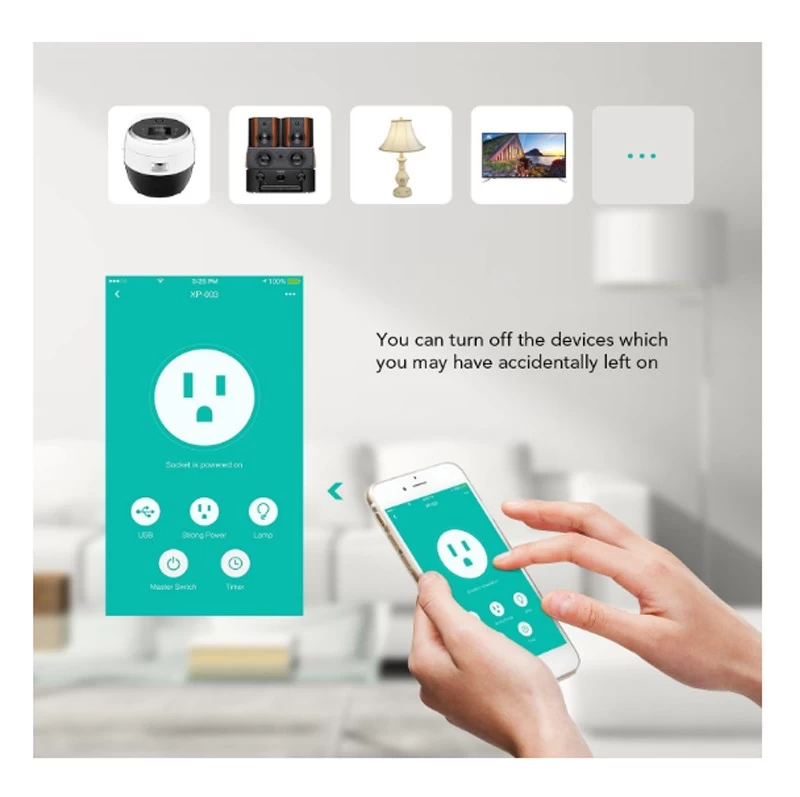
Yes, some non-smart devices can become smart with add-ons. Smart plugs or adapters enable remote control and scheduling. This upgrade allows old devices to connect to the internet and gain smart features.
Do Smart Devices Require Internet To Function?
Most smart devices need internet for full features like remote access. However, some functions may work offline, such as basic controls. Internet connection enhances updates, notifications, and voice assistant capabilities.
Conclusion
Smart devices connect and respond to the internet. They often learn your habits and make tasks easier. Common examples include phones, speakers, and home assistants. Knowing the signs helps you understand your technology better. This awareness also improves your safety and privacy.
Keep an eye on features that adapt or automate daily routines. Your smart device works to save time and effort. Stay informed to use technology wisely and comfortably.


