A Beginners Guide to Consumer Electronics Repair: Essential Tips
Are you tired of tossing away your gadgets at the first sign of trouble? Imagine the satisfaction of fixing your own devices without breaking the bank.
Welcome to “A Beginner’s Guide to Consumer Electronics Repair. ” This guide is your first step towards understanding and mastering the basics of electronics repair, transforming you from a consumer into a savvy problem-solver. You don’t need to be a tech wizard to start; all it takes is curiosity and a willingness to learn.
As you delve deeper, you’ll discover simple techniques that can extend the life of your electronics, save money, and even give you a new hobby. Ready to take control and unlock the hidden potential of your gadgets? Keep reading to find out how easy and rewarding it can be!

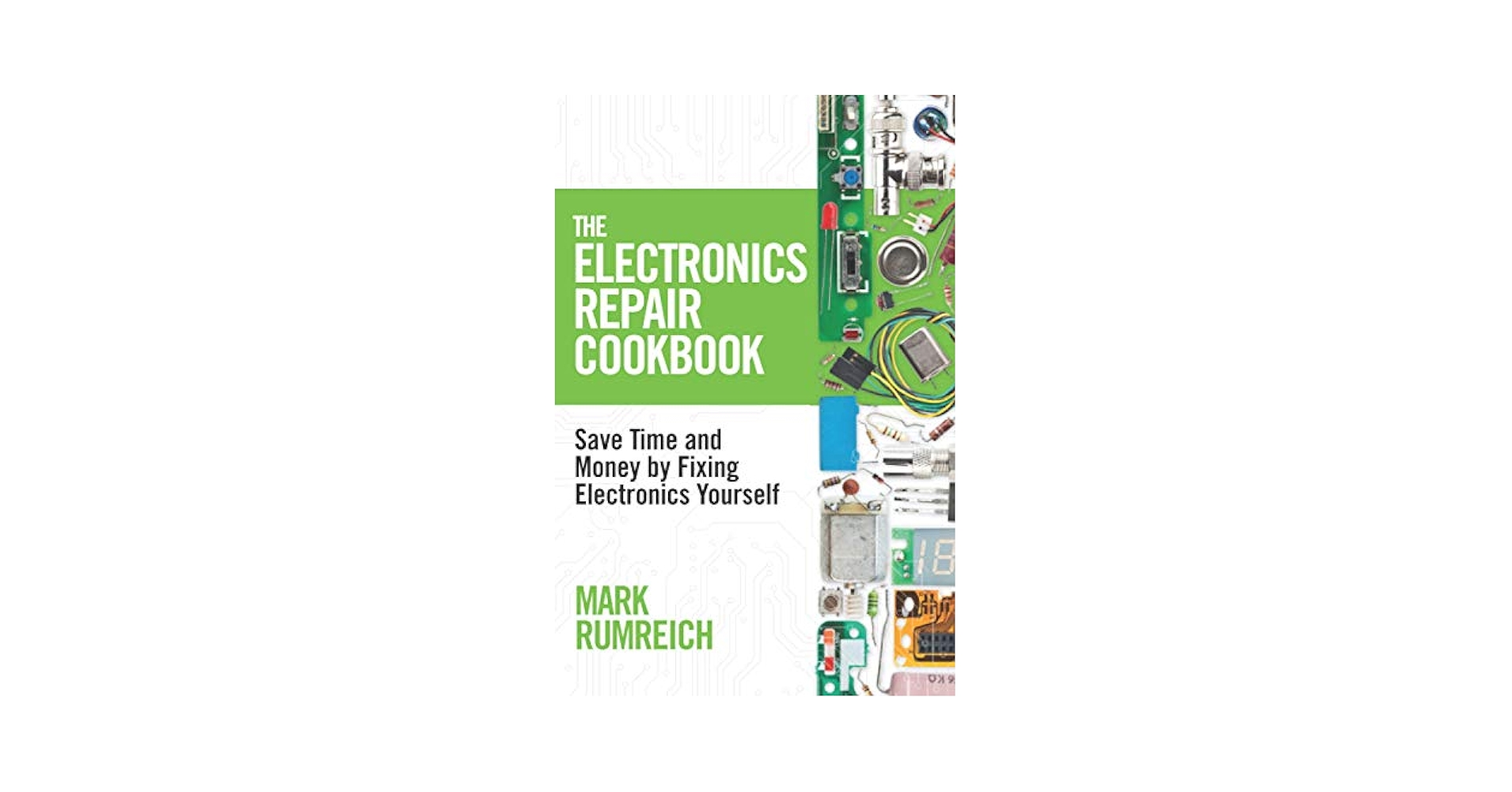
Credit: www.amazon.ca
Getting Started With Repairs
Starting repairs on consumer electronics can be exciting and rewarding. It allows you to save money and understand how your devices work. Before opening any gadget, prepare yourself with the right tools and knowledge. Safety is also key to avoid damage or injury. This section guides you through the essentials to begin repairing electronics confidently.
Tools You’ll Need
Having the correct tools makes repairs easier and safer. Start with basic tools and add more as you gain experience.
- Screwdrivers (Phillips and flathead)
- Plastic pry tools for opening cases
- Tweezers for handling small parts
- Soldering iron for fixing connections
- Multimeter to check electrical signals
- Anti-static wrist strap to protect components
- Magnifying glass or headlamp for detailed work
Safety First
Safety protects you and your devices. Always disconnect power before starting repairs. Work in a clean, dry area with good light. Use an anti-static mat or wrist strap to prevent static damage. Avoid touching circuit boards with bare hands. Keep liquids away from electronics. Wear safety glasses if soldering or cutting wires.
Basic Electronics Knowledge
Understanding simple electronics helps fix problems faster. Learn about components like resistors, capacitors, and transistors. Know how to read circuit diagrams and symbols. Practice measuring voltage, current, and resistance with a multimeter. Recognize common faults like broken wires or burned parts. This knowledge builds confidence and improves repair success.
Common Devices To Repair
Repairing consumer electronics is a great way to save money and reduce waste. Many devices break down often but have simple fixes. Knowing which devices are common for repair helps beginners start with confidence.
This section highlights three main types of devices you can repair easily at home or in a small workshop.
Smartphones And Tablets
Smartphones and tablets are the most common devices for repair. Screens crack, batteries wear out, and buttons stop working. Many models share similar parts, making repairs easier.
- Replacing cracked screens
- Changing old batteries
- Fixing charging ports
- Repairing stuck buttons
Basic tools and guides are widely available for these repairs. Small parts and delicate electronics require care but are manageable for beginners.
Laptops And Computers
Laptops and desktop computers often need repairs. Common problems include slow performance, broken keyboards, and faulty hard drives. Fixes range from simple upgrades to part replacements.
- Replacing or upgrading RAM
- Installing new hard drives or SSDs
- Fixing keyboard or touchpad issues
- Cleaning dust to prevent overheating
Understanding basic components helps in troubleshooting. Many tutorials explain safe ways to open and work inside computers.
Home Appliances
Small home appliances like toasters, microwaves, and vacuum cleaners also need repair. These devices often have mechanical or electrical faults.
- Changing broken switches or buttons
- Replacing worn-out motors or belts
- Fixing heating elements
- Repairing power cords
Simple appliances offer good practice for learning repair skills. Always unplug appliances before starting any repair work.
Diagnosing Problems
Diagnosing problems is the first key step in fixing consumer electronics. Understanding what is wrong helps save time and money. This process involves spotting clear signs of trouble, using basic tools, and knowing when to get expert help. Careful diagnosis leads to better repairs and longer device life.
Identifying Symptoms
Start by watching how the device behaves. Look for unusual sounds, smells, or screen issues. Note if the device won’t turn on or if buttons don’t work. Write down these signs. They guide the repair process and narrow down possible faults.
Using Diagnostic Tools
Simple tools help find hidden problems. A multimeter checks electrical currents and battery health. Screwdrivers open the device safely. Software apps can test device functions and report errors. These tools provide clear information about the device’s condition.
When To Seek Professional Help
Some problems need expert skills. Avoid repairs if the device holds dangerous parts like high-voltage batteries. Complex issues with circuit boards or software bugs might require a technician. Choose professional help to avoid causing more damage or risking safety.
Step-by-step Repair Process
Repairing consumer electronics involves careful work and patience. The process breaks down into clear steps that anyone can follow. Understanding these steps helps avoid mistakes and saves money. This guide walks through the repair process from start to finish.
Disassembly Tips
Start by unplugging the device to avoid shocks. Use the right tools, like screwdrivers and plastic prying tools. Keep screws and small parts organized in containers or on a magnetic mat. Take photos during disassembly to remember where each part fits. Avoid forcing parts to prevent damage. Work in a clean, well-lit area for better visibility.
Replacing Faulty Parts
Identify the broken or worn-out part carefully. Check the part number or model to find an exact replacement. Use gentle pressure when removing the faulty component. Clean the area before installing the new part. Match connectors and screws exactly as before. Test the part’s fit and connection before moving on.
Reassembly And Testing
Follow your photos or notes to put the device back together. Tighten screws evenly but avoid overtightening. Reconnect all cables and parts securely. Power on the device to check if it works correctly. Test all functions to confirm the repair was successful. If problems remain, review the steps and parts again.
Maintaining Devices Post-repair
Maintaining your devices after repair is vital for their long life and performance. Proper care stops new problems and helps your device work like new. Simple habits can protect your investment and save money.
Cleaning And Care
Keep your device clean to avoid dirt and dust buildup. Use a soft cloth to wipe screens and surfaces gently. Avoid harsh chemicals; mild soap and water work well. Clean ports and vents carefully with a soft brush. Dry your device completely before turning it on. Store devices in dry, cool places away from direct sunlight.
Software Updates
Regular software updates fix bugs and improve security. Check for updates in settings or update apps often. Updates can boost speed and add useful features. Back up important data before updating to avoid loss. Turn on automatic updates to keep your device current without effort.
Preventive Measures
Use cases and screen protectors to prevent physical damage. Avoid dropping devices or exposing them to water. Turn off devices during storms or electrical surges. Manage battery health by not overcharging or letting it drain fully. Restart devices regularly to clear temporary files and errors.
Learning Resources
Learning the basics of consumer electronics repair starts with finding the right resources. Reliable learning materials build your skills and confidence. Good resources explain concepts clearly and show practical steps.
Start with easy guides and videos that suit your pace. Use communities to ask questions and share tips. Books and manuals provide deeper knowledge and reference details. Combining different types of resources helps you learn better and faster.
Online Tutorials
Online tutorials offer step-by-step instructions for many devices. Videos show how to open gadgets and fix common problems. Some tutorials include tools lists and safety advice. They work well for visual learners who like to watch and do.
- Watch repair demos on YouTube channels dedicated to electronics.
- Follow websites that specialize in device repair guides.
- Practice along with tutorials on simple repairs first.
Repair Communities
Repair communities connect beginners with experienced hobbyists. Forums and social media groups share tips and answer questions. Members post photos and videos of their repair work. These groups create a helpful space to learn from real cases.
- Join online forums like iFixit or Reddit’s tech repair boards.
- Ask questions or search for similar issues in discussions.
- Share your progress and get feedback from others.
Recommended Reading
Books and manuals cover repair theory and detailed device info. They explain how parts work and how to test them. Good books include diagrams and troubleshooting charts. Reading helps build a strong foundation and improve problem-solving skills.
- Start with beginner-friendly books on electronics basics.
- Use manufacturer repair manuals for specific devices.
- Keep reference guides handy for quick checks during repairs.
Avoiding Common Mistakes
Repairing consumer electronics can be tricky. Mistakes can cause more damage or waste your time. Avoiding common errors helps you fix devices safely and effectively. Below are key areas to focus on for better results.
Handling Sensitive Components
Electronic parts are delicate. Static electricity can destroy chips and circuits. Always use an anti-static wrist strap or mat. Hold components by the edges to avoid fingerprints or damage. Work in a clean, dry area to protect parts.
Proper Tool Use
Using the right tools prevents damage and frustration. Small screwdrivers, tweezers, and spudgers work best. Avoid using excessive force. Match tool size to screws and parts. Keep tools organized to save time and avoid losing pieces.
Managing Expectations
Not all repairs are simple or quick. Some devices need professional help. Be patient and realistic about your skills. Expect some trial and error. Learning improves with each attempt. Know when to stop and seek expert advice.
Credit: www.amazon.ca

Credit: www.amazon.com
Frequently Asked Questions
What Tools Are Essential For Beginner Electronics Repair?
Basic tools include a multimeter, screwdrivers, soldering iron, tweezers, and anti-static wristband. These help diagnose and fix common device issues safely and effectively.
How Do I Safely Open Consumer Electronics Devices?
Always unplug devices and remove batteries first. Use proper screwdrivers and avoid force to prevent damage. Follow device manuals or trusted repair guides.
What Common Problems Can Beginners Fix Easily?
Screen replacements, battery swaps, loose connections, and cleaning dust or corrosion are beginner-friendly repairs. These fixes improve device performance and lifespan.
How Can I Learn Electronics Repair Skills Quickly?
Start with online tutorials, videos, and repair forums. Practice on old or broken devices to gain hands-on experience and build confidence.
Conclusion
Repairing consumer electronics can save money and reduce waste. Start with small projects to build your skills. Always follow safety steps and use the right tools. Practice helps you understand how devices work inside. Keep learning and don’t be afraid to ask for help.
Over time, you will feel more confident fixing gadgets. This guide gives you a strong base to begin. Enjoy the process and the satisfaction of fixing things yourself.