Do Smart Devices Use Electricity When off: Uncover the Truth
Have you ever wondered if your smart devices are silently consuming electricity even when you think they’re off? You might be surprised to learn that many gadgets in your home continue to draw power, even when they seem inactive.
This hidden energy usage can add up over time, impacting not only your electricity bill but also the environment. Understanding how and why this happens can empower you to take control of your energy consumption. Are you ready to uncover the truth about your smart devices and potentially save money?
Keep reading to discover the secrets behind your gadgets’ energy use and learn simple ways to make your home more energy-efficient.
Credit: www.engadget.com
Power Consumption Basics
Understanding the basics of power consumption is key to managing your energy use effectively. Even when smart devices appear off, they might still draw electricity. This subtle power use can add up over time, impacting your electric bill and energy footprint.
Standby Power Explained
Standby power, often called “phantom” or “vampire” power, is the electricity consumed by devices when they are switched off but still plugged in. Many smart devices stay connected to Wi-Fi or keep sensors active, which requires a small but continuous flow of electricity.
Think about your smart TV or voice assistant. Although the screen is dark or the device is silent, it’s ready to respond instantly. This readiness means it’s using power even if you aren’t actively interacting with it.
Have you checked how many devices in your home stay in standby mode? Chargers, microwaves, and even coffee makers can quietly add to your energy use without obvious signs.
How Devices Manage Power
Smart devices handle power in different ways depending on their design and features. Some use low-power modes to reduce energy consumption when idle, while others may switch off non-essential functions entirely.
Manufacturers often include settings to limit standby power, but these might not be enabled by default. You can save energy by exploring your device’s power options or using smart plugs to cut power completely when devices are not in use.
Have you noticed your device’s behavior after a firmware update? Sometimes updates improve power management, reducing standby consumption without losing functionality. Keeping your devices updated can be a simple step to cut down hidden energy use.
Smart Devices And Electricity Use
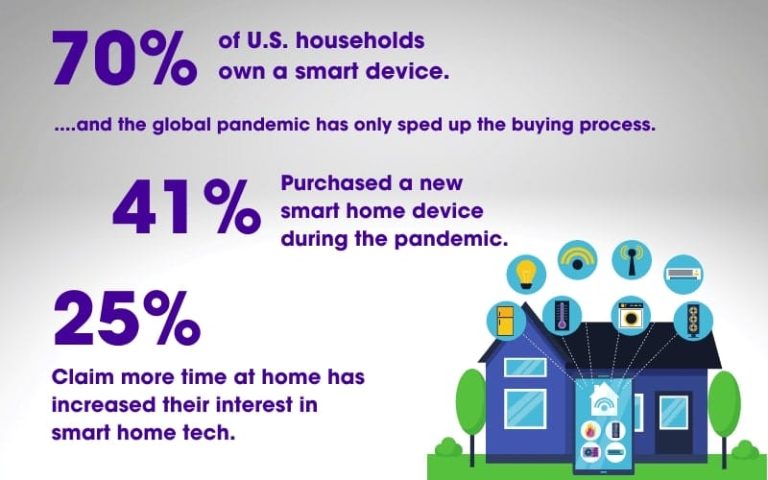
Smart devices are common in many homes today. They offer convenience but also use electricity. Understanding their power use helps manage energy bills and reduce waste.
Many smart devices continue to draw power even when turned off. This small energy use is called standby power or vampire power. It adds up over time, increasing electricity costs.
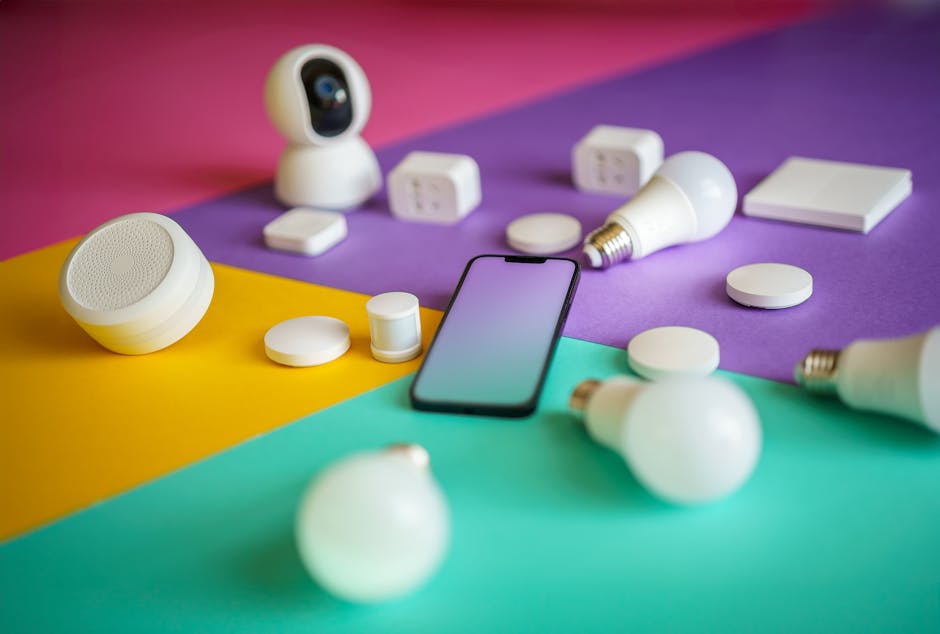
Common Smart Devices At Home
- Smart TVs
- Voice assistants (like Alexa or Google Home)
- Smart thermostats
- Wi-Fi routers
- Smart lights and plugs
- Home security cameras
Energy Use When Off
Most smart devices do not fully shut down. They stay connected to the internet or wait for commands. This keeps some circuits active, which uses electricity.
Power used while off is usually low, around 1 to 5 watts. Over a year, this can add up to several kilowatt-hours. It depends on the device and its settings.
Factors Affecting Power Drain
- Device design and energy efficiency
- Network connectivity requirements
- Firmware and software updates
- Standby modes and power-saving features
- Age and condition of the device
Some devices have better power-saving modes than others. Newer models often use less standby power. Turning off devices at the plug or using smart power strips can reduce waste.
Impact On Energy Bills
Understanding how smart devices impact your energy bills is crucial. Even when these devices appear off, they may still draw power. This hidden consumption can quietly add up, affecting your monthly expenses more than you might expect.
Estimating Hidden Costs
Many smart devices use standby power to stay connected or ready for quick activation. This “phantom” energy use may seem small, but over time it can inflate your electricity bill.
Think about your smart TV or voice assistant. Even in sleep mode, they consume a few watts continuously. If you multiply that by several devices in your home, it’s easy to see how the costs increase.
Have you ever checked your electricity bill before and after unplugging devices completely? You might notice a difference, especially if you have many smart gadgets.
Comparing Devices
Not all smart devices consume the same amount of power when off. Some are designed to minimize standby energy, while others do not prioritize this.
| Device Type | Standby Power Consumption (Watts) | Estimated Monthly Cost (USD) |
|---|---|---|
| Smart TV | 3-5 | $1.50 – $2.50 |
| Smart Speaker | 2-3 | $1.00 – $1.50 |
| Smart Thermostat | 1-2 | $0.50 – $1.00 |
| Smart Light Bulb (per bulb) | 0.5-1 | $0.25 – $0.50 |
Knowing these numbers helps you decide which devices to unplug or power down completely. Could managing your device usage save you more than you think?
Reducing Energy Waste
Reducing energy waste is key to cutting down your electricity bills and lowering your environmental footprint. Even when smart devices appear off, some still draw power. Understanding how to minimize this hidden energy use can save you money and make your home more efficient.
Power Saving Settings
Many smart devices come with power saving modes designed to reduce energy use when the device isn’t actively in use. Check your device’s settings menu to enable these options.
For example, some smart TVs have a standby mode that cuts power to non-essential components. Enabling these settings can significantly lower the amount of electricity consumed without turning the device completely off.
Using Smart Plugs And Timers
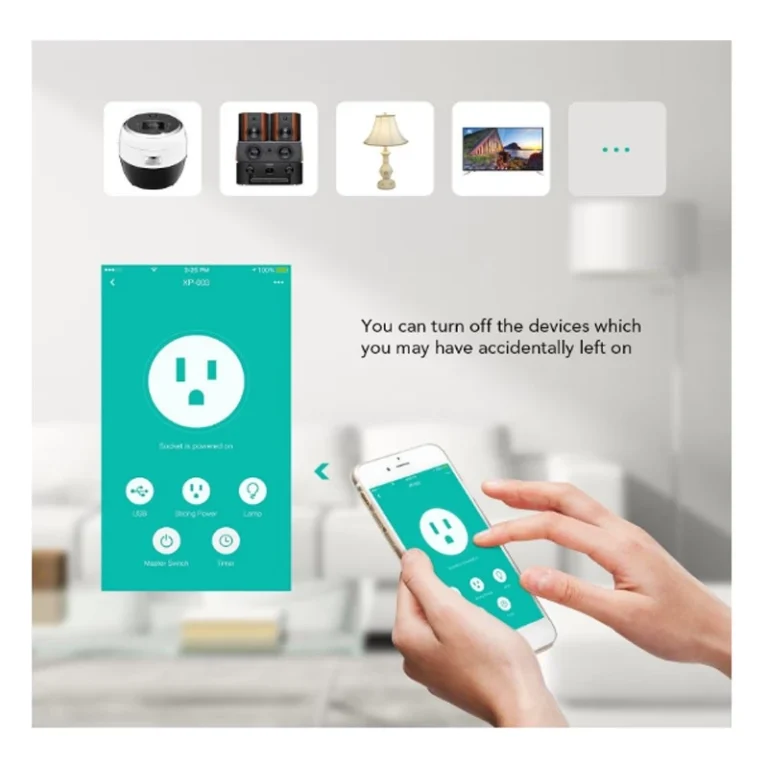
Smart plugs and timers give you full control over when your devices get power. You can schedule devices to turn off completely during hours you don’t need them, such as overnight or while you’re away.
This approach helps avoid phantom energy use—when devices continue drawing power even if they seem off. Plus, smart plugs allow you to monitor energy consumption, so you can see which devices are the biggest energy users.
Unplugging Vs Standby
Is it better to unplug your devices or just leave them in standby mode? While standby uses less power than when devices are on, it still draws some electricity.
Unplugging devices completely stops energy use, but it can be inconvenient. For instance, you might lose settings or have to reset clocks. Using smart plugs to cut power solves this issue by letting you switch off devices remotely without unplugging.
Have you noticed any devices at home that draw power even when off? Taking simple steps to reduce this waste can add up to big savings over time.
Future Of Smart Device Power Use
The future of smart device power use is shaping up to be more efficient and environmentally friendly. As technology evolves, so does the way devices manage their energy consumption—even when they appear to be off. You might wonder how these changes affect your daily energy bills and the planet.
Advances In Low-power Technology
Smart devices are getting smarter about saving power. New chips and sensors are designed to use minimal electricity during standby mode. This means your smart speaker or security camera consumes almost nothing when not actively in use.
Manufacturers are also working on better sleep modes that allow devices to wake quickly without draining energy. Imagine a smart thermostat that stays ready but barely sips power overnight. This kind of progress could significantly reduce your home’s overall energy use.
Energy Efficiency Regulations
Governments worldwide are setting rules to push companies toward greener products. These regulations often require devices to meet strict energy consumption limits, especially in off or standby states. This ensures that every gadget in your home is designed with power-saving in mind.
For you, this means future smart devices will likely cost less to run and have a smaller environmental footprint. Are you paying attention to energy labels when buying your next device? Choosing products that comply with these standards can make a real difference over time.
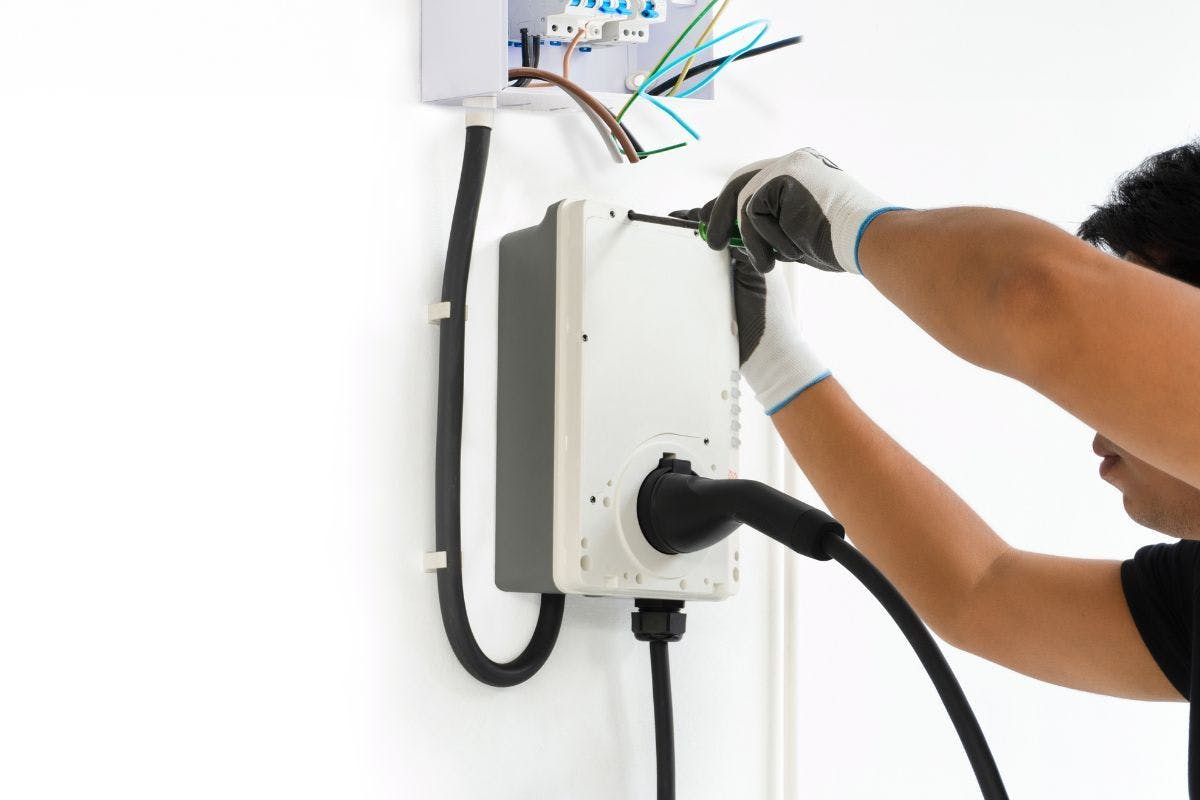
Credit: palmetto.com
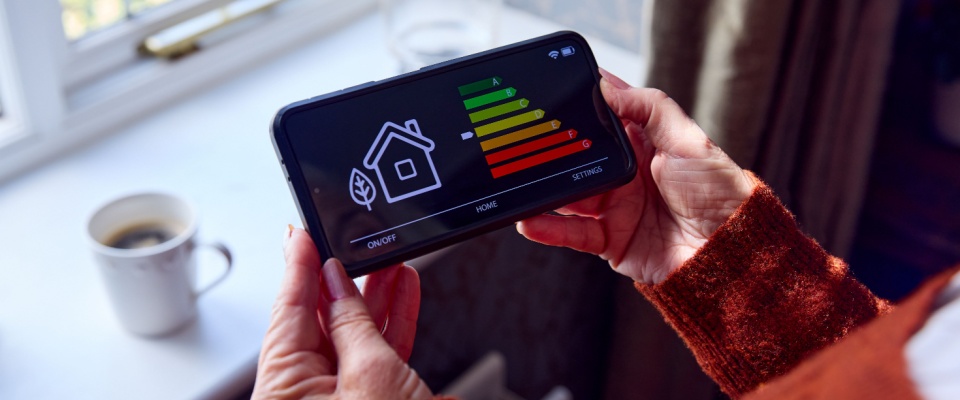
Credit: www.residentshield.com
Frequently Asked Questions
Do Smart Devices Consume Power When Turned Off?
Yes, many smart devices use standby power even when off. This is called “phantom load” or “vampire power. ” It keeps features like remote control and updates active.
How Much Electricity Do Smart Devices Use In Standby?
Smart devices typically use 1 to 5 watts of power in standby mode. This small amount can add up over time, increasing your electricity bill.
Can I Completely Stop Smart Devices From Using Power?
Unplugging smart devices or using a power strip with an off switch can stop power use. This prevents any standby electricity consumption.
Why Do Smart Devices Draw Power When Off?
Smart devices draw power to stay connected to Wi-Fi and receive updates or commands. This helps maintain functionality and quick startup.
Conclusion
Smart devices do use some electricity even when off. This small power use is called standby power. It helps devices turn on quickly or stay connected. Unplugging devices or using power strips can save energy. Small changes add up to lower bills and less waste.
Being aware of this helps you control energy use. Saving power is good for your wallet and the planet. Simple habits make a big difference over time.