Do Echo Dot 3’S Support Smart Home Devices: Discover Now
Are you wondering if your Echo Dot 3 can control your smart home devices? You’re not alone.
Many people ask this because having a smart home that listens to your voice sounds like a dream. But does the Echo Dot 3 live up to that promise? If you want to know how well it works with your lights, thermostats, cameras, and more, keep reading.
This guide will help you unlock the full potential of your Echo Dot 3 and make your home smarter with ease.

Credit: www.wired.com
Echo Dot 3 Basics
The Echo Dot 3 is a popular choice for anyone starting their smart home journey. It offers a compact design and solid performance at an affordable price. Before diving into whether it supports smart home devices, it’s essential to understand its core features and capabilities.
Design And Features
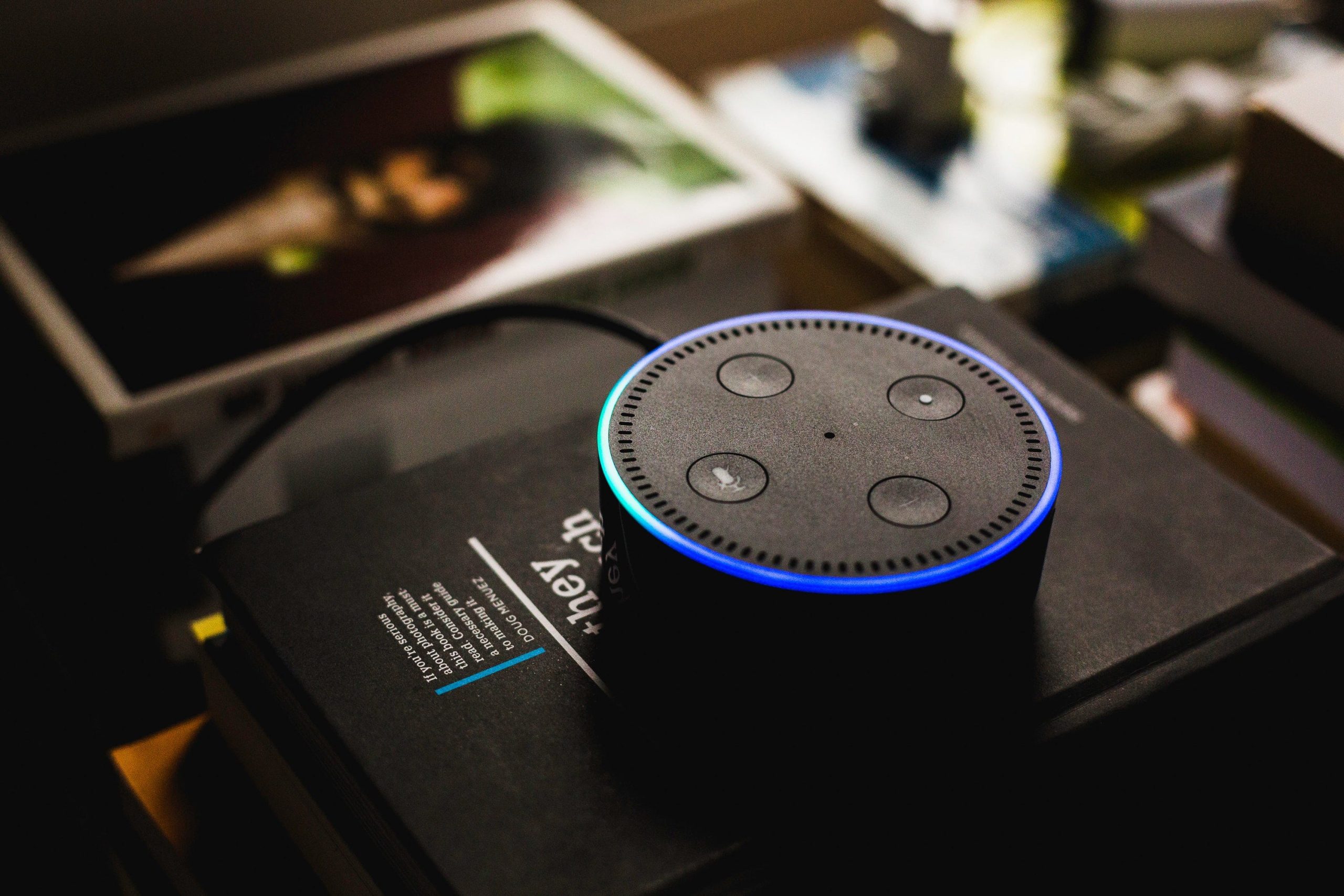
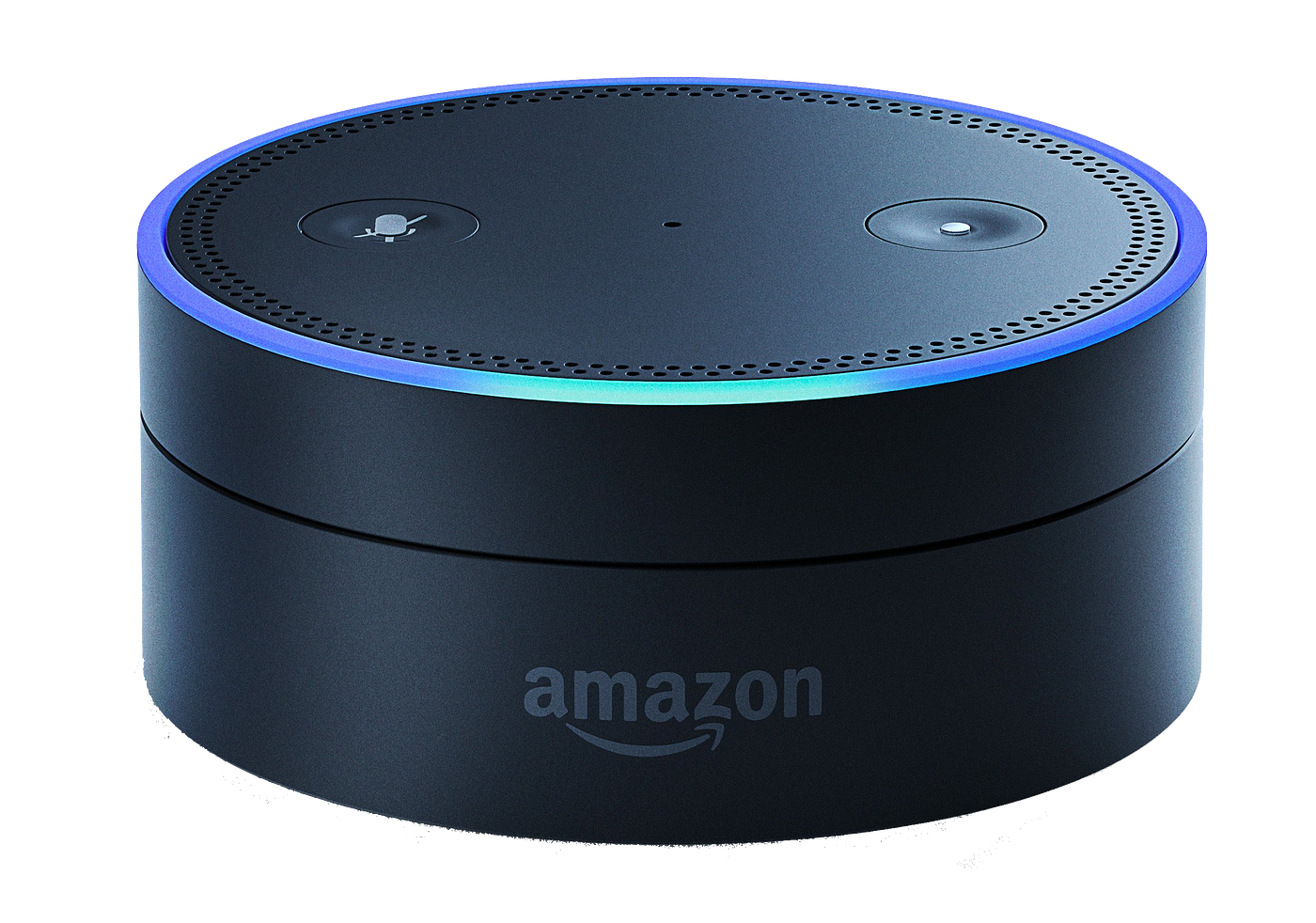
The Echo Dot 3 has a sleek, spherical design with a fabric covering that fits well in any room. Its small size means it won’t take up much space on your desk or shelf. You’ll find four buttons on top: volume up, volume down, microphone off, and an action button.
Under the hood, it packs a 1.6-inch speaker, which delivers clear sound for voice responses and music playback. It also includes a 3.5mm audio output if you want to connect it to external speakers. The device connects to your Wi-Fi, allowing it to communicate with other smart devices in your home.
Voice Assistant Capabilities
The Echo Dot 3 uses Alexa, Amazon’s voice assistant, to manage tasks hands-free. You can ask Alexa to play music, set reminders, answer questions, or control compatible smart home devices. Alexa’s voice recognition is quite accurate, even from across the room.
One of the impressive features is the device’s ability to handle multiple commands in one go. You could say, “Alexa, turn on the living room lights and play jazz music,” and it will do both. This makes managing your smart home simple and efficient.
Have you ever wondered how much convenience a voice assistant can add to your daily routine? The Echo Dot 3 is designed to make your home smarter without overwhelming you with complicated setups.
Smart Home Compatibility
The Echo Dot 3 offers solid support for many smart home devices. It acts as a central hub to control various gadgets using voice commands. This compatibility makes managing your home easier and more efficient. The Echo Dot 3 connects with different device types and brands, giving you plenty of options.
Supported Device Types
The Echo Dot 3 works with a range of smart home devices. These include:
- Smart lights for adjusting brightness and color
- Smart plugs to control appliances remotely
- Thermostats to manage home temperature
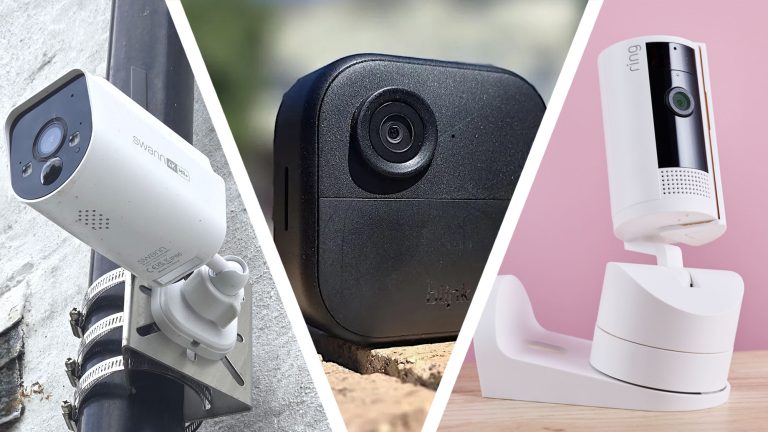
- Security cameras and doorbells for home monitoring
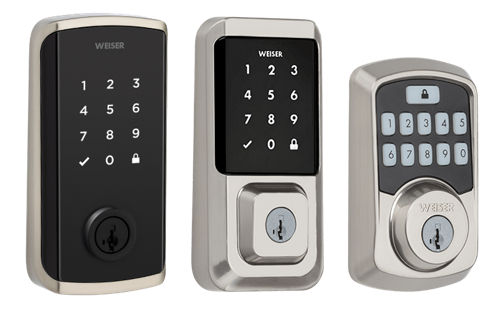
- Smart locks to secure doors with voice commands
- Speakers and entertainment systems for audio control
It supports both simple and advanced devices. This variety helps customize your smart home experience.
Popular Brands And Devices
The Echo Dot 3 connects well with many popular brands. Some of the most common include:
- Philips Hue for smart lighting solutions
- TP-Link Kasa for smart plugs and switches
- Nest for thermostats and cameras
- Ring for video doorbells and security cameras
- August for smart locks
- Sonos for wireless speakers
These brands offer reliable devices that integrate smoothly with Alexa. This ensures easy setup and control through the Echo Dot 3.
Setting Up Smart Devices
Setting up smart devices with the Echo Dot 3 is simple and quick. This device acts as the control center for many smart home gadgets. It allows users to manage lights, locks, thermostats, and more. The setup process requires only a few steps to connect everything properly.
Connecting Via Alexa App
Start by downloading the Alexa app on your smartphone. Open the app and sign in with your Amazon account. Tap on the Devices tab at the bottom of the screen. Select the plus (+) icon to add a new device. Choose the type of smart device you want to connect from the list. Follow the on-screen instructions to pair the device with your Echo Dot 3. Make sure your smart device is powered on and near the Echo Dot for faster connection. The app will confirm when the device is ready to use.
Using Voice Commands
After connecting devices, control them using your voice. Say “Alexa” to wake the Echo Dot 3. Then use simple commands like:
- “Turn on the living room lights.”
- “Set the thermostat to 72 degrees.”
- “Lock the front door.”
Alexa understands many commands and can control multiple devices at once. Voice control makes managing your smart home easy and hands-free.
Limitations To Consider
The Echo Dot 3 is a popular smart speaker. It supports many smart home devices. Yet, some limits affect its full potential. Understanding these limits helps set clear expectations. This section highlights important points to remember.
Device Restrictions
Not all smart devices work with the Echo Dot 3. It mainly supports devices compatible with Amazon Alexa. Some brands or models may not connect. Features could be limited on unsupported devices. Complex smart home setups might need additional hubs. Always check device compatibility before buying.
Network Requirements
A stable Wi-Fi network is essential for smooth operation. Echo Dot 3 needs a 2.4 GHz or 5 GHz connection. Weak or slow internet causes delays or disconnections. Smart devices also rely on a strong network. Network issues can disrupt voice commands and automation. Use a reliable router and minimize interference for best results.
Enhancing Smart Home Experience
The Echo Dot 3 enhances your smart home by making device control simple and seamless. It connects with many smart devices, allowing easy management from one place. This improves daily routines and adds convenience to your living space.
Using Routines And Groups
Routines let you automate tasks with a single command. For example, say “Good morning” to turn on lights and play news. Groups combine devices by room or function for easy control.
- Control multiple devices at once
- Create custom routines for different times
- Save time with automated actions
Integrating With Other Services
Echo Dot 3 works with many popular services. You can link music apps, smart security, and more. Integration makes your smart home more connected and responsive.
- Connect to streaming services like Spotify
- Manage smart locks and cameras
- Use voice commands to control devices across platforms

Credit: us.amazon.com
Credit: medium.com
Frequently Asked Questions
Does Echo Dot 3 Support All Smart Home Devices?
Yes, Echo Dot 3 supports a wide range of smart home devices. It works with lights, plugs, thermostats, and more. Compatibility depends on the device’s integration with Alexa. Always check if the device is Alexa-enabled for seamless control.
Can Echo Dot 3 Control Smart Lights?
Absolutely, Echo Dot 3 can control smart lights. You can turn lights on or off, dim them, and change colors. Popular brands like Philips Hue and LIFX are fully supported through Alexa voice commands.
Is Echo Dot 3 Compatible With Smart Thermostats?
Yes, Echo Dot 3 works with many smart thermostats. You can adjust temperature and set schedules using voice commands. Brands like Nest and Ecobee are compatible, enhancing your home’s comfort and energy efficiency.
How To Connect Smart Devices To Echo Dot 3?
To connect smart devices, open the Alexa app and go to Devices. Tap the “+” icon to add a new device. Follow the on-screen instructions to link your smart device with Echo Dot 3 for voice control.
Conclusion
Echo Dot 3 supports many smart home devices easily. It connects with lights, plugs, and thermostats well. You can control these devices with simple voice commands. Setting up is quick and does not need extra tools. This makes managing your home more convenient and fun.
The Echo Dot 3 offers good value for smart home control. It fits perfectly in most homes and budgets. Overall, it helps make daily tasks smoother and easier. A smart home feels more connected with Echo Dot 3.