Do Smart Devices Have Monthly Fees: Uncover Hidden Costs Now
Imagine this: you’ve just bought the latest smart device. It’s sleek, it’s cutting-edge, and it’s going to make your life easier and more connected than ever before.
But as you unbox your new gadget, a lingering question pops into your mind: “Will I need to pay a monthly fee to keep this device running smoothly? ” You’re not alone in wondering about this. With the growing popularity of smart devices, understanding the potential costs is crucial.
The last thing you want is to be surprised by unexpected charges after making your purchase. So, let’s dive into the world of smart devices and unveil the truth about those possible monthly fees. Get ready to discover what you need to know to make informed decisions and keep your budget intact.
Credit: www.inkl.com
Monthly Fees For Smart Devices
Smart devices are common in many homes today. They offer convenience and new features. But some smart devices come with monthly fees. These fees can affect your budget. Knowing about these fees helps you decide which device to buy. It also helps you avoid surprise costs later.
Types Of Smart Devices
Smart devices include many categories. Each may have different fee structures. Common types include:
- Smart security cameras
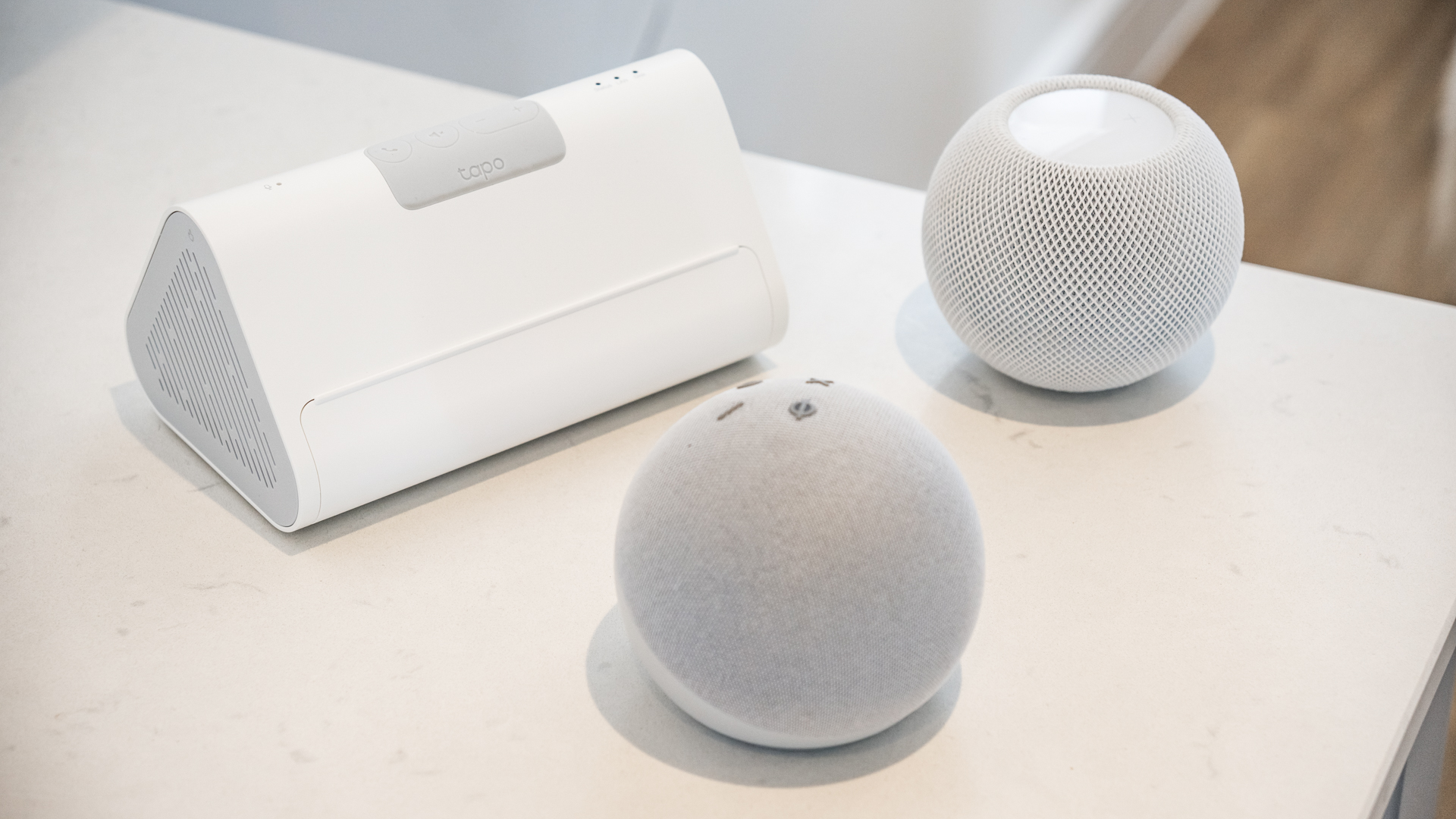
- Smart home assistants
- Smart thermostats
- Smart locks
- Smart lighting systems
- Smart fitness trackers
Some devices work without fees. Others need subscriptions for full features. Security cameras often require cloud storage plans. Home assistants usually do not charge monthly fees. Fitness trackers might need app subscriptions.
Common Subscription Models
Subscription models vary by device and brand. Common models include:
- Free with limited features:Basic functions without charges
- Monthly subscription:Pay each month for full access
- Annual subscription:Pay once a year, often cheaper than monthly
- One-time purchase:Pay once for lifetime access
Cloud storage and advanced features usually need subscriptions. These fees cover data storage and software updates. Some brands offer free trials for new users. Subscriptions can be canceled anytime to stop charges.

Credit: www.youtube.com
Hidden Costs To Watch
Smart devices often seem like a one-time purchase. Yet, extra costs can add up quickly. These hidden fees might catch many users off guard. Understanding these charges helps you budget better and avoid surprises.
Service And Maintenance Charges
Many smart devices require ongoing service plans. These plans cover repairs, technical support, and software updates. Some brands charge monthly fees for extended warranties. Regular maintenance might also mean additional costs. Skipping these services could affect device performance and lifespan.
Data Usage And Connectivity Fees
Smart devices often rely on internet connections to work fully. This means extra data consumption on your network. Some devices need a separate SIM card or mobile plan. These can add monthly fees to your bills. Slow or limited data plans might reduce device functionality.
App And Feature Upgrades
Many smart devices offer free basic apps. But advanced features often come with subscription fees. Some apps require monthly payments for full access. Regular updates may include new paid features. These upgrades enhance user experience but increase costs over time.
Smart Device Brands And Their Fees
Smart devices vary widely in their cost structures. Some brands require monthly fees for full functionality. Others offer free services with no ongoing charges. Understanding which brands charge fees helps buyers make smarter choices. Fees often cover cloud storage, advanced features, or customer support.
Popular Brands With Monthly Costs
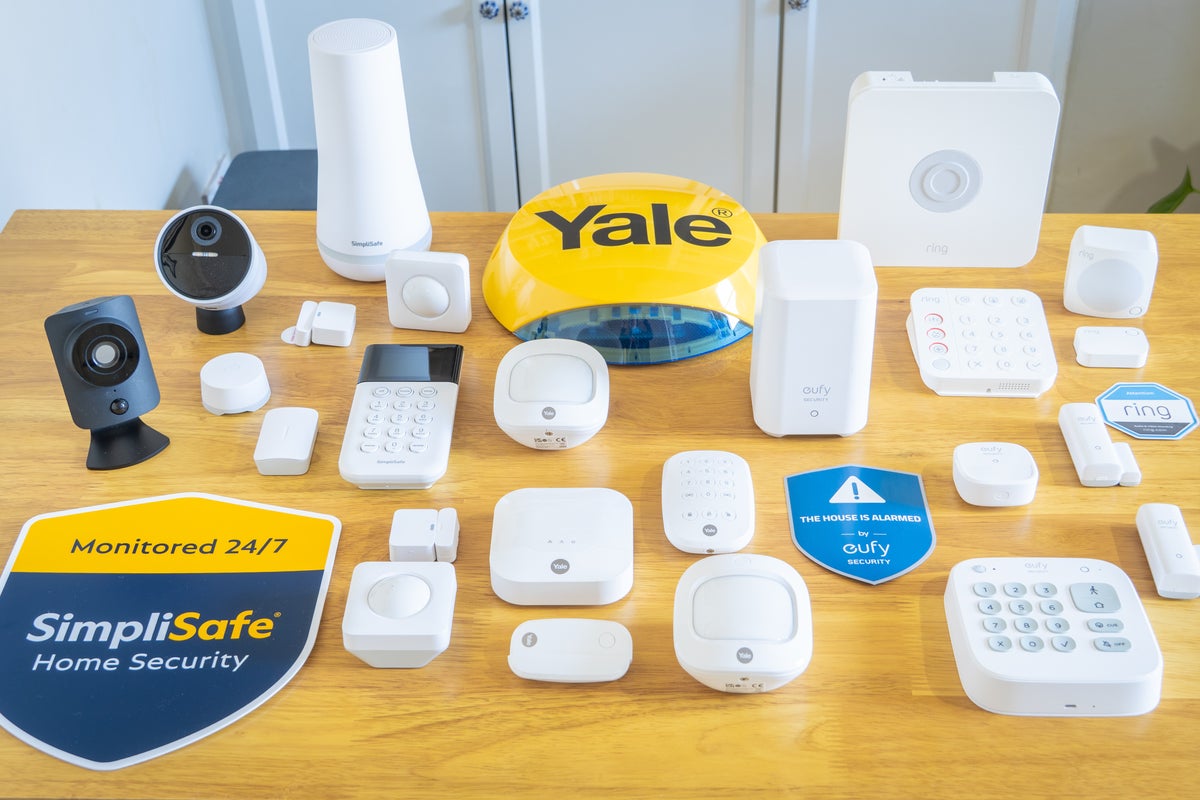
- Ring: Charges for video storage and extra features.
- Nest (Google): Monthly plans for video history and alerts.
- ADT: Security systems with monthly monitoring fees.
- SimpliSafe: Optional subscription for professional monitoring.
- Arlo: Cloud storage and premium features require fees.
Brands Offering Free Services
- Wyze: Free basic features with optional paid upgrades.
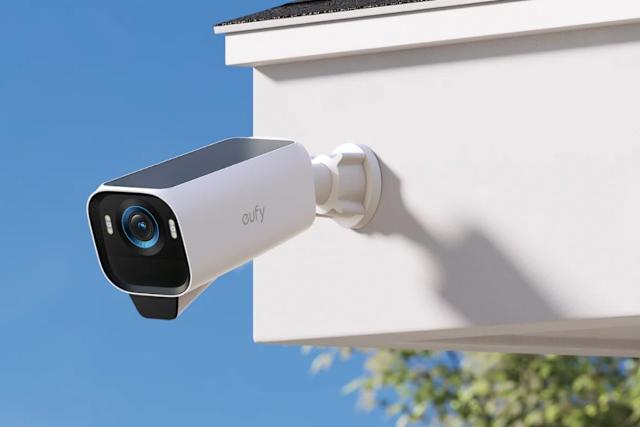
- Eufy: Local storage with no monthly fees.
- TP-Link Kasa: No subscription needed for core functions.
- Blink: Free live view and local storage options.
- Wyze Cam: Basic cloud storage free for a limited time.
Credit: www.t3.com
How To Avoid Unexpected Charges
Unexpected charges from smart devices can quickly turn a convenient tool into a monthly budget headache. Being proactive helps you keep control over your spending and avoid surprises on your bill. Let’s look at simple ways you can protect yourself before you buy or subscribe.
Reading Terms And Conditions
Many people skip reading terms and conditions, but this is where hidden fees often hide. Take time to scan for any mention of monthly fees, subscription requirements, or automatic renewals.
Look out for phrases like “optional service,” “premium features,” or “cloud storage charges.” These clues reveal potential ongoing costs that might not be obvious at first glance.
Ask yourself: have you noticed any small print about extra payments? If the terms seem confusing, reaching out to customer support can clarify what you might be committing to.
Choosing Devices With Transparent Pricing
Some brands make pricing crystal clear, listing all fees upfront without surprises. Prioritize devices that show full cost details on their product pages or packaging.
Check if the device functions well without extra subscriptions. For example, a security camera that records locally without monthly cloud fees saves you money over time.
Think about your long-term use. Would you pay for added services monthly, or do you want a one-time purchase with no strings attached? Knowing this helps you pick devices that match your budget and lifestyle.
Benefits Of Paid Services
Paid services for smart devices often bring clear advantages. These services go beyond basic functions. They improve how devices work and keep users safe.
Many people wonder if paying monthly fees is worth it. The benefits can justify the cost. Paid plans give access to features that free versions do not offer. They also enhance security and provide reliable support.
Enhanced Features
Paid services unlock advanced options for smart devices. Users can enjoy:
- More storage for photos and videos.
- Higher quality video streaming.
- Access to exclusive apps and tools.
- Custom settings and automation.
These features make devices more useful and enjoyable. They allow users to do more with their technology.
Better Security
Security is a top priority for smart devices. Paid plans offer stronger protection. They include:
- Regular software updates.
- Advanced encryption to protect data.
- Real-time alerts for suspicious activity.
- Backup options to save important information.
These security measures reduce risks. Users can feel safer using their devices daily.
Customer Support
Paid services often come with dedicated support. Customers get help quickly and easily. Support options include:
- Phone and chat assistance.
- Step-by-step guides and tutorials.
- Priority response times.
- Help with setup and troubleshooting.
Good support makes smart devices easier to use. It solves problems fast and reduces frustration.
Frequently Asked Questions
Do Smart Devices Always Require Monthly Fees?
Not all smart devices need monthly fees. Some work with a one-time purchase. Others require subscriptions for premium features or cloud services. It depends on the device type and brand.
Which Smart Devices Commonly Have Monthly Fees?
Security cameras, smart home hubs, and fitness trackers often have monthly fees. These fees cover cloud storage, advanced features, or ongoing services. Basic functionality usually works without extra charges.
Can I Use Smart Devices Without Paying Monthly Fees?
Yes, many smart devices offer basic features without monthly fees. However, premium services like video storage or advanced controls may need subscriptions. Check device details before buying.
Why Do Smart Devices Charge Monthly Fees?
Monthly fees fund cloud storage, software updates, and customer support. They also cover ongoing maintenance and security improvements. This ensures devices work smoothly and securely.
Conclusion
Smart devices sometimes come with monthly fees. These fees pay for extra services or cloud storage. Not all devices need these payments. You can use many devices without extra cost. Check the product details before buying to know more. Choose what fits your budget and needs best.
This helps avoid surprises later on. Smart devices can be affordable and useful without monthly fees. It’s all about finding the right option for you.