Do You Need a 4K Device for Smart TV: Ultimate Guide to Upgrade
Are you wondering if you really need a 4K device to get the most out of your smart TV? With so many options and tech jargon floating around, it’s easy to feel confused.
But what if the right answer could make your viewing experience sharper, clearer, and more enjoyable? Keep reading to discover whether upgrading to a 4K device is worth it for you—and how it can transform your home entertainment in ways you might not expect.
Your perfect picture is closer than you think.

Credit: gizmodo.com
Benefits Of 4k Technology
4K technology offers clear benefits for smart TV users. It improves how you see images and enjoy shows. The higher resolution means sharper details and vibrant colors. This technology also helps keep your TV setup useful for a longer time.
Enhanced Picture Quality
4K TVs have four times more pixels than HD TVs. This means images look sharper and clearer. Small details become visible, like leaves on trees or textures on clothes. Colors appear richer and more natural. Watching movies or sports feels more real.
Immersive Viewing Experience
4K screens create a deeper sense of immersion. The crisp images draw you into the scene. Big screens benefit most from 4K resolution. You feel like you are part of the action. This makes watching your favorite content more exciting.
Future-proofing Your Setup
4K is becoming the new standard for video content. More shows, movies, and games are made in 4K. Having a 4K TV ensures compatibility with new releases. It saves money by avoiding early upgrades. Your smart TV stays relevant for years ahead.
Comparing 4k And Hd
Comparing 4K and HD is essential when choosing a smart TV. Both offer unique features that affect viewing experience. Understanding these differences helps decide if a 4K device is necessary.
Resolution Differences
4K resolution has 3840 x 2160 pixels, four times more than HD’s 1920 x 1080 pixels. This higher pixel count means sharper and clearer images. Details in 4K content appear more distinct, especially on larger screens. HD works well on smaller TVs but may look less crisp on bigger displays.
Color And Contrast Variations
4K TVs often support better color depth and higher contrast ratios. This results in richer colors and deeper blacks. Some 4K models include High Dynamic Range (HDR) for improved brightness and color accuracy. HD TVs usually have standard color and contrast, which can look less vibrant by comparison.
Content Availability
HD content remains widely available across channels and streaming services. 4K content is growing but still limited in variety. Streaming 4K requires faster internet and more data. Many popular shows, movies, and games now support 4K, but HD is still more common.
Assessing Your Current Setup
Before deciding to invest in a 4K device for your smart TV, it’s important to carefully assess your current setup. This evaluation helps you understand whether the upgrade will truly enhance your viewing experience or if your existing equipment already meets your needs. Taking a close look at compatibility, internet speed, and room size can save you money and prevent unnecessary frustration.
Compatibility With Existing Devices
Check if your current smart TV supports 4K resolution natively. Some older models may claim to be “smart” but lack the hardware to display 4K content properly. Also, consider other devices you use, like streaming boxes, gaming consoles, or sound systems. If these don’t support 4K, your upgrade won’t deliver the full benefit.
For example, I once bought a new 4K streaming stick but realized my soundbar didn’t handle 4K passthrough, so I ended up with audio issues. Have you checked if your cables are HDMI 2.0 or higher? Using older cables might limit your 4K experience without you realizing it.
Internet Speed Requirements
Streaming 4K content demands faster internet speeds than HD or Full HD. Most streaming platforms recommend at least 25 Mbps for smooth 4K playback. If your internet connection often fluctuates or falls below this threshold, you might face buffering or degraded picture quality.
Consider running a speed test during your typical viewing hours. Does your connection consistently meet the 25 Mbps mark? If not, upgrading your internet plan might be necessary before buying a 4K device. Otherwise, your investment won’t pay off in better streaming quality.
Room Size Considerations
Your room size affects how noticeable 4K resolution improvements will be. If you sit far from a smaller screen, the difference between 1080p and 4K can be minimal. On the other hand, larger screens in smaller rooms let you appreciate the finer details 4K offers.
Think about your seating distance relative to your TV size. Do you watch from a couch 10 feet away or a chair just 5 feet away? This simple factor can guide whether a 4K upgrade will truly elevate your viewing or just increase your expenses without much benefit.

Credit: www.youtube.com
4k Content Accessibility
Accessing 4K content is key to enjoying the full benefits of a 4K smart TV. The availability of high-quality videos affects your viewing experience. Different platforms and sources provide various ways to watch 4K shows and movies. Understanding these options helps you decide if a 4K device is necessary.
Streaming Services Offering 4k
Many popular streaming platforms provide 4K video content. Services like Netflix, Amazon Prime Video, and Disney+ have large libraries in 4K. Watching in 4K requires a stable and fast internet connection. Some services may need a higher subscription tier for 4K access.
4k Blu-ray And Physical Media
Physical media such as 4K Ultra HD Blu-ray discs offer excellent video quality. These discs deliver true 4K resolution without compression from streaming. A 4K Blu-ray player and compatible TV are required to watch this content. This option suits those who prefer owning movies or have slow internet.
Live Tv And Sports In 4k
Live broadcasts of sports and events are increasingly available in 4K. Certain cable providers and satellite channels offer 4K live TV options. Watching sports in 4K enhances details and clarity. Availability depends on your region and service provider.
Budget Considerations
Thinking about upgrading to a 4K TV? Budget plays a huge role in your decision. It’s not just the price tag of the TV itself but also the extra costs and the value you get over time that matter.
Price Range Of 4k Tvs
4K TVs come in a wide price range, starting from around $300 for smaller, basic models to over $2,000 for premium options with advanced features.
Brands like TCL and Hisense offer affordable 4K options that deliver decent picture quality for casual viewers.
Are you ready to spend more for better color accuracy, higher refresh rates, or smart features? Deciding your priorities helps avoid overspending on unnecessary extras.
Cost Of Additional Equipment
Remember that a 4K TV alone isn’t always enough. To fully enjoy 4K content, you might need compatible streaming devices, updated HDMI cables, or a soundbar for better audio.
Streaming devices like Roku or Amazon Fire Stick 4K can cost between $40 and $70, which adds up if you want multiple devices in different rooms.
Have you checked if your current equipment supports 4K? Skipping this step can lead to surprise expenses down the road.
Long-term Investment Value
Buying a 4K TV can be a smart long-term investment if you plan to keep it for several years.
Higher resolution means the TV stays relevant as more content shifts to 4K streaming and gaming.
Think about how often you replace your TV. Does paying more now save money later by avoiding early upgrades?
Credit: www.makeuseof.com
Evaluating Smart Tv Features
Choosing a Smart TV is about more than just screen resolution. While 4K offers stunning visuals, the features packed into the TV can make a bigger difference in your overall experience. Evaluating these features helps you decide if a 4K device is necessary or if other aspects deserve your attention.
Built-in Streaming Apps
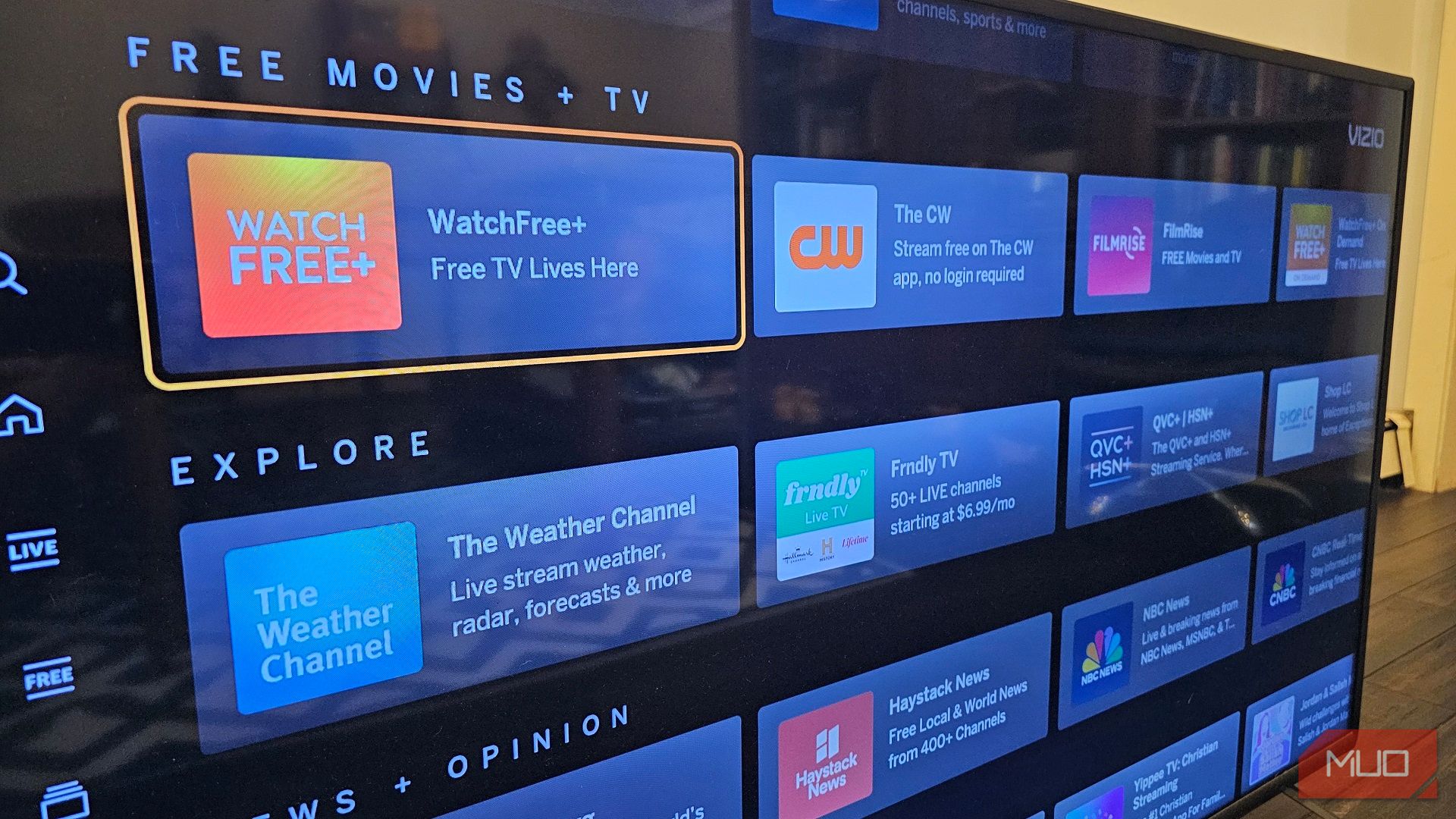
Streaming apps are the heart of any Smart TV. Check if your TV supports popular services like Netflix, Hulu, Amazon Prime, and Disney+. Some TVs offer exclusive apps that might cater to your interests, such as fitness or news channels.
Think about the ease of app updates and whether you can add new apps over time. You don’t want to be stuck with outdated options that limit your entertainment choices.
Voice Control And Ai Integration
Voice control can simplify how you interact with your TV. If you prefer using your voice over a remote, look for TVs that support Alexa, Google Assistant, or Siri. Some AI systems learn your preferences and suggest shows or adjust settings automatically.
Ask yourself if you want to control other smart devices through your TV. Integration with smart home gadgets can make your living space more connected and efficient.
Connectivity Options
Connectivity is key for a seamless experience. Ensure the TV has enough HDMI ports for your game consoles, soundbars, and other devices. USB ports are also useful for playing media from external drives.
Consider wireless options like Wi-Fi 6 and Bluetooth. These allow you to connect wirelessly to the internet and peripherals, reducing cable clutter and improving flexibility.
Alternatives To 4k Devices
If you’re wondering whether you really need a 4K device for your smart TV, it’s worth considering some alternatives. Not everyone wants to invest in the latest tech, especially if your current setup still works well. There are practical ways to enhance your viewing experience without rushing to buy a new 4K device.
Upgrading Existing Devices
Sometimes a simple upgrade can make a big difference. Check if your current smart TV or media player supports firmware updates that improve picture quality or add new features.
Adding better cables, like high-speed HDMI, can also help maximize your device’s output. Even small tweaks can boost your viewing without the cost of new hardware.
Have you looked into whether your current device supports HDR or better color profiles? These upgrades can often be enabled through updates, giving you a richer image without switching to 4K.
Using Streaming Devices
Streaming devices like Roku, Amazon Fire Stick, or Google Chromecast can be powerful alternatives. Many support 4K streaming and can plug right into your existing TV.
These devices often cost less than buying a new 4K TV or player and offer access to a huge range of apps and content.
If you want to keep your TV but improve your streaming quality, adding one of these devices might be the simplest step. Do you already have a streaming stick? Try checking if it supports 4K or HDR streaming to get the best picture possible.
Exploring Projectors
Projectors offer a unique alternative to traditional 4K TVs. Many modern projectors can display 4K content and deliver a cinema-like experience on a large screen.
They’re great if you want a bigger picture without buying a massive TV. Plus, projectors can be more flexible in placement and often cost less per inch of screen size.
However, consider your room’s lighting and space before choosing a projector. Would a projector fit your living room, or do you prefer the convenience of a TV?
Frequently Asked Questions
Do I Need A 4k Device For My Smart Tv?
No, you don’t need a 4K device to use a Smart TV. However, a 4K device unlocks the full resolution potential for clearer images and sharper details.
Will A 4k Device Improve Streaming Quality?
Yes, a 4K device enhances streaming quality by delivering higher resolution videos. This results in more vivid colors and finer details, especially on compatible Smart TVs.
Can Older Tvs Support 4k Devices?
Older TVs generally cannot display true 4K resolution. They may downscale 4K content, so investing in a 4K device is best paired with a 4K-compatible TV.
Are 4k Devices More Expensive Than Hd Devices?
Typically, 4K devices cost more than HD devices due to advanced technology and better video processing capabilities. Prices vary depending on brand and features.
Conclusion
Choosing a 4K device for your smart TV depends on your needs. If you want sharper pictures and clearer details, a 4K device helps. But if you mainly watch older shows or movies, it may not matter much. Also, consider your budget and internet speed.
A good quality device can improve your viewing experience. Think about what you watch and how much you want to spend. This way, you make a smart choice for your TV setup.