Do I Need Streaming Device With Smart Tv: Ultimate Guide to Decide
Are you wondering if your smart TV really needs a streaming device? You might think your smart TV has all the apps and features you need, but there’s more to the story.
Adding a streaming device could change the way you watch shows, movies, and even play games. You’ll discover why a streaming device might be the missing piece for your entertainment setup. Keep reading to find out if it’s worth the extra investment and how it can make your TV experience better than ever.

Credit: sup.ai
Smart Tvs Explained
Smart TVs combine traditional television with internet features. They allow users to stream videos, browse the web, and use apps without extra devices. These TVs have built-in software to connect to the internet and offer many entertainment options. Understanding smart TVs helps decide if you need a streaming device alongside.
Features And Capabilities
- Access to popular streaming apps like Netflix and YouTube
- Internet browsing on the big screen
- Voice control through built-in assistants
- Screen mirroring from smartphones or tablets
- Automatic software updates for new functions
- Multiple HDMI and USB ports for connecting devices
- Customizable home screens for easy navigation
Popular Brands And Models
| Brand | Model | Operating System | Key Feature |
|---|---|---|---|
| Samsung | QLED Q80T | Tizen | Bright display and smooth interface |
| LG | OLED CX | webOS | Excellent picture quality with deep blacks |
| Sony | Bravia X900H | Android TV | Wide app selection and Google Assistant |
| Hisense | H8G | Android TV | Affordable with good color accuracy |
Streaming Devices Overview
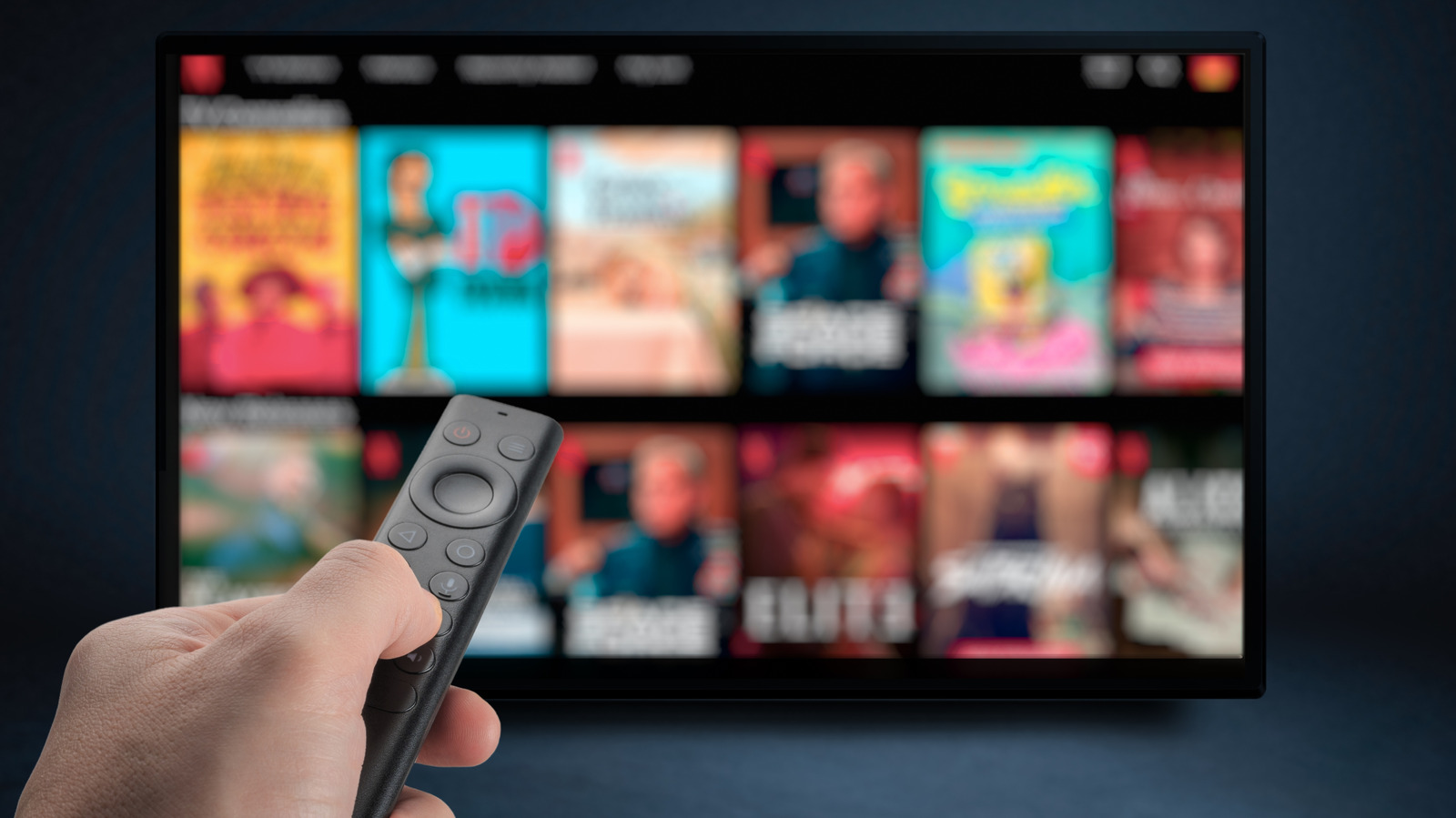
Streaming devices have become popular tools for watching online content. They connect to your TV and let you stream movies, shows, and music from the internet. Even with a smart TV, many people choose to use a streaming device. These devices offer more apps, better interfaces, and faster updates than many built-in smart TV systems.
Understanding the different types and features of streaming devices can help decide if you need one with your smart TV. Each device has unique qualities that may improve your viewing experience.
Types And Brands
- Stick Devices:Compact and plug directly into your TV’s HDMI port. Examples include Amazon Fire Stick and Roku Streaming Stick.
- Box Devices:Larger and more powerful. They offer extra features and better performance. Examples are Apple TV and Nvidia Shield.
- Smart TV Dongles:Small adapters that add smart functions to older TVs. Google Chromecast is a common example.
Popular brands include Roku, Amazon, Apple, Google, and Nvidia. Each brand offers different models with various price points and features.
Unique Features
- Voice Control:Many devices support voice assistants like Alexa, Google Assistant, or Siri.
- App Variety:Access to thousands of apps including Netflix, Hulu, Disney+, and YouTube.
- Picture Quality:Support for 4K, HDR, and Dolby Vision for better image quality.
- Gaming:Some devices allow casual gaming with controllers or cloud gaming services.
- Regular Updates:Devices receive frequent software updates to add features and improve security.
Comparing Smart Tvs And Streaming Devices
Choosing between a smart TV and a streaming device can change how you enjoy your favorite shows and movies. Both options aim to bring content to your screen, but they differ in performance, speed, and the variety of content they offer. Understanding these differences helps you decide what fits your viewing habits and tech setup best.
Performance And Speed
Smart TVs often come with built-in software that can be slower to update and less responsive. You might notice delays when opening apps or switching between them. On the other hand, streaming devices usually have more powerful processors designed specifically for streaming, which means faster navigation and smoother playback.
Imagine trying to watch a live game, and your smart TV app takes too long to load or buffers frequently. A streaming device like Roku or Amazon Fire Stick can reduce these frustrations by delivering quicker response times and better handling of high-definition streams.
Content Availability
Smart TVs come with pre-installed apps, but the selection can be limited depending on the brand and model. Sometimes, popular streaming services are missing or arrive late as updates roll out slowly. Streaming devices often support a wider range of apps and get updates more regularly, giving you access to the latest platforms sooner.
Do you prefer having access to niche streaming services alongside the big names? Streaming devices tend to offer more flexibility here. They also make it easier to add or remove apps based on your changing preferences without waiting for the TV manufacturer.

Credit: www.cbc.ca
Benefits Of Using Both
Using both a smart TV and a streaming device together can significantly improve your home entertainment setup. Each brings unique strengths that, when combined, offer a smoother, richer viewing experience. Let’s look at how pairing these devices benefits you in real ways.
Enhanced User Experience
Smart TVs often come with built-in apps, but they can be slow or have outdated interfaces. Adding a streaming device usually means faster navigation and more responsive controls.
Think about the last time you struggled with a sluggish menu or an app that crashed mid-show. A streaming device can fix that frustration by providing a dedicated, optimized system for streaming.
Plus, many streaming devices support voice commands and offer easy access to multiple apps through one remote. This means less fumbling around and more time enjoying your favorite shows.
Access To Exclusive Content
Not all apps and services come pre-installed on your smart TV. Streaming devices often have exclusive apps or updated versions not available on TVs.
For instance, some devices offer early access to new streaming services or special channels that your smart TV might not support. This can give you fresh content options to explore.
Have you ever missed out on a new show because your TV didn’t support the app? Using a streaming device bridges that gap, ensuring you don’t miss any must-watch content.
Considerations For Your Decision
Choosing whether you need a streaming device alongside your smart TV isn’t always straightforward. It depends on several factors that relate directly to how you watch TV and what you expect from your viewing experience. Understanding these considerations can help you make a choice that fits your lifestyle and budget perfectly.
Budget Constraints
Your budget is a key factor in deciding if you should add a streaming device. Smart TVs can be expensive, and adding another device means extra cost. But sometimes, a streaming device can save you money by extending your TV’s life and offering better performance.
Think about how much you’re willing to spend upfront and over time. If your smart TV is older or lacks updates, a streaming device can provide access to newer apps and smoother navigation without buying a new TV. Have you ever bought a cheaper smart TV only to find the interface slow or outdated? A streaming device might fix that without breaking the bank.
User Preferences
Your viewing habits and preferences play a big role in this decision. Do you mostly watch content from one or two apps, or do you like to explore many different streaming services? Some streaming devices offer a wider selection of apps and better search features than many smart TVs.
Also, consider how important features like voice control, gaming, or 4K streaming are to you. I once used a smart TV that didn’t support my favorite streaming service well, and switching to a streaming device improved my experience significantly. What features do you value most when watching TV?

Credit: www.listful.com
Technical Compatibility
Technical compatibility plays a key role in deciding if a streaming device is necessary for your smart TV. It involves how well the hardware and software of your TV work with external devices. This affects streaming quality, ease of use, and access to apps.
Connectivity Options
Smart TVs come with various ports and wireless options. Common connections include HDMI, USB, and Wi-Fi. A streaming device often uses these to link with your TV and internet.
Check if your TV supports the latest Wi-Fi standards for faster streaming. HDMI ports vary in version and speed. Older TVs may have limited ports or outdated versions.
Streaming devices may offer:
- Bluetooth for remote control or headphones
- Ethernet port for stable internet connection
- Multiple HDMI outputs for connecting other devices
Compatibility in these areas ensures smooth video and audio playback. It also prevents lag and buffering issues.
Software Integration
Smart TVs run on different operating systems like Android TV, Tizen, or webOS. Each system supports various apps and features. Sometimes, the built-in software may lack certain apps or updates.
Streaming devices often have their own platforms, such as Roku, Fire TV, or Apple TV. These platforms offer access to a wider range of apps and frequent updates.
Consider these points:
- Whether your TV’s OS supports all popular streaming apps
- How often your TV software updates
- App availability and performance on both TV and streaming device
Using a streaming device can improve app speed and user interface. It also adds features like voice search or personalized recommendations.
Future-proofing Your Entertainment Setup
Thinking about your entertainment setup beyond the here and now can save you time, money, and frustration later. Smart TVs offer convenience, but technology evolves fast, and what works today might feel outdated tomorrow. Future-proofing means making choices that keep your system flexible and capable as new streaming features and standards emerge.
Trends In Streaming Technology
Streaming technology is moving quickly toward higher resolutions like 4K and 8K, better sound formats, and more interactive content. Devices with regular updates adapt to new apps and streaming services faster than many built-in smart TV platforms. Think about whether your smart TV supports these upgrades or if a dedicated streaming device might keep you ahead.
Many streaming devices now offer voice control, AI-based recommendations, and support for new codecs that improve picture quality without using extra bandwidth. Without these, your TV might not play the latest content smoothly. Ask yourself: will your TV’s software keep up with these innovations, or will you hit limits soon?
Long-term Value
Investing in a streaming device often means you get ongoing software updates and extended app support. This can extend the life of your entertainment setup well beyond the TV’s initial features. I once kept a five-year-old TV feeling new simply by adding a current streaming stick that got updated every few months.
Smart TVs can become sluggish or stop supporting popular apps over time. A separate streaming device can be swapped out easily without replacing the entire TV. This flexibility means you won’t have to buy a new TV just to watch your favorite shows in a couple of years.
- Consider how often your smart TV receives updates.
- Check if your favorite streaming apps are fully supported.
- Think about the ease of upgrading your setup later.
Are you ready to future-proof your entertainment setup so it adapts as your viewing habits change? Choosing the right device now can keep your movie nights smooth and your binge-watching uninterrupted for years to come.
Practical Tips For Choosing
Choosing the right streaming device for your smart TV can improve your viewing experience. Practical tips help you pick a device that fits your needs without confusion. Focus on what matters most to you before making a choice.
Assessing Your Needs
Think about what you want from a streaming device. Consider these points:
- Which streaming apps do you use most often?
- Do you want 4K or just HD streaming?
- Is voice control important for you?
- Will you connect other devices like headphones or soundbars?
- How easy do you want the setup and interface to be?
Answering these questions helps narrow down options. Match features with your daily habits and preferences.
Evaluating Product Reviews
Check reviews from real users before buying. Look for feedback on performance and reliability. Pay attention to:
- Ease of use and installation
- Speed and responsiveness
- Software updates and support
- Customer service quality
- Compatibility with your smart TV
Reviews reveal common issues and benefits. They guide you to devices that work well and last long.
Frequently Asked Questions
Do I Need A Streaming Device With A Smart Tv?
A streaming device is optional for most Smart TVs. Built-in apps cover popular streaming services. However, devices like Roku or Fire Stick offer more app choices and better updates.
Can A Smart Tv Stream All Content Without Extra Devices?
Smart TVs stream most popular platforms natively. Yet, some niche or newer apps might not be available. Streaming devices fill these gaps with wider app compatibility.
Does A Streaming Device Improve Smart Tv Performance?
Yes, streaming devices often provide faster interfaces and smoother playback. They receive frequent updates, enhancing app reliability and adding features missing in some Smart TVs.
Are Streaming Devices Necessary For Older Smart Tvs?
Older Smart TVs may lack modern app support or have slower performance. Adding a streaming device can significantly improve user experience and access to current apps.
Conclusion
Smart TVs offer many features right out of the box. Yet, streaming devices can add extra apps and faster performance. They often provide a smoother user experience and more updates. Consider your TV’s age and built-in apps before deciding. A streaming device might help if your TV feels slow or limited.
Choose what fits your needs and budget best. Enjoy watching your favorite shows without hassle. Simple choices can make your viewing better and easier.