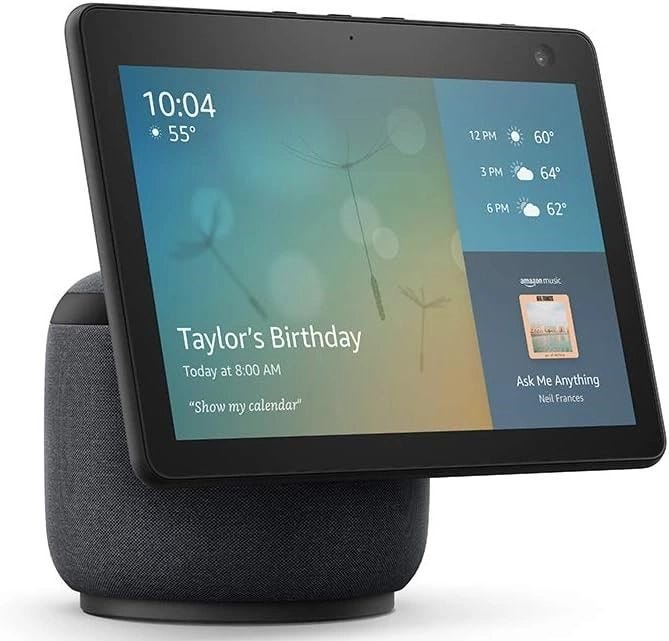
Can Echo Identify a Smart Device As Mine by Voice? Ultimate Guide
Have you ever wondered if your Echo device can tell when it’s really you speaking? Imagine the convenience of your smart home recognizing your voice instantly and responding just for you.
But how does that work, and can Echo truly identify a smart device as yours based solely on your voice? If you want to understand how your Echo keeps your smart devices secure and personalized, keep reading. This knowledge could change the way you interact with your smart home every day.
Understanding Voice Recognition In Echo
Understanding how Echo recognizes your voice is key to knowing if it can identify a smart device as yours by voice alone. Echo uses a voice recognition system designed to distinguish between different speakers, enabling personalized responses. But how accurate is this system, and what does it mean for your devices?
How Echo Learns Your Voice
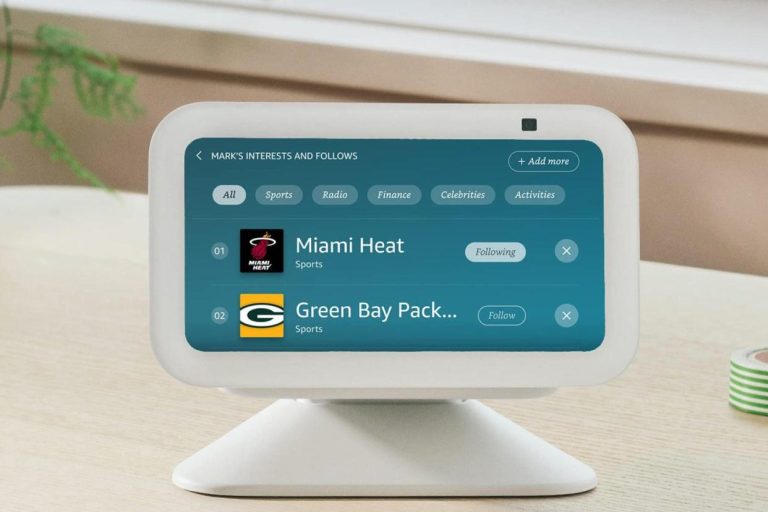
Echo devices use a feature called Voice Profiles. When you set up a Voice Profile, the device listens to your voice and creates a unique voiceprint. This helps Echo recognize when you speak and respond with tailored information like your calendar or shopping lists.
Creating a Voice Profile is simple. You just need to say a few sentences when prompted. Over time, Echo refines its understanding of your voice to improve accuracy.
Limitations Of Voice Recognition
While Echo can identify your voice, it’s not perfect. Background noise, changes in your voice, or multiple people speaking at once can confuse the system. This means Echo might not always correctly link commands to your personal profile.
Also, Echo’s voice recognition is tied to the device, not the smart devices connected to it. It recognizes who is speaking but doesn’t automatically assign ownership of smart devices based on voice alone.
Security And Privacy Considerations
Voice recognition adds a layer of security by allowing only recognized voices to access personal information. However, it’s wise to remember that voice alone might not prevent unauthorized access if someone mimics your voice or uses a recording.
You can enhance security by combining voice recognition with other safeguards like device PINs or two-factor authentication for sensitive actions.
Practical Tips To Improve Voice Recognition
- Speak clearly and at a consistent volume when interacting with Echo.
- Train your Voice Profile in a quiet environment to reduce errors.
- Update your Voice Profile if your voice changes due to illness or other reasons.
- Use separate profiles for different household members to avoid confusion.
Have you noticed your Echo sometimes responding to someone else’s commands? Adjusting Voice Profiles might just fix that.

Credit: medium.com
Setting Up Voice Profiles
Setting up voice profiles on your Echo device is key to personalizing your smart home experience. It allows the device to recognize your voice and tailor responses just for you. This feature helps Echo distinguish between different users, making interactions smoother and more relevant.
Creating Individual Voice Profiles
To create a voice profile, open the Alexa app and navigate to the settings. Select “Your Voice” and follow the prompts to train Echo to recognize your unique voice patterns. This process only takes a few minutes but makes a big difference in how your device interacts with you.
Once set up, your Echo can respond with personalized information like your calendar, shopping lists, and music preferences. Have you ever wished your smart assistant knew your voice well enough to skip the extra steps? This feature makes that wish a reality.
Managing Multiple Users
If you share your Echo with family or roommates, managing multiple voice profiles is essential. The Alexa app lets you add profiles for each person, ensuring everyone gets personalized responses. This way, Echo won’t confuse your music tastes or reminders with someone else’s.
You can easily switch between users or let Echo automatically detect who is speaking. This helps maintain privacy and improves the overall user experience. Imagine having your own smart assistant within a shared device—how convenient would that be?
Linking Smart Devices With Echo
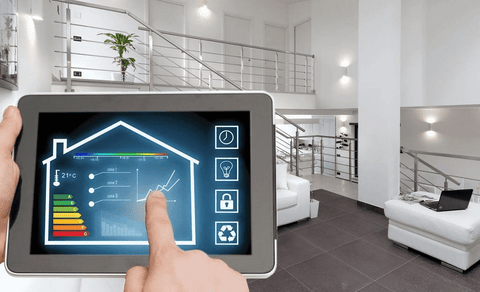
Linking your smart devices with Echo creates a seamless home automation experience. It allows your Echo to control lights, thermostats, cameras, and more with just your voice. But how exactly does this connection work, and which devices can you link?
Compatible Smart Devices
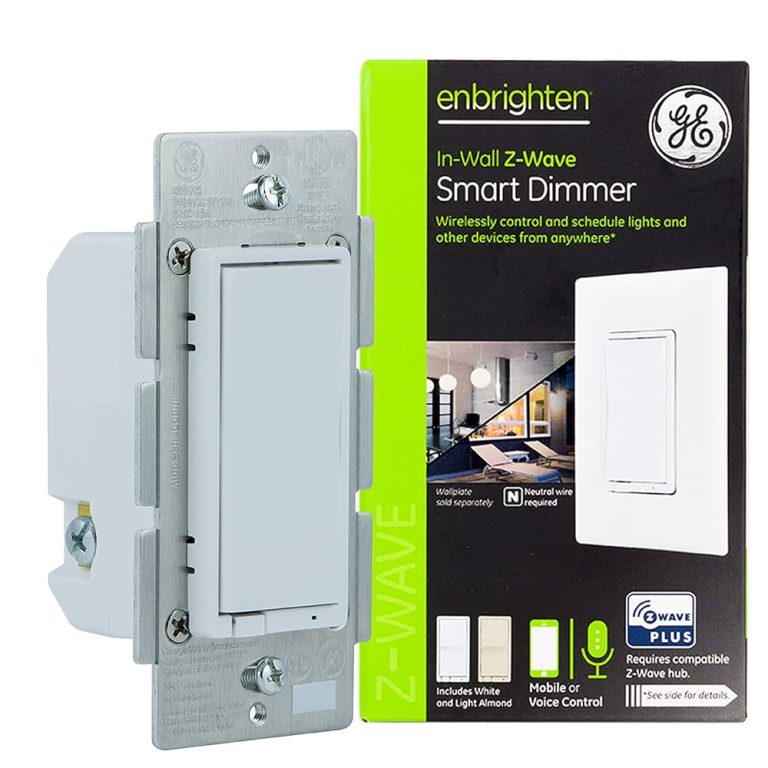
Echo supports a wide range of smart devices from various brands. You can connect smart bulbs, plugs, switches, locks, and security cameras that work with Alexa.
- Philips Hue lights
- TP-Link smart plugs
- August smart locks
- Ring security cameras
- Ecobee and Nest thermostats
These devices must be compatible with Alexa to communicate smoothly. Checking compatibility before purchasing saves you time and frustration. Have you ever bought a gadget only to find it won’t work with your Echo?
Device Linking Process
Linking devices to your Echo is straightforward and usually takes only a few minutes. Start by opening the Alexa app on your smartphone or tablet.
- Tap on “Devices” at the bottom of the app.
- Select “Add Device” and choose the type of smart device you want to connect.
- Follow the prompts to discover and pair the device with your Echo.
Most devices require you to log into their respective accounts within the Alexa app to enable control. Once linked, you can use voice commands like “Alexa, turn on the living room light” or “Alexa, set the thermostat to 72 degrees.”
Have you noticed how much easier it is to manage your home after linking a few devices? It turns your Echo from a simple speaker into a powerful home assistant tailored just for you.
Credit: www.asurion.com
Voice Identification Challenges
Voice identification by devices like Echo sounds simple but faces real challenges. Your voice can change with mood, health, or background noise. These changes make it tricky for Echo to always know if it’s truly you speaking.
Accuracy Of Voice Recognition
Voice recognition is not perfect. Even the best systems can mistake one person for another or fail to recognize the same voice at different times. Factors like distance from the device, room acoustics, and microphone quality affect accuracy.
Think about times you’ve called customer service and the system didn’t understand your voice. Echo faces similar struggles but on a smaller scale. It uses patterns in your speech, but these patterns can overlap with others.
Handling Voice Similarities
What happens when two people in your home have similar voices? Echo might get confused about who is speaking. This can lead to it giving access to the wrong person or ignoring the actual owner.
Amazon tries to solve this by letting users set up voice profiles. But even then, if voices are close in tone or pitch, mistakes happen. Would you feel comfortable if your device couldn’t clearly tell you apart from a family member?
- Children’s voices change as they grow, causing recognition errors.
- Background noise can blur voice features, making identification tough.
- Multiple speakers talking simultaneously can confuse the device.
These challenges highlight why voice identification is still improving. It’s smart to use it alongside other security steps, not rely on it alone. Have you noticed your Echo mixing up voices at your home?
Improving Voice Recognition Accuracy
Improving voice recognition accuracy is essential if you want your Echo device to reliably identify your commands and distinguish your voice from others. The better the recognition, the more personalized and secure your smart home experience becomes. Small adjustments on your end can lead to noticeable improvements in how your Echo understands and responds to you.
Tips For Better Voice Detection
Start by training your Echo to recognize your voice through the Voice Profile feature in the Alexa app. This helps the device learn your specific speech patterns and tone.
Speak clearly and avoid background noise when giving commands. Even a quiet fan or TV can confuse the microphone sensors.
Place your Echo in a central, open area instead of hidden corners or behind furniture. This setup ensures the microphone picks up your voice better.
Try to use consistent phrasing when you speak to your device. Changing your command style can sometimes confuse voice recognition.
Regular Updates And Maintenance
Keep your Echo’s software updated. Amazon frequently releases improvements that enhance voice recognition accuracy and security.
Regularly check for firmware updates in the Alexa app and install them as soon as they’re available.
Clean the device’s microphones gently with a soft cloth to remove dust that might block sound.
Restart your Echo occasionally to refresh its system performance, especially if you notice it mishearing commands more often.
Credit: medium.com
Privacy Concerns With Voice Identification
Voice identification technology raises important privacy questions. Smart devices like Echo use voice recognition to personalize user experiences. This means the device listens and learns to recognize your voice. While convenient, it may also collect sensitive voice data. Users worry about how this data is stored, used, and protected. Understanding privacy concerns helps users make informed choices about smart devices.
Data Security Measures
Echo devices use encryption to protect voice recordings. Data is stored securely on Amazon servers. Access to this data is limited to authorized personnel only. Regular audits ensure security protocols are up to date. Voice data may be anonymized to reduce risks. These measures reduce chances of unauthorized access or data breaches.
User Consent And Control
Users must give permission before voice data is collected. Amazon offers options to review and delete voice recordings. You can disable voice recognition features anytime. Privacy settings allow users to control what data is shared. Transparency about data use builds trust between users and providers. Control over voice data helps users feel safer using Echo devices.
Future Of Voice Recognition Technology
The future of voice recognition technology holds exciting possibilities for how devices like Amazon Echo identify and interact with users. As this technology evolves, it’s becoming more precise at recognizing individual voices and adapting to different environments. This progress promises a more personalized and secure smart home experience for you.
Technological Advancements
Voice recognition is moving beyond simple command recognition. Modern devices are starting to distinguish between different users by analyzing unique voice patterns, tone, and even speech habits.
For example, Echo’s voice profiles can already recognize family members to provide tailored responses. Imagine your device automatically adjusting music preferences or calendar alerts just for you without needing to specify your identity every time.
Improved noise-cancellation and machine learning algorithms also help these devices work better in noisy environments, like a busy kitchen or a crowded living room. This means your smart device won’t get confused when multiple voices are present.
Potential Innovations
What’s next for voice recognition could change how you interact with all your smart devices. Future updates may allow Echo to not only identify who’s speaking but also understand emotional cues, such as stress or happiness, to respond more empathetically.
We might also see better integration across devices, where your Echo recognizes your voice and automatically syncs settings with other smart gadgets in your home. This kind of seamless interaction could save you time and reduce the need for repetitive commands.
Security is another area ripe for innovation. Voice recognition could serve as an additional layer of authentication, helping prevent unauthorized access to your smart devices. Would you feel more comfortable letting your smart home unlock doors or approve purchases if it recognized your voice with high accuracy?
Frequently Asked Questions
Can Echo Recognize My Smart Device By Voice?
Yes, Echo can identify smart devices linked to your Amazon account. Voice profiles help personalize responses and device control.
How Does Echo Distinguish My Voice For Devices?
Echo uses voice recognition technology to create a unique voice profile. This enables it to match commands to your devices.
Can Multiple Users Link Their Devices To One Echo?
Yes, Echo supports multiple voice profiles. Each user can control their smart devices independently through voice recognition.
Is Voice Identification Secure For Smart Device Access?
Amazon Echo uses encrypted voice data and secure profiles. This ensures only recognized voices can control linked smart devices.
Conclusion
Echo can recognize your voice and link it to your smart devices. This helps it respond better to your commands. Voice identification keeps your devices more secure. It also stops others from controlling your smart home. Yet, the system is not perfect and may make mistakes.
Always check your device settings to ensure privacy. Voice recognition is a useful feature but needs careful use. It makes managing smart devices easier and safer for you.