Can You Control Google Smart Devices With Alexa: Ultimate Guide
Have you ever wished you could control all your smart devices from one place? Imagine using Alexa to manage your Google smart gadgets without switching apps or voices.
It sounds convenient, right? But can you really make Alexa work with Google devices seamlessly? If you’re curious about simplifying your smart home experience and making technology work better for you, keep reading. This article will clear up the confusion and show you exactly what’s possible—and what’s not—when it comes to controlling Google smart devices with Alexa.
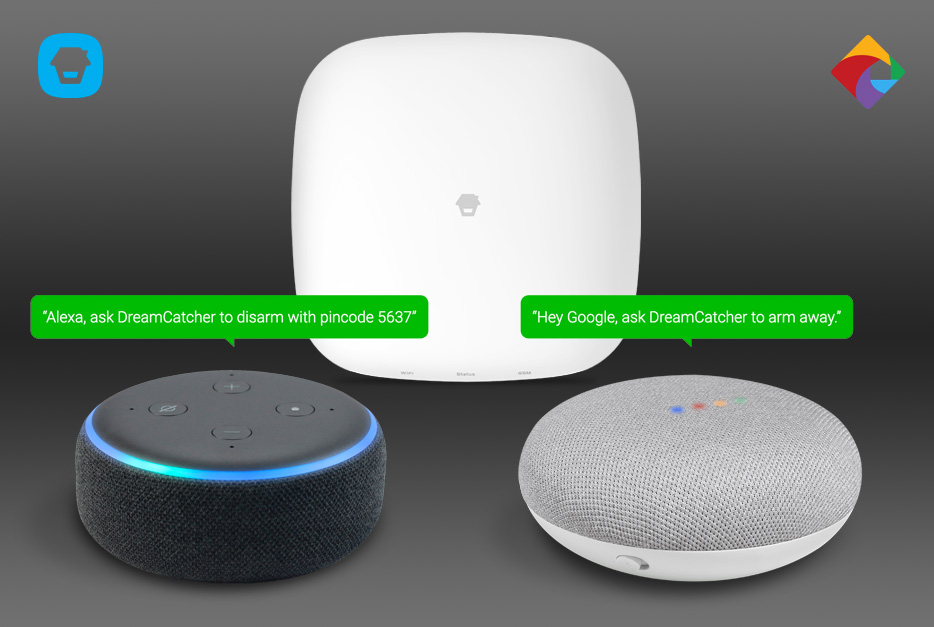
Credit: www.smarthome.com.au
Compatibility Between Alexa And Google Devices
Controlling smart devices through voice assistants has become common in many homes. Alexa and Google Assistant are two popular choices. Many wonder if Alexa can control Google smart devices directly. The answer depends on compatibility between these platforms.
Both Alexa and Google devices use different systems and communication protocols. This difference affects how well they work together. Understanding compatibility helps users know what to expect from their smart home setup.
Communication Protocols Used By Alexa And Google Devices
Alexa and Google devices mainly use Wi-Fi and Bluetooth to connect. They also support Zigbee and Thread for smart home devices. Compatibility depends on which protocol the device uses. Some devices support multiple protocols, making cross-platform control easier.
Native Support And Skills Integration
Alexa uses Skills to control smart devices. Google devices use Actions or native apps. Some Google devices do not have native Alexa Skills. This limits direct control by Alexa. Third-party Skills may add some control but with limited features.
Using Third-party Hubs For Compatibility
Smart home hubs like Samsung SmartThings or Hubitat can link Alexa and Google devices. These hubs act as bridges, allowing control from Alexa to Google devices. This method requires extra setup and compatible hardware.
Limitations In Cross-platform Control
- Not all Google devices respond to Alexa commands
- Some device functions may be missing or limited
- Voice commands might require specific phrasing
- System updates can affect compatibility
Future Trends In Alexa And Google Device Compatibility
Both companies work towards better smart home integration. New standards like Matter aim to improve compatibility. This will allow easier control across different brands and platforms. Users can expect smoother cross-platform experiences soon.

Credit: www.engadget.com
Setting Up Alexa With Google Devices
Setting up Alexa to control Google smart devices allows you to manage multiple gadgets with one voice assistant. This setup brings convenience and flexibility to your smart home. It requires a few preparations to ensure smooth integration.
Requirements And Preparations
Start by checking if your Google devices support third-party control. Most Google Nest and Chromecast devices work well.
- Ensure both Alexa and Google devices connect to the same Wi-Fi network.
- Update the Alexa app and Google Home app to their latest versions.
- Create accounts for both Amazon Alexa and Google Home.
- Enable voice control permissions on your Google devices.
Having these ready makes the linking process easier and faster.
Connecting Through Smart Home Platforms
Alexa does not directly control Google devices. Use smart home platforms to bridge them.
- Open the Alexa app and go to the “Skills & Games” section.
- Search for the Google Assistant or specific Google device skill.
- Enable the skill and sign in with your Google account.
- Discover devices in the Alexa app to link your Google devices.
- Assign devices to rooms or groups for better control.
Once linked, use Alexa commands to operate your Google smart devices easily.
Using Alexa To Control Google Devices
Using Alexa to control Google devices might sound tricky, but it’s becoming easier than ever. While these two smart home giants have their ecosystems, you can still get Alexa to work with some Google smart devices through specific setups and compatible apps. This means you don’t have to juggle multiple voice assistants to manage your smart home.
Voice Commands For Basic Functions
You can use Alexa to perform simple tasks on some Google devices, like turning lights on or off or adjusting the thermostat. Alexa recognizes basic voice commands if you link your Google devices through compatible smart home hubs or apps like SmartThings.
For example, saying “Alexa, turn off the living room light” can work if your Google smart light is connected through a hub that supports both Alexa and Google devices. However, more complex commands, such as managing routines or accessing Google-specific features, might not be supported.
Managing Multiple Devices
Handling several smart devices across Google and Alexa platforms can feel overwhelming. But you can organize them efficiently by grouping devices within Alexa’s app, even if some of them are originally Google products.
Try creating device groups like “Downstairs Lights” or “Bedroom” to control multiple devices with one command. This approach saves time and reduces confusion, especially when your smart home grows bigger.
Have you noticed how mixing devices from different brands can complicate your smart home setup? Using Alexa as a central controller might help you streamline control without switching between apps or assistants constantly.

Credit: greensafaris.com
Limitations And Challenges
Controlling Google smart devices with Alexa sounds convenient, but it comes with several limitations and challenges that can affect your smart home experience. These obstacles often stem from how different companies design their ecosystems and the way devices communicate with each other. Knowing these hurdles helps you set realistic expectations and troubleshoot issues more effectively.
Common Issues And Troubleshooting
One of the biggest headaches is device discovery. Sometimes, Alexa fails to find or recognize your Google devices, leaving you frustrated. This can happen due to network glitches, outdated firmware, or incomplete setup processes.
Another common problem is command recognition. Even if Alexa detects the device, it may misunderstand or not execute your voice commands correctly. For example, asking Alexa to “turn on the Google Nest light” might not work as expected because Alexa doesn’t natively support all Google device commands.
To tackle these issues, try these steps:
- Restart your Alexa device and Google smart devices.
- Ensure both devices are connected to the same Wi-Fi network.
- Update all device software to the latest version.
- Use the Alexa app to manually add and discover devices.
- Check if the Google device skill is enabled in Alexa.
Compatibility Restrictions
Google and Amazon design their smart devices with their own ecosystems in mind. This creates compatibility gaps that limit cross-platform control. Alexa can control some Google smart devices, but many features remain exclusive to Google Assistant.
For example, Google Nest thermostats allow basic commands through Alexa, like adjusting temperature, but advanced settings and routines often require the Google Home app. Similarly, some smart cameras and security devices won’t stream video through Alexa devices due to platform restrictions.
Ask yourself: do you want full control or just basic commands? This distinction matters because it influences whether mixing ecosystems is worth the hassle. Sometimes, sticking to one platform avoids these headaches and delivers smoother performance.
Enhancing Functionality With Third-party Tools
Enhancing the functionality of your smart home often means bridging the gap between different ecosystems. While Google smart devices and Alexa operate on separate platforms, third-party tools can help you control them together. These tools offer a way to unify your devices, making your daily routines smoother and more efficient.
Popular Integrations
Several third-party apps and services allow Alexa to control Google smart devices. One popular choice is IFTTT (If This Then That), which connects different smart home services through simple automation rules. With IFTTT, you can create applets that let Alexa trigger actions on Google devices, like turning on a Nest thermostat or adjusting smart lights.
Another useful tool is Home Assistant, an open-source platform that supports a wide range of devices from both Google and Amazon ecosystems. It requires some setup but offers powerful customization options. Using Home Assistant, you can centralize control, so saying a command to Alexa triggers actions on your Google smart devices seamlessly.
Security And Privacy Considerations
Using third-party tools to connect Alexa and Google smart devices raises important security questions. Every additional service you add can become a potential entry point for hackers. It’s essential to choose tools with strong encryption and regular security updates.
Think about the data these tools access. Are you comfortable sharing your device activity with a third party? Make sure to review privacy policies carefully and limit permissions to only what is necessary. You can also protect your smart home by enabling two-factor authentication wherever possible.
Future Of Smart Home Integration
The future of smart home integration promises easier control and better connections. Devices from different brands will work more smoothly together. This will help users manage their homes with less hassle. The focus is on making technology simple and accessible.
Predictions And Trends
Smart home systems will become more unified. Voice assistants like Alexa and Google Assistant will share more features. Homes will use artificial intelligence to learn habits and save energy. Security will improve with smarter cameras and sensors. Expect more affordable devices with advanced functions. Automation will grow, allowing homes to adjust automatically.
Developments In Cross-platform Compatibility
Brands will support multiple voice assistants on one device. Alexa can control Google smart devices more easily in the future. New standards will help devices from different makers communicate. Apps will offer combined control for all smart home gadgets. Users will need fewer apps and less setup time. Cross-platform control will make smart homes more user-friendly and flexible.
Frequently Asked Questions
Can Alexa Control Google Smart Devices Directly?
No, Alexa cannot directly control Google smart devices. They use different ecosystems and protocols. However, some third-party apps and hubs can bridge control between them.
How To Connect Google Devices With Alexa?
You can connect Google devices with Alexa using third-party smart home hubs. These hubs act as intermediaries, enabling cross-platform communication and control.
What Limitations Exist When Using Alexa With Google Devices?
Using Alexa with Google devices has limitations like delayed responses and limited feature access. Full functionality often requires native apps or voice assistants.
Is Voice Control Seamless Between Alexa And Google Devices?
Voice control is not seamless between Alexa and Google devices. Each assistant responds to its own commands, creating a fragmented experience without integration tools.
Conclusion
Controlling Google smart devices with Alexa is possible but has limits. Some devices work well together, while others do not. Setting up takes a few steps but is simple. Using both systems can save time and add convenience. Choose the right devices for smooth control.
Explore options and see what fits your needs best. Technology keeps changing, so stay updated. Mixing smart home tools can make life easier. Try it out and enjoy your smart home.