Does a Router Work for Smart Lock Nearby Device: Ultimate Guide
Are you wondering if a router can help your smart lock work seamlessly with nearby devices? You’re not alone.
With the rise of smart home technology, many people like you are looking for ways to ensure their devices work together effortlessly. Imagine the convenience of controlling your smart lock with just a tap on your phone, even when you’re not right next to it.
Sounds appealing, right? We’ll explore how routers play a crucial role in connecting your smart lock with nearby devices, giving you peace of mind and added security. Keep reading to discover how you can optimize your home network for the ultimate smart lock experience.

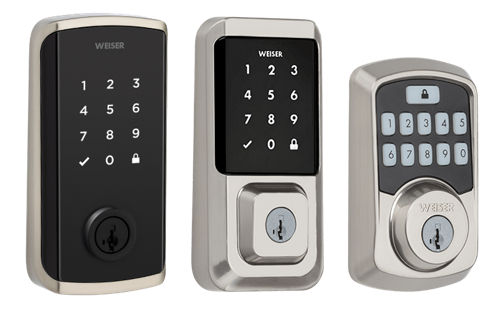
Credit: www.amazon.ca
How Smart Locks Connect
Smart locks use technology to let you control your door remotely. They connect with your devices to allow easy access. Understanding how smart locks connect helps you know if a router is needed. This section explains the main ways smart locks link to your phone or home network.
Bluetooth And Wi-fi Basics
Smart locks often use Bluetooth or Wi-Fi to communicate. Bluetooth connects devices within a short range, usually up to 30 feet. It is energy efficient and works without internet. Wi-Fi connects devices through your home network and can work from anywhere with internet access.
Bluetooth is ideal for direct control near the lock. Wi-Fi allows remote access and alerts when away from home. Some smart locks use both technologies for flexibility and security.
Role Of A Router In Connectivity
A router manages your home’s internet and device connections. It allows smart locks to connect over Wi-Fi. Without a router, Wi-Fi smart locks cannot reach your phone outside the home.
Bluetooth smart locks do not rely on a router. They connect directly to your phone or a hub. A router is essential for smart locks that need internet access for remote control and notifications.
Router Compatibility With Smart Locks
Smart locks rely on wireless signals to connect with your devices. A router plays a key role in managing these connections. Understanding router compatibility with smart locks helps ensure smooth operation and reliable access. Not all routers work the same way with smart lock devices. Compatibility depends on the type of smart lock and the router’s features.
Types Of Smart Locks And Network Needs
Smart locks use different communication methods. Common types include:
- Wi-Fi Smart Locks:Connect directly to your home Wi-Fi network.
- Bluetooth Smart Locks:Pair with nearby smartphones or hubs via Bluetooth.
- Z-Wave and Zigbee Locks:Require a smart home hub that connects to the router.
Wi-Fi locks need a strong, stable internet connection. Bluetooth locks depend on close proximity. Z-Wave and Zigbee locks use a hub that links to the router. Knowing your lock’s network type guides the choice of a compatible router.
Router Features That Affect Performance
Router specifications impact smart lock performance. Important features include:
- Frequency Bands:Dual-band routers (2.4 GHz and 5 GHz) support more devices and better range.
- Signal Strength:Strong signals improve communication with smart locks, especially Wi-Fi models.
- Security Protocols:WPA2 or WPA3 encryption protects your smart lock’s data.
- Device Capacity:Routers that handle many devices avoid connection drops.
- Firmware Updates:Regular updates fix bugs and improve compatibility with new smart locks.
Choosing a router with these features helps maintain a reliable smart lock connection. It reduces lockouts and improves response times.
Setting Up Smart Locks With Routers
Setting up smart locks with routers is essential for seamless remote access. The router acts as a bridge connecting your smart lock to the internet. It allows you to control the lock from your smartphone or other devices. Proper setup ensures security and reliable performance.
Smart locks need stable Wi-Fi signals from the router to function well. Placement of the router and lock matters. Following correct installation steps avoids connection issues and enhances user experience.
Step-by-step Installation Guide
- Check your smart lock’s compatibility with your router.
- Place the smart lock near the door for easy installation.
- Connect the lock to power or insert batteries as required.
- Download the lock’s official app on your smartphone.
- Turn on your router and ensure Wi-Fi is active.
- Follow the app’s prompts to add a new device.
- Select your Wi-Fi network and enter the password carefully.
- Wait for the app to confirm connection with the lock.
- Test the lock by locking and unlocking through the app.
- Adjust settings such as auto-lock timer or user codes.
Common Setup Issues And Fixes
| Issue | Cause | Fix |
|---|---|---|
| Lock not connecting to Wi-Fi | Wrong password or weak signal | Re-enter password and move router closer |
| App not detecting lock | Bluetooth off or app outdated | Enable Bluetooth and update the app |
| Frequent disconnections | Router overload or interference | Restart router and limit connected devices |
| Lock response delay | Slow internet speed | Check internet speed and upgrade plan if needed |
Troubleshooting Connectivity Problems
Connectivity problems between a router and a smart lock can be frustrating. These issues often cause delays or prevent the lock from responding. Understanding common causes helps fix the connection quickly. Troubleshooting focuses on signal strength and software updates. Let’s explore these areas to improve your smart lock’s connection.
Signal Range And Interference
The router’s signal range affects how well the smart lock connects. Walls, furniture, and other objects can block or weaken the Wi-Fi signal. Metal doors or thick walls cause more interference. Other wireless devices may also disrupt the connection.
- Place the router closer to the smart lock if possible.
- Avoid obstacles between the router and lock.
- Reduce interference by moving other wireless devices away.
- Use Wi-Fi extenders to boost signal range.
Checking signal strength helps identify if distance or interference causes problems. Strong signals improve response time and reliability.
Firmware Updates And Security
Smart locks and routers need regular firmware updates. These updates fix bugs and improve security. Outdated firmware can cause connectivity issues or slow responses.
- Check for the latest firmware on your router’s website.
- Update the smart lock’s app or device firmware regularly.
- Enable automatic updates if available.
- Secure your Wi-Fi network with a strong password.
Keeping firmware current ensures smooth communication between devices. It also protects your smart lock from potential hacking risks.
Enhancing Smart Lock Performance
Enhancing the performance of your smart lock starts with understanding how your router impacts its connectivity. A strong, stable Wi-Fi signal nearby ensures your smart lock operates smoothly, providing quick responses and reliable security. Let’s look at practical ways to boost your router’s effectiveness for smart lock devices close to you.
Optimizing Router Placement
Placing your router in the right spot can make a big difference. Avoid hiding it inside cabinets or behind thick walls, as these block signals. Instead, put your router in an open, central location near your smart lock.
Think about where you use your smart lock most often. Is it near your front door, garage, or back entrance? Positioning the router closer to these areas reduces signal interruptions and speeds up communication.
Also, keep your router elevated rather than on the floor. This simple move often improves signal spread and reduces interference from furniture or appliances.
Using Extenders And Mesh Networks
If your smart lock is far from the router, signal strength can drop. Using Wi-Fi extenders or mesh networks can help fill those gaps effectively. Extenders boost your existing signal, while mesh systems create a seamless network with multiple access points.
Mesh networks are especially useful in larger homes or those with thick walls that block signals. They allow your smart lock to connect to the nearest access point, maintaining strong connectivity as you move around.
Consider your home layout and choose a solution that fits your needs. Have you noticed any dead spots near your smart lock? Installing an extender or mesh node there might solve the problem instantly.
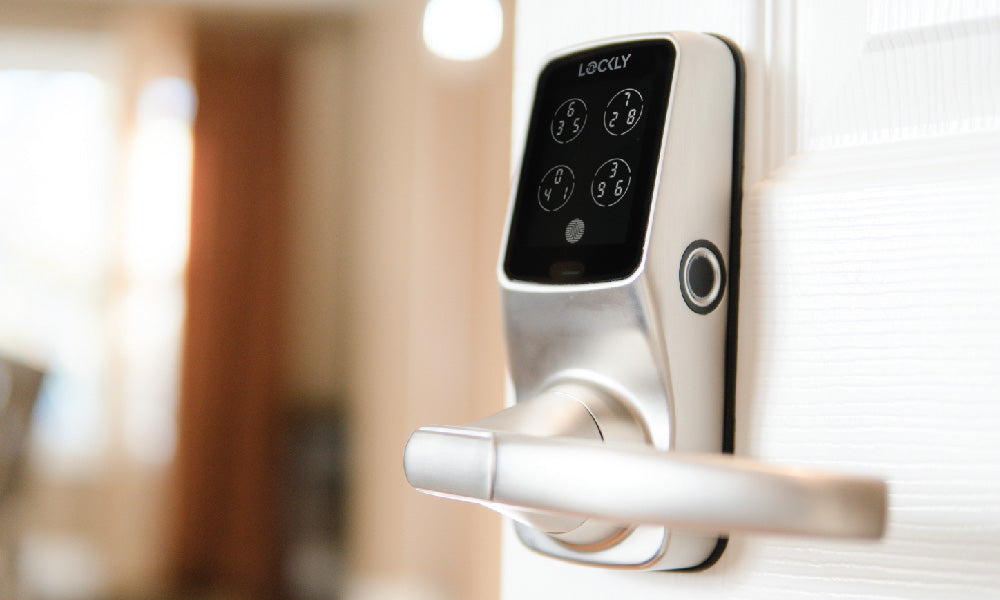
Credit: lockly.com
Security Considerations
Security is a key concern when using a router with a smart lock nearby device. The router connects your smart lock to the internet and other devices. It is important to keep both the network and the lock secure to avoid unauthorized access. Understanding the security features of your smart lock and protecting your network helps maintain safety.
Protecting Your Network
Secure your home network to protect smart lock data. Use a strong password for your Wi-Fi. Avoid default or easy passwords. Enable WPA3 or WPA2 encryption for better security. Regularly update your router’s firmware to fix vulnerabilities. Disable remote management unless necessary. Use a separate guest network for visitors. This keeps your main network safer. Turn off WPS to reduce hacking risks.
Smart Lock Security Features
Smart locks come with built-in security features to protect your home. Look for locks with encryption for data transmission. This prevents hackers from intercepting signals. Two-factor authentication adds an extra layer of protection. Some locks send alerts for unusual activity. Auto-lock functions secure the door after a set time. Choose locks with tamper alarms to detect forced entry. Check for regular software updates from the manufacturer.
Future Trends In Smart Lock Connectivity
Smart lock technology is evolving fast. Connectivity plays a big role in how these devices work. Future trends will shape how smart locks connect and function with other devices. These trends promise better security and easier use.
Emerging Technologies
New tech is improving smart lock connections. Bluetooth Low Energy (BLE) offers quick and close-range access. Ultra-Wideband (UWB) adds precise location tracking for better security. Wi-Fi 6 supports faster and more stable connections. These technologies help smart locks respond faster and work more reliably.
Integration With Smart Home Systems
Smart locks will connect more with home automation systems. Voice assistants like Alexa and Google Assistant make locking doors easier. Locks will sync with lights, cameras, and alarms to boost security. This integration creates a smooth and simple user experience. Managing your home security will become more unified and efficient.
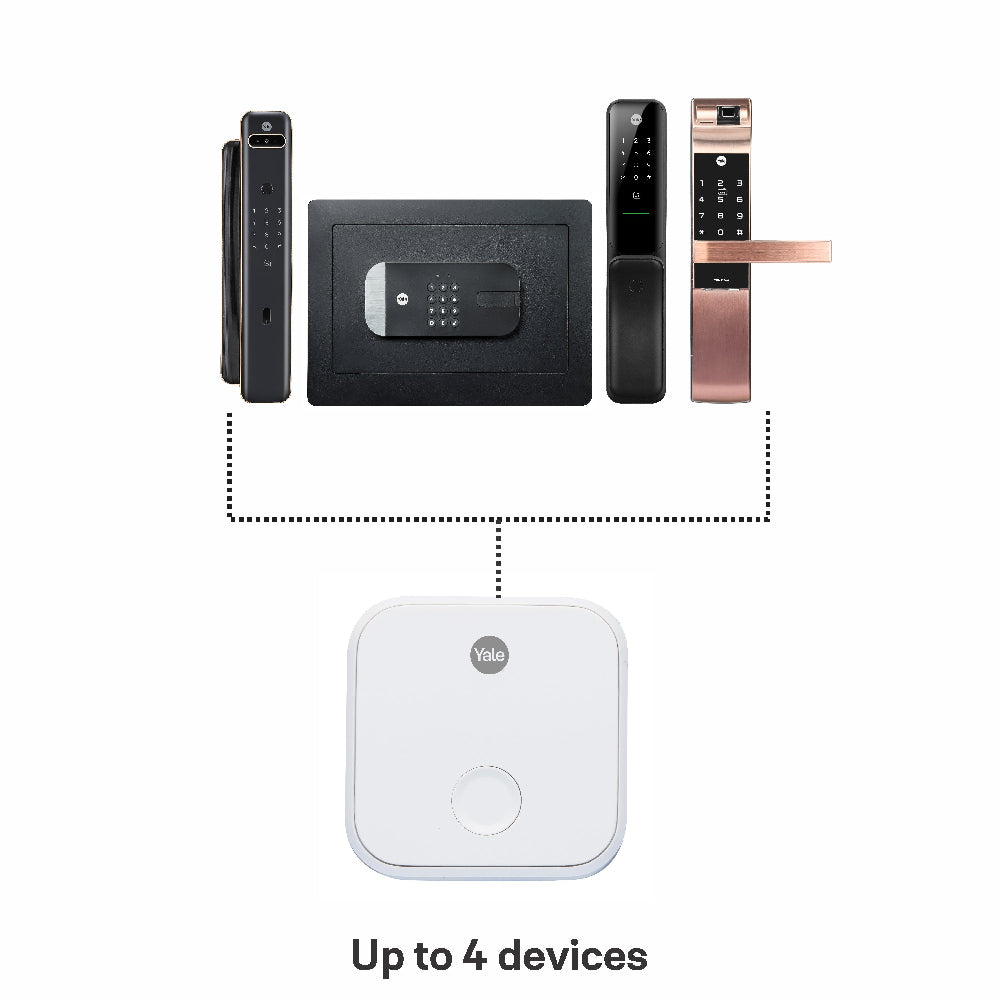
Credit: yaleonline.in
Frequently Asked Questions
Does A Router Connect Directly To A Smart Lock?
No, a router does not connect directly to a smart lock. The lock usually connects via Bluetooth or Zigbee. The router provides internet access for remote control through a hub or smartphone app.
Can A Router Improve Smart Lock Nearby Device Performance?
Yes, a router can improve performance by providing stable Wi-Fi. This ensures smooth communication between your smartphone and smart lock when nearby.
Is Wi-fi Necessary For Smart Lock Nearby Device Functionality?
Wi-Fi is not always necessary for nearby device use. Many smart locks use Bluetooth for local access without needing Wi-Fi.
How Does A Router Affect Smart Lock Remote Access?
A router enables remote access by connecting the smart lock to the internet. This allows control and monitoring from anywhere via apps.
Conclusion
A router helps smart locks connect to nearby devices smoothly. It creates a strong link for easy control and safety. Without a router, smart locks may lose connection or work slowly. Choose a good router for better performance. This makes using your smart lock simple and reliable every time.
Keep your devices close to your router for best results. This way, your home stays secure and easy to manage.