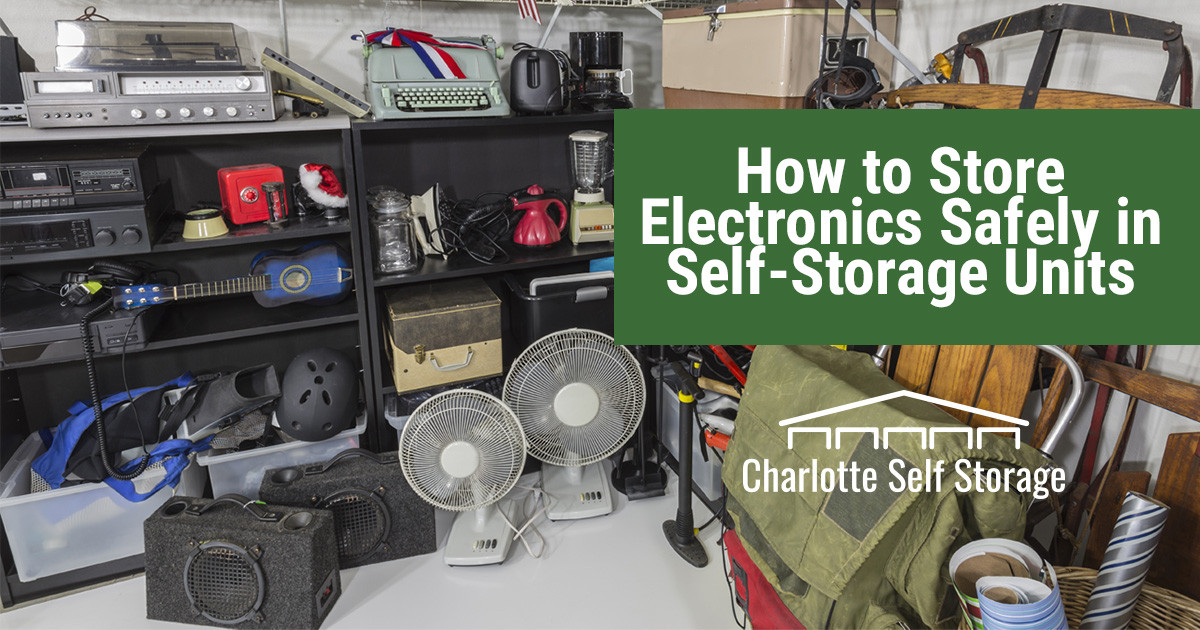
How to Store Electronics at Home: Ultimate Tips for Safe Storage
Are your electronics scattered all over your home, gathering dust and getting tangled in endless cords? You’re not alone.
Many people struggle with finding the best ways to store their electronic devices safely and efficiently. Whether it’s a laptop, smartphone, or gaming console, proper storage not only enhances the lifespan of your gadgets but also keeps your living space organized and clutter-free.
Imagine walking into a room where every device has its place, easily accessible and well-protected. Sounds perfect, right? Stick with me, and you’ll discover practical tips and tricks to store your electronics at home, making your life easier and your devices safer. Don’t let your valuable gadgets turn into a chaotic mess—read on to transform your storage strategy today!

Credit: www.amazon.ca
Choosing The Right Storage Space
Choosing the right storage space for your electronics helps keep them safe and working well. Electronics can get damaged from moisture, heat, or sunlight. Picking a good spot protects your devices and keeps them ready to use. Focus on places that stay dry, cool, and shaded.
Avoiding Moisture And Humidity
Moisture can cause rust and short circuits inside electronics. Avoid basements or places that feel damp. Look for rooms with low humidity or use a dehumidifier. Store devices in sealed plastic containers or bags to block moisture. Keep silica gel packs nearby to absorb extra moisture.
Temperature Control Tips
Heat damages batteries and internal parts. Choose storage areas with stable, cool temperatures. Avoid places near heaters, ovens, or windows. A room with air conditioning or good ventilation works best. Avoid extreme cold, which can also harm electronics. Keep devices at room temperature for long-term storage.
Keeping Away From Direct Sunlight
Sunlight heats up electronics and can fade labels or screens. Place devices in shaded areas or inside cabinets. Avoid windows or glass shelves where sunlight shines directly. Use curtains or blinds to block strong sunlight. Protect your electronics from sun damage by choosing darker, cooler spots.
Preparing Electronics For Storage
Preparing your electronics for storage helps keep them safe and working well. It stops damage from dust, moisture, and battery leaks. Proper preparation makes it easier to use the devices again later. Follow simple steps to get your gadgets ready for storage.
Cleaning Devices Properly
Wipe your electronics with a soft, dry cloth. Avoid using water or cleaning sprays directly on devices. Use a small brush to remove dust from ports and crevices. Clean screens gently with a microfiber cloth. Remove dirt and grime to prevent damage during storage.
Removing Batteries And Accessories
Take out all batteries from devices. Batteries can leak and cause damage over time. Remove memory cards, SIM cards, and any detachable accessories. Store these items separately in labeled bags or containers. This prevents corrosion and loss of small parts.
Backing Up Important Data
Save important files before storing your electronics. Use cloud storage or external drives for backup. Check that backups are complete and accessible. This protects your data from loss or device failure. Keep backups organized for easy retrieval later.
Packing Electronics Safely
Packing electronics safely protects them from damage and keeps them working longer. Proper packing reduces risks from shocks, dust, and moisture. Careful preparation helps avoid costly repairs or replacements. Follow simple steps to ensure your devices stay safe during storage.
Using Anti-static Materials
Anti-static materials prevent static electricity from damaging sensitive parts. Use anti-static bags or bubble wrap with anti-static properties. Avoid regular plastic wraps that can create static. Wrap each device separately to reduce risk. Place soft padding around fragile components for extra care.
Selecting The Best Containers
Choose containers that protect electronics from dust and moisture. Hard plastic bins with tight lids work well. Avoid cardboard boxes, which can absorb moisture and weaken. Use containers with foam inserts or add soft padding inside. Ensure containers are sturdy and stackable for safe storage.
Labeling For Easy Identification
Label each container clearly with its contents. Use large, readable fonts or printed labels. Include device names, model numbers, and any important notes. Label both the container and the wrapped device inside. This saves time and avoids opening boxes unnecessarily.
Organizing Storage For Easy Access
Organizing electronics for easy access keeps your devices safe and ready to use. A clear setup reduces time spent searching and prevents damage. Simple storage ideas improve both space and convenience.
Stacking And Arranging Devices
Place devices in a neat stack to save space. Use soft dividers or cloths between items to avoid scratches. Keep heavier items at the bottom and lighter ones on top. Arrange similar devices together, like chargers or tablets. Label shelves or boxes for quick recognition.
Creating An Inventory List
Make a list of all stored electronics and accessories. Write down device names, models, and purchase dates. Keep this list on your phone or printed near your storage area. Update it when you add or remove items. This helps track what you own and where it is.
Setting Reminders For Maintenance
Set calendar alerts for device checkups and battery care. Regular cleaning prevents dust buildup and keeps gadgets working well. Check cables and chargers for wear and tear. Replace damaged parts early to avoid bigger problems. Reminders help you maintain devices without forgetting.
Protecting Electronics From Pests And Dust
Protecting your electronics from pests and dust is essential for keeping them in good working condition over time. Dust can clog vents and cause overheating, while pests like insects or rodents may chew on wires or nest inside devices. Taking simple preventive steps can save you from costly repairs or replacements later.
Sealing Storage Containers
Use airtight containers to store your electronics. Plastic bins with tight-fitting lids block dust and pests from reaching your devices. Cardboard boxes might seem convenient but they can attract bugs and let dust inside.
Look for containers with rubber seals or snap-lock lids to ensure a strong closure. Label each container clearly so you can find what you need without opening multiple boxes and exposing your electronics to dust repeatedly.
Using Silica Gel Packs
Adding silica gel packs inside your storage containers helps control moisture, which attracts pests and promotes dust buildup. These small packets absorb excess humidity, keeping the environment dry and safer for your electronics.
You can reuse silica gel packs by drying them out in the oven when they become saturated. Don’t forget to place enough packs depending on the container size to maintain effective moisture control.
Regular Cleaning Of Storage Area
Keeping the storage area clean reduces the chance of pests settling in. Vacuum and dust shelves or cupboards frequently to remove dust and crumbs that might attract insects.
Check corners and hidden spots for signs of pests or dirt. Would you consider setting a monthly cleaning schedule to keep your electronics’ environment fresh and pest-free?

Credit: www.indiamart.com
Checking Electronics Periodically
Checking electronics periodically helps keep devices in good shape. It stops problems before they grow. Regular checks keep devices ready for use. This saves money and frustration later. Simple steps can extend your electronics’ life significantly.
Powering On Devices Occasionally
Turn on stored electronics every few months. This keeps batteries active and circuits working. Devices left off too long may lose charge. Powering on helps spot issues early. It also prevents battery damage and data loss.
Inspecting For Damage Or Corrosion
Look closely at cables, plugs, and ports. Check for cracks, frayed wires, or rust. Corrosion can harm connections and cause failures. Clean dirt or dust gently with a soft cloth. Early detection stops bigger problems later.
Updating Software And Firmware
Check for software updates regularly. Updates improve performance and fix bugs. Firmware updates keep hardware running smoothly. Use manufacturer websites or apps for updates. Staying current protects devices from security risks.
Credit: mostwantedpawn.com
Frequently Asked Questions
How Should I Prepare Electronics Before Storage?
Clean your electronics gently and remove batteries. Use anti-static bags for sensitive parts. Store in a dry, cool place away from direct sunlight.
What Is The Best Temperature For Storing Electronics?
Keep electronics in temperatures between 50°F and 77°F. Avoid extreme heat or cold to prevent damage and battery degradation.
Can I Store Electronics In Plastic Containers?
Yes, use airtight plastic containers with silica gel packs. This protects from moisture, dust, and static electricity during storage.
How Often Should I Check Stored Electronics?
Check stored electronics every 3 to 6 months. Power them on briefly to maintain battery health and prevent corrosion.
Conclusion
Properly storing your electronics keeps them safe and working well. Choose dry, cool places away from sunlight. Use original boxes or padded containers for extra protection. Label cords and devices to find them easily later. Regularly clean and check your electronics to avoid damage.
Small steps make a big difference in device lifespan. Protect your gadgets today for trouble-free use tomorrow. Simple care helps your electronics last longer. Safe storage means peace of mind for your tech.