Do You Need a Roku Device With a Smart TV? Essential Insights
Picture this: You’ve just bought a sleek new smart TV, and you’re excited to dive into a world of endless streaming possibilities. But then you hear about Roku devices and wonder, “Do I really need one if my TV is already smart?” It’s a common question, and you’re not alone in pondering it.
Understanding the role of a Roku device alongside your smart TV can unlock a whole new level of entertainment for you and your family. Imagine having access to more channels, a user-friendly interface, and potentially better performance. But is it truly necessary?
Before you make a decision, let’s unravel the mystery and help you discover whether a Roku device could be the missing piece in your entertainment setup. Stick around as we delve into the benefits and considerations, making sure you make the best choice for your viewing pleasure.

Credit: www.roku.com
Smart Tv Features
Smart TVs come packed with features designed to make streaming and entertainment easy and enjoyable. Understanding these features can help you decide if you really need an additional Roku device or if your TV’s built-in options are enough. Let’s look closely at what smart TV features offer.
Built-in Streaming Capabilities
Most smart TVs have built-in streaming apps like Netflix, Hulu, and Amazon Prime Video. This means you can start watching your favorite shows right away without extra devices. However, some TVs limit app updates or don’t support certain newer services, which might frustrate you over time.
Have you ever found your smart TV missing a popular app you wanted? That’s a common issue. Roku devices often provide access to a wider range of channels and receive regular updates, keeping your options fresh.
App Availability And Compatibility
Smart TVs come with a selection of pre-installed apps, but the variety varies by brand and model. You might find some apps missing or incompatible, especially if your TV’s operating system is older. This can restrict what content you can access.
Roku’s platform supports thousands of apps and channels, often surpassing what’s available on smart TVs. If you want the latest apps or niche streaming services, Roku can fill those gaps. Think about what apps you use most and whether your TV supports them fully.
User Interface And Navigation
Smart TV interfaces differ widely. Some offer smooth, intuitive navigation, while others feel clunky or slow. If you’ve ever struggled with a remote that doesn’t respond well or menus that take forever to load, you know how frustrating this can be.
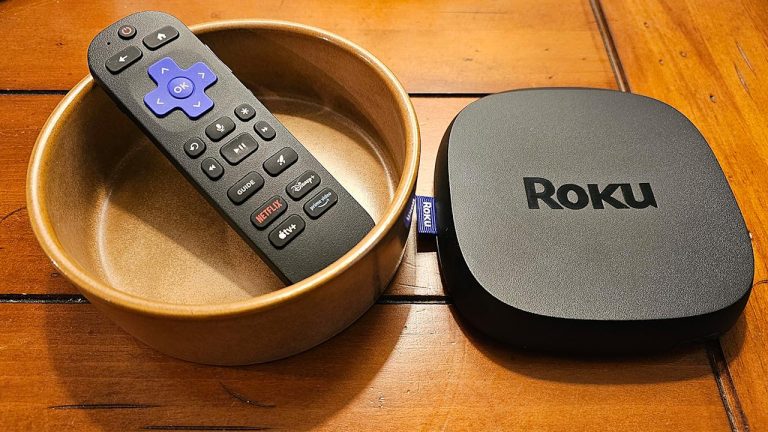
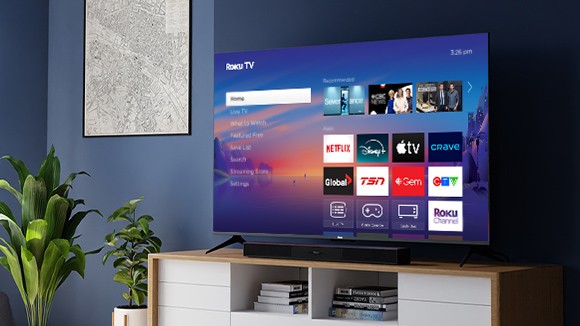
Roku devices are known for their simple, user-friendly interface. Their remotes usually have dedicated buttons for popular apps, speeding up access. If your smart TV’s interface feels like a chore, a Roku might improve your viewing experience significantly.

Credit: gizmodo.com
Roku Device Benefits
Adding a Roku device to your smart TV can change the way you enjoy streaming. It offers benefits that often go beyond what your TV’s built-in system provides. Here’s a look at some key advantages that might make you reconsider relying solely on your smart TV.
Access To Exclusive Channels
Roku provides access to a wide range of channels that may not be available on your smart TV’s default platform. This includes niche streaming services, international content, and specialized apps.
For example, channels like The Roku Channel offer free movies and TV shows that you won’t find on many other devices. This broadens your entertainment options significantly.
Have you ever missed out on a show because it wasn’t on your smart TV? A Roku device can solve that problem by opening up new content doors.
Enhanced Search Functionality
One standout feature of Roku is its powerful search tool. It scans across multiple streaming services at once, showing where a movie or show is available and at what price.
This saves you time and effort compared to searching each app individually. You get a clear picture of your options in one place.
Imagine wanting to watch a film and instantly knowing which platform offers it for free, rental, or purchase. Roku’s search makes that happen, simplifying your viewing decisions.
Regular Software Updates
Roku devices receive frequent software updates that improve performance and add new features. This keeps your streaming experience smooth and up to date.
Smart TVs sometimes lag behind in updates, which can lead to slower interfaces or missing out on the latest apps.
By using a Roku device, you ensure your system is constantly improving without needing to buy a new TV. Doesn’t a constantly evolving entertainment hub sound better?
Performance Comparison
Comparing the performance of a Roku device with a built-in smart TV helps decide the best option. Both provide access to streaming apps and media. Yet, their speed, picture quality, and connectivity vary. These factors impact user experience and overall satisfaction.
Speed And Responsiveness
Roku devices often run faster than many smart TVs. They load apps quickly and switch between them smoothly. Some smart TVs can feel slow or laggy during navigation. Roku’s lightweight interface reduces delays and improves responsiveness. This makes streaming more enjoyable and less frustrating.
Picture And Sound Quality
Smart TVs usually have better native picture and sound quality. Their built-in hardware supports advanced display and audio settings. Roku devices depend on the TV’s screen and speakers. They do not enhance picture or sound by themselves. For best results, use a high-quality TV with Roku for sharp images and clear audio.
Connectivity Options
Roku devices offer multiple connectivity choices. They connect via Wi-Fi, Ethernet, and support USB drives. Many smart TVs provide similar options but can be limited in ports. Roku’s compact design allows easy connection to different devices. This adds flexibility to your home entertainment setup.
Credit: www.tomsguide.com
Cost Considerations
Considering costs is important when deciding on a Roku device with a smart TV. Prices vary widely. Some smart TVs have built-in apps, but Roku offers extra features. Understanding the cost factors helps make a smart choice.
Price Differences
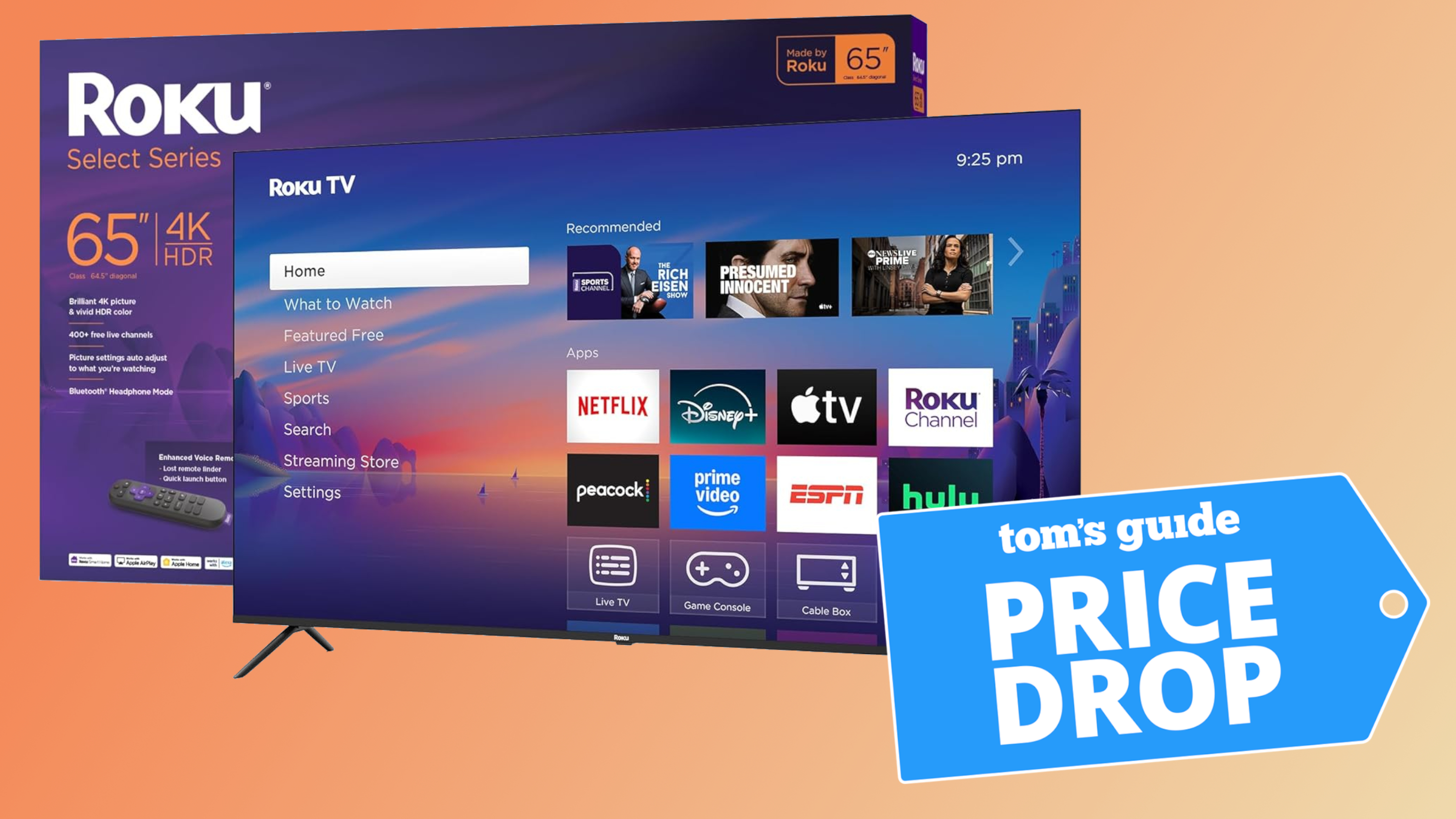
Smart TVs often cost more than regular TVs. Adding a Roku device is another expense. Roku players vary in price from budget to premium models. Compare the total cost of a smart TV and Roku versus a smart TV alone.
Value For Money
Roku devices provide access to many streaming channels. They get regular software updates. Smart TVs may lack updates or apps. Roku can improve the viewing experience with simple controls and more apps.
Long-term Investment
Smart TV software ages and may stop updating. Roku devices can be replaced easily and cheaply. Investing in a Roku may extend your TV’s life. It keeps your streaming options fresh over time.
When To Choose Roku
Deciding whether to add a Roku device to your smart TV depends on your entertainment needs and how you use your current setup. Sometimes, your smart TV’s built-in features just don’t cut it, and that’s when Roku can make a big difference. Let’s look at scenarios that might make choosing Roku the smarter choice for you.
Limitations Of Your Smart Tv
Many smart TVs come with basic streaming apps, but they often lack updates and can be slow or clunky. If you find that your TV’s interface freezes or doesn’t support the latest apps, Roku offers a smoother, more reliable experience.
For example, older smart TVs may not support popular services like HBO Max or Peacock. Have you ever missed a show because your TV wouldn’t load the app? That frustration can disappear with Roku.
Need For Expanded Content
Roku provides access to thousands of channels, far beyond what most smart TVs offer. If you want more variety—like niche streaming services, international channels, or free ad-supported content—Roku delivers.
Think about your favorite genres or less common platforms. Can your smart TV access all of them? Roku might open up new entertainment doors you didn’t even know existed.
Preference For Customization
Roku lets you customize your streaming experience in ways many smart TVs don’t. You can organize your favorite apps, add private listening through the remote, and even use voice commands to find exactly what you want.
If you enjoy tailoring your entertainment setup, Roku’s flexibility stands out. Wouldn’t it be nice to have a device that adapts to your habits instead of the other way around?
Alternatives To Roku
Thinking about whether you need a Roku device with your smart TV? You might be surprised to learn there are plenty of other ways to stream your favorite shows and movies without adding another gadget to your setup. Let’s look at some practical alternatives that could save you money and simplify your entertainment experience.
Other Streaming Devices
If you’re considering a streaming device but want options beyond Roku, there are several strong contenders. Amazon Fire TV Stick offers a user-friendly interface and integrates well with Alexa if you use smart home devices.
Google Chromecast lets you stream content directly from your phone or laptop, making it a flexible choice if you prefer controlling playback from your personal device. Apple TV is another option, especially if you’re already invested in the Apple ecosystem—it provides seamless integration with iPhones and Macs.
Casting And Mirroring Options
Did you know you can stream content without a dedicated device by casting or mirroring from your phone, tablet, or computer? Many smart TVs support built-in casting features like Google Cast or AirPlay.
This means you can send videos, music, and even your screen wirelessly to your TV. It’s a handy option if you occasionally watch content from apps that aren’t available on your smart TV’s platform.
Smart Tv Upgrades
Sometimes the best alternative is to upgrade your smart TV’s software or apps instead of adding hardware. Many TV brands regularly release updates that bring new streaming apps and improved functionality.
Check if your TV’s app store offers the streaming services you want. You might find that your current TV already supports most apps you use daily, eliminating the need for an external device altogether.
Frequently Asked Questions
Do Smart Tvs Need Roku For Streaming?
No, most smart TVs have built-in apps for streaming. However, Roku offers a more user-friendly interface and access to additional channels.
Can Roku Improve Smart Tv Streaming Quality?
Roku can enhance streaming quality by providing a consistent platform and regular updates, especially if your smart TV’s software is outdated.
Is Roku Necessary For Access To All Streaming Apps?
Roku supports a wider range of streaming apps than many smart TVs. It ensures access to popular and niche channels.
How Does Roku Compare To Smart Tv Interfaces?
Roku offers a simpler, faster, and more customizable interface than many smart TV platforms, improving the overall user experience.
Conclusion
Smart TVs offer many apps and features built-in. A Roku device can add more streaming choices and a simple interface. It also updates often, keeping your options fresh. Consider what channels you want and how easy the TV is to use.
Sometimes, a Roku makes watching shows easier and more fun. Think about your budget and what fits best in your home. In the end, the choice depends on your needs and habits. Both options can bring great entertainment to your living room.