Do You Need a Mylink Smart Device With Every Blind? Find Out Now!
Are you wondering if every blind in your home really needs a MyLink smart device? You might think adding one to each window makes life easier, but is it necessary—or just extra cost?
Imagine controlling your blinds with a simple tap or voice command, but what if a single device could do the job for multiple windows? Keep reading to discover how you can make your blinds smarter without overloading your home with gadgets.
This could change the way you think about smart blinds forever.
Credit: www.pluginauto.com
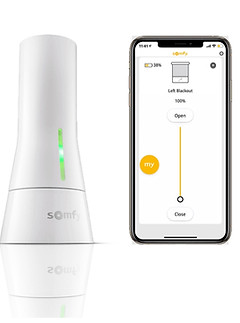
What Is Mylink Smart Device
If you’re thinking about automating your window blinds, understanding the Mylink Smart Device is a good place to start. This device acts as the control center for your smart blinds, connecting them to your home Wi-Fi and allowing you to manage them remotely. But what exactly does it do, and do you need one for every blind? Let’s break it down.
What Does The Mylink Smart Device Do?
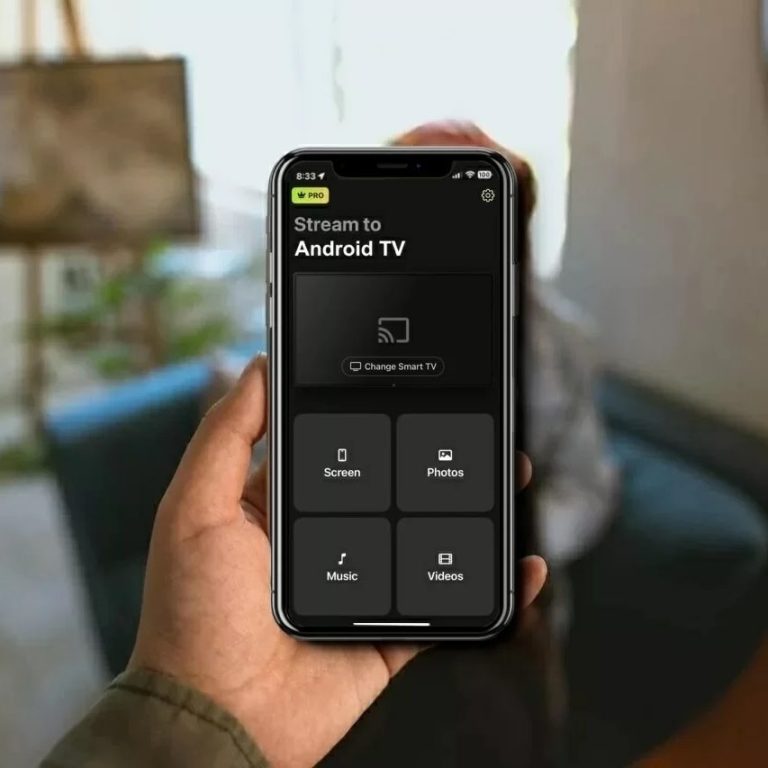
The Mylink Smart Device connects your blinds to your smartphone or voice assistant. It acts as a bridge, translating your commands into actions that adjust your blinds automatically. Without it, your blinds can only be controlled manually or via a remote.
Think of it as the brain behind the scenes, enabling features like scheduling, voice control, and group commands. For example, you can set your blinds to close at sunset or open when you wake up, all through an app.
How Many Mylink Devices Do You Need?
Many wonder if each blind requires its own Mylink device. The simple answer is no. One Mylink Smart Device can control multiple blinds within the same Wi-Fi network.
This means you can group your blinds by room or area and control them all from a single device. It’s cost-effective and reduces clutter.
Is The Mylink Device Compatible With Your Blinds?
Not all blinds are compatible with the Mylink Smart Device. It works specifically with certain brands and models designed for smart home integration. Before buying, check if your blinds support Mylink or if you need additional hardware.
Compatibility ensures smooth operation and avoids frustration. Have you checked your blinds’ specs yet?
What Are The Benefits Of Using A Mylink Smart Device?
- Remote Control:Adjust your blinds from anywhere using your phone.
- Voice Commands:Use Alexa or Google Assistant to open or close blinds hands-free.
- Scheduling:Automate your blinds based on time or light conditions.
- Energy Efficiency:Optimize natural light and reduce heating/cooling costs.
These features make your daily routine easier and can even save you money. Have you considered how much time you spend adjusting blinds manually?
How Mylink Works With Blinds
Understanding how Mylink works with blinds helps to see its smart features. Mylink connects your blinds to your smartphone, giving you remote control. You can raise, lower, or adjust blinds from anywhere. It works with many blind brands and types. The system is simple to set up and use.
Mylink uses a small device that communicates wirelessly. This device pairs with your blinds’ motor. It then connects to your home Wi-Fi network. Through the Mylink app, you send commands to the blinds. The app also lets you schedule automatic movements for your blinds.
Connecting Mylink To Your Blinds
Mylink pairs directly with the motor inside your blinds. You do not need extra hardware for each blind. One Mylink device can control multiple blinds in the same room. Pairing is quick and done through the app.
Using The Mylink App For Control
The Mylink app provides a simple interface. You can open, close, or set blinds to any position. The app supports voice commands with smart assistants. It also allows setting timers for daily routines.
Benefits Of Mylink’s Wireless Communication
- No need for new wiring or complex installation
- Works with existing Wi-Fi and smart home systems
- Offers real-time status updates on blinds
- Supports multiple users controlling the same blinds
Scheduling And Automation Features
Set your blinds to move based on time or sunlight. Automation helps save energy by controlling light and heat. You can create custom schedules for weekdays and weekends. The app can also sync with sunrise and sunset times.
Benefits Of Using Mylink With Each Blind
Using a Mylink smart device with each blind offers several clear advantages that can improve how you control light and privacy in your home. It’s about more than just automation—it’s about tailoring your environment to fit your daily needs with precision and ease.
Individual Control
With a Mylink device on every blind, you gain the power to adjust each one independently. This means you can open the blinds in your living room to enjoy the morning sun while keeping your bedroom blinds closed for privacy.
Think about moments when you want different lighting levels in various rooms at the same time. Individual control lets you do exactly that without any hassle.
Energy Efficiency
Each blind controlled by a Mylink device helps you manage sunlight to reduce heating and cooling costs. You can program blinds to close during the hottest part of the day to keep your home cooler or open in winter to warm up naturally.
By customizing settings for each window, you avoid unnecessary energy use and lower your bills. How much could you save by fine-tuning your blinds room by room?
Enhanced Convenience
Having a Mylink on every blind means you can control all your window coverings from one app or voice command. No more walking from room to room to adjust blinds—it’s all at your fingertips.
This convenience is especially useful during busy mornings or when you want to set the perfect mood for movie night. Why settle for less when controlling your blinds can be so effortless?
When One Mylink Device Is Enough
Sometimes, having just one Mylink smart device can be all you need to control your blinds efficiently. This setup often suits homes where multiple blinds share the same motor or where you want a simple, centralized control system. Understanding when a single device suffices can save you money and reduce complexity.
Multiple Blinds On Same Motor
If your blinds are connected to the same motor, a single Mylink device can control them all simultaneously. This means you don’t have to buy separate devices for each blind, simplifying your smart home setup.
Imagine having three blinds in one room that move together. Instead of managing each blind independently, one Mylink device can handle the entire group, responding to your commands instantly.
Grouped Control Options
Mylink allows you to create groups of blinds, so you can control multiple blinds with one command, even if they have separate motors. This feature is perfect if you want synchronized operation without installing a device for every single blind.
- Group blinds by room or floor for easy control.
- Set schedules and scenes that apply to the entire group.
- Adjust multiple blinds with a single tap on your smartphone.
Have you considered how much easier it would be to open or close all your living room blinds at once? Grouped control makes this possible without cluttering your setup with extra devices.
Cost Considerations
Cost matters a lot when choosing smart devices for your blinds. It affects your budget and your home’s smart setup. Understanding the costs helps make smart choices.
Initial Investment
Buying a Mylink smart device for each blind may add up quickly. Each device has its price. Installing many devices means higher upfront costs.
Some homes have many blinds, which can increase the total expense. The cost includes the device price and any installation fees. This initial investment can be a key factor for many buyers.
Long-term Savings
Smart blinds can save energy by controlling sunlight and heat. This can lower heating and cooling bills over time. Using fewer devices might reduce upfront costs but could limit these savings.
Durability and low maintenance of smart devices also save money. You spend less on repairs or replacements. A well-planned setup balances initial costs with future savings.
Credit: www.somfysystems.com
Compatibility With Different Blind Types
Understanding the compatibility of MyLink smart devices with different types of blinds is key. Not every blind type works the same way with these devices. Knowing which blinds can be automated helps in making the right choice.
MyLink devices connect with various blind mechanisms. Some blinds may need adapters or specific models to function properly. This section clarifies which blinds pair well with MyLink technology.
Compatibility With Roller Blinds
Roller blinds are usually easy to connect with MyLink devices. Their simple rolling mechanism works well with motorized controls. Many MyLink kits include parts designed for roller blinds.
Compatibility With Venetian Blinds
Venetian blinds have horizontal slats. Controlling tilt and lift requires precise motor control. MyLink devices support many Venetian blind models but check the motor type for full compatibility.
Compatibility With Cellular And Roman Blinds
Cellular and Roman blinds fold or stack differently. These blinds often need special motor systems. MyLink offers compatible motors, but confirming the blind’s mechanism is important before purchase.
Compatibility With Vertical Blinds
Vertical blinds move side to side. MyLink can control this movement if the motor fits the track system. Compatibility depends on the blind’s brand and motor design.
Using Mylink With Custom Or Uncommon Blinds
Custom blinds may require unique solutions. MyLink sometimes offers adapters or custom motors. Contact the manufacturer to ensure the device works well with your blind type.
Setting Up Mylink Devices
Setting up Mylink devices can seem tricky at first, but it’s all about getting the basics right. Each device connects your blinds to your smart home system, making control easier and more convenient. Understanding the setup process helps you decide if you need a Mylink smart device for every blind or if a single device can manage multiple blinds effectively.
Installation Tips
Start by checking the compatibility of your blinds with the Mylink device. Not every blind model pairs seamlessly, so a quick compatibility check saves time and frustration.
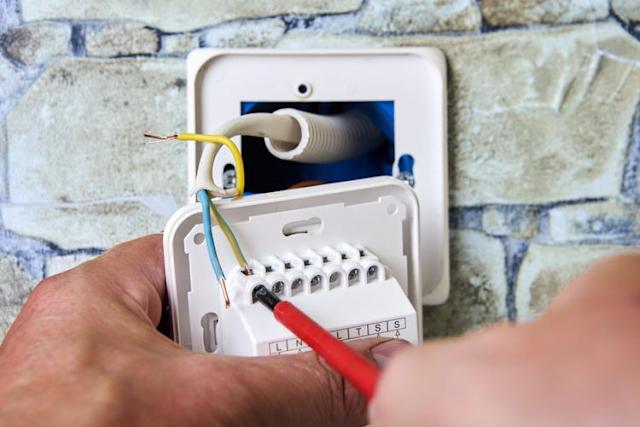
Place the Mylink device close enough to your blinds to ensure strong signal strength. Walls and furniture can block signals, so think about the best location before installation.
- Use the manufacturer’s app for guided setup; it usually walks you through each step.
- Secure the device firmly to avoid it falling or losing connection.
- Power the device using the recommended adapter or batteries to ensure steady performance.
Remember, a well-installed Mylink device will respond faster and maintain a reliable connection. Have you noticed any areas in your home where Wi-Fi or signals weaken? Those spots might need special attention during setup.
Troubleshooting Common Issues
If your Mylink device isn’t responding, check the power source first. Dead batteries or unplugged adapters are often the simplest fix.
Next, verify that your device is connected to the correct Wi-Fi network. Sometimes, devices default to a guest network or lose connection after router changes.
- Restart the Mylink device and your router to refresh connections.
- Reinstall the app and re-pair the device if it consistently fails to respond.
- Look for firmware updates in the app; outdated software can cause glitches.
Have you experienced delayed responses or unresponsive blinds? These steps usually clear up those issues quickly. Keeping your devices updated and correctly positioned saves you from frequent troubleshooting.

Credit: www.somfysystems.com
Alternatives To Mylink Smart Devices
Looking beyond Mylink smart devices opens a world of options for managing your blinds. You don’t necessarily need a Mylink for every blind to enjoy smart control. Several alternatives can fit different budgets, needs, and technical comfort levels.
Smart Home Hubs Compatible With Various Blinds
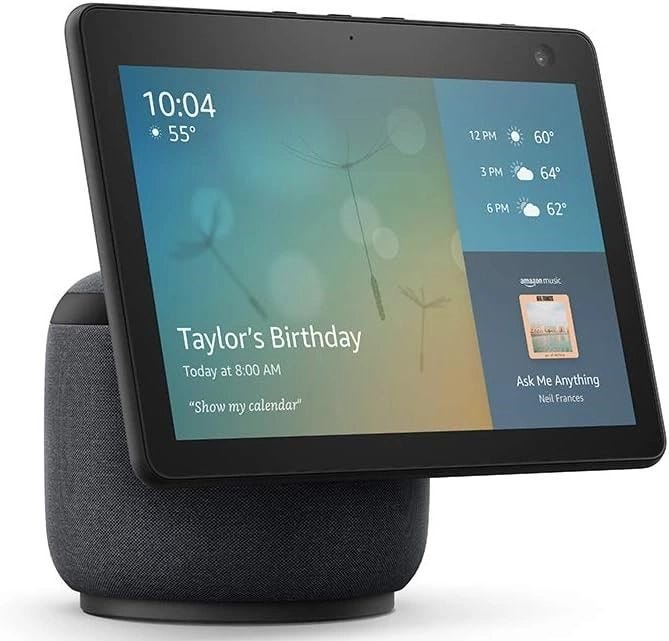
Smart hubs like Samsung SmartThings or Amazon Echo can control many types of smart blinds without needing a Mylink device for each. These hubs act as a central controller, letting you manage multiple blinds from one app. You only add a smart blind motor that’s compatible with your hub, which simplifies setup and reduces clutter.
Voice Assistants For Hands-free Control
If convenience is your priority, voice assistants such as Alexa, Google Assistant, or Siri offer an excellent alternative. You just connect your smart blinds to these assistants, and you can open or close them with simple voice commands. This way, you avoid extra devices and still get seamless control.
Diy Smart Blind Kits
For those who enjoy a hands-on approach, DIY smart blind kits can be a fun and cost-effective option. These kits include motors and controllers you attach to your existing blinds, enabling app or remote control. Building your own system can give you greater flexibility and a sense of accomplishment.
Remote Control Blinds
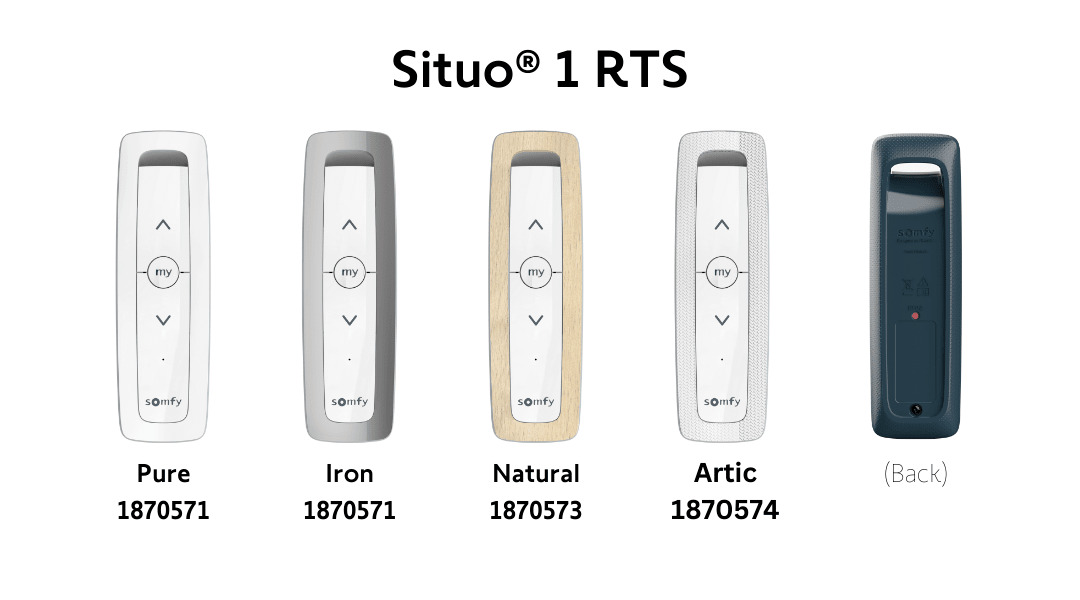
Sometimes, a traditional remote control system fits your needs perfectly. Many smart blinds come with their own remotes, which don’t require Wi-Fi or additional hubs. This option is straightforward and reliable, especially if you want to avoid connectivity issues.
Smartphone Apps For Specific Blind Brands
Some blind manufacturers offer their own apps that let you control their smart blinds without extra devices like Mylink. These apps usually connect directly to the blind’s motor via Bluetooth or Wi-Fi. This setup is simple and keeps everything within one app, reducing complexity.
Have you tried any of these alternatives? Sometimes stepping outside the usual smart device ecosystem leads to solutions that better fit your lifestyle and space. What’s your priority when choosing smart blind control—cost, ease, or tech flexibility?
Frequently Asked Questions
Do All Blinds Require A Mylink Device?
Not all blinds require a Mylink smart device. Mylink enhances convenience by offering remote control capabilities. However, it’s an optional accessory. It is especially beneficial for large homes or individuals with mobility concerns. Evaluate your specific needs to decide if Mylink is right for you.
What Benefits Does Mylink Offer For Blinds?
Mylink offers several benefits for blinds, including remote control via a smartphone app. It provides scheduling features for automated control and can integrate with smart home systems. This enhances convenience, energy efficiency, and home security. It’s ideal for tech-savvy users seeking advanced home automation.
Can Mylink Work With All Blind Types?
Mylink is compatible with most motorized blinds, but not all types. Compatibility depends on the motor and system used in your blinds. It’s important to check with the manufacturer or retailer for specific compatibility details. This ensures seamless integration and functionality of the Mylink device.
How Does Mylink Improve Home Automation?
Mylink enhances home automation by allowing remote control of blinds through an app. It integrates with smart home systems and voice assistants. This provides automated scheduling, remote access, and improved energy management. It simplifies daily routines and increases home efficiency.
Conclusion
Choosing a Mylink smart device for every blind may not be necessary. Some blinds work well without extra gadgets. Consider how often you use automation and convenience. A single device can control multiple blinds easily. This saves money and reduces complexity.
Think about your daily habits and needs. Smart devices add comfort but are not always required. Balance cost with benefits before deciding. Simple solutions often work just fine. Make a choice that fits your lifestyle best.