How to Read Date Codes on Electronic Components: Quick & Easy Guide
Have you ever held an electronic component and wondered what those tiny numbers and letters on it really mean? Knowing how to read date codes on electronic parts can save you time, money, and frustration.
It helps you identify when a component was made, ensuring you use reliable and up-to-date parts in your projects. You’ll discover simple tricks to decode those mysterious markings quickly and confidently. Keep reading, and you’ll never second-guess your components again.
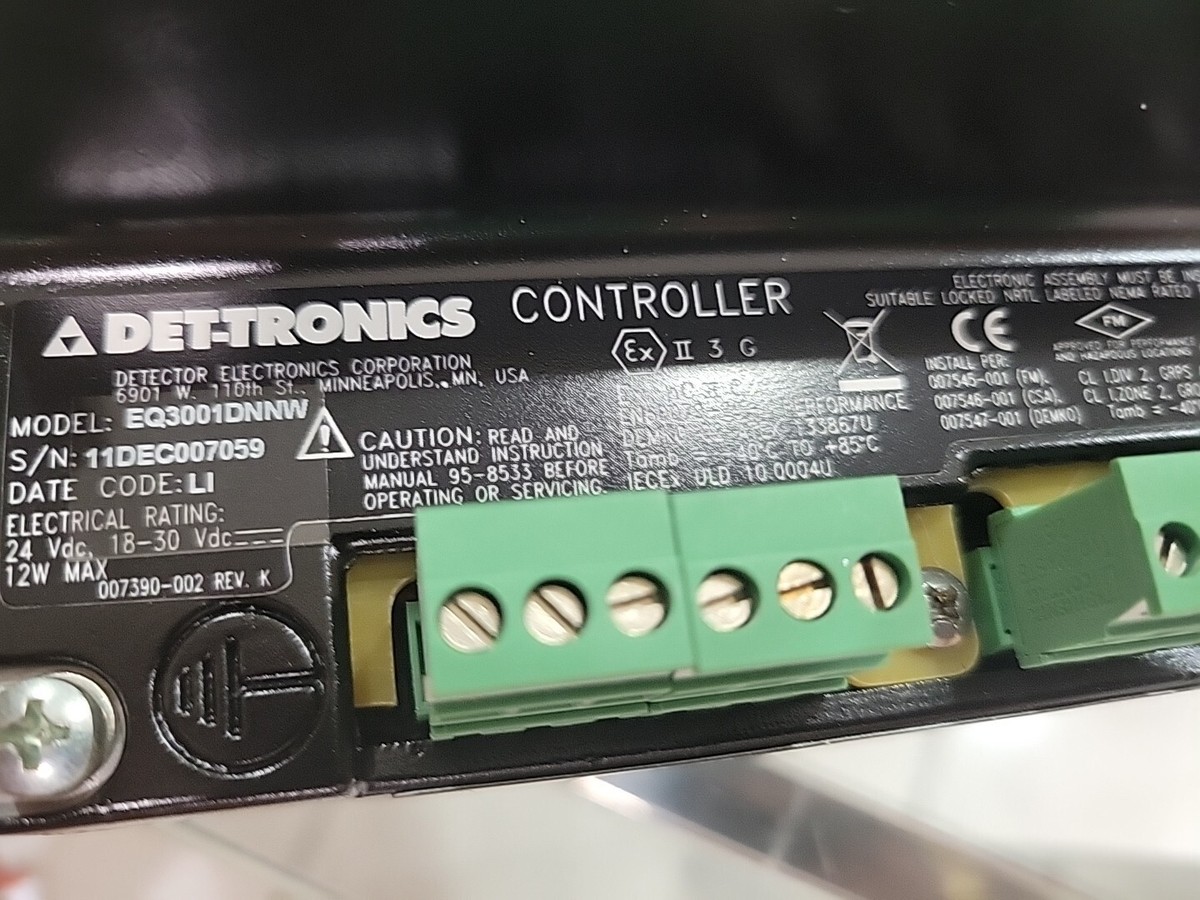
Credit: www.ebay.com
Importance Of Date Codes
Date codes on electronic components show when the part was made. This helps buyers and engineers check the age and quality of parts. Using fresh components lowers the risk of failure and defects. Old parts may cause problems in circuits or devices.
Manufacturers use date codes to track batches of parts. This helps find faulty groups quickly. It also helps ensure proper stock rotation in warehouses. Date codes support quality control and product safety.
Ensures Component Reliability
Components with clear date codes are easier to trust. Fresh parts usually work better and last longer. Knowing the production date helps avoid outdated or expired parts. Reliable components reduce device breakdowns and maintenance costs.
Supports Warranty And Returns
Date codes help prove if parts are under warranty. They provide evidence about purchase and usage periods. This makes returns and claims smoother for both buyers and sellers. Without date codes, warranty claims can be denied.
Helps Manage Inventory
Businesses use date codes to organize stock efficiently. Older parts get used first, reducing waste. It prevents storing obsolete or expired components. Proper inventory management saves money and space.
Facilitates Quality Control And Traceability
Date codes link parts to their production batches. If defects appear, manufacturers trace back to the source. This helps fix problems faster and improve future batches. Traceability supports safety standards and customer trust.
Common Formats Of Date Codes
Electronic components often have date codes printed on them. These codes show when the part was made. Understanding these codes helps track product age and quality. Different manufacturers use different formats, but a few common styles appear frequently. Recognizing these formats makes reading date codes easier.
Year And Week
This format shows the year and the week number of production. Usually, it has four digits:
- The first two digits represent the year.
- The last two digits show the week of the year (01 to 52).
For example, “2315” means the 15th week of 2023. This method is simple and common in electronics.
Year And Month
This style displays the year and month of manufacture. It often uses four digits as well:
- The first two digits stand for the year.
- The last two digits indicate the month (01 to 12).
“2307” means the component was made in July 2023. This format is clear and easy to read.
Julian Date
Julian date codes use a three or four-digit number. It counts days in the year:
- The first digit(s) show the year.
- The next two or three digits represent the day of the year (001 to 365).
For example, “3205” means the 205th day of 2023. This format is compact and useful for precise dating.
Decoding Date Codes By Manufacturer
Decoding date codes on electronic components varies by manufacturer. Each brand uses a unique format to mark production dates. Recognizing these formats helps identify a component’s age. This knowledge is key for quality checks and inventory management.
Popular Brands And Their Formats
Many brands print date codes differently. Some use numbers, others letters, or a mix of both.
- Texas Instruments:Usually a four-digit code showing year and week. For example, “2135” means 35th week of 2021.
- STMicroelectronics:Uses a three-digit code. The first digit is the year’s last number, and the next two are the week number.
- Analog Devices:Often prints a six-digit code. The first two digits show the year, followed by the week and batch.
- Microchip Technology:Uses a four-digit code. The first two digits represent the year, and the last two the week.
Understanding the brand’s format avoids confusion. It makes reading date codes faster and more accurate.
Online Resources For Code Reference
Several websites provide detailed guides for decoding date codes. These help match codes to specific manufacturers.
- Manufacturer datasheets often include date code information.
- Electronics forums share user experiences and decoding tips.
- Dedicated databases list date code formats for many brands.
- PDF guides and charts offer quick reference during component inspection.
Using these resources ensures correct interpretation of date codes. It supports better decision-making in electronics handling.
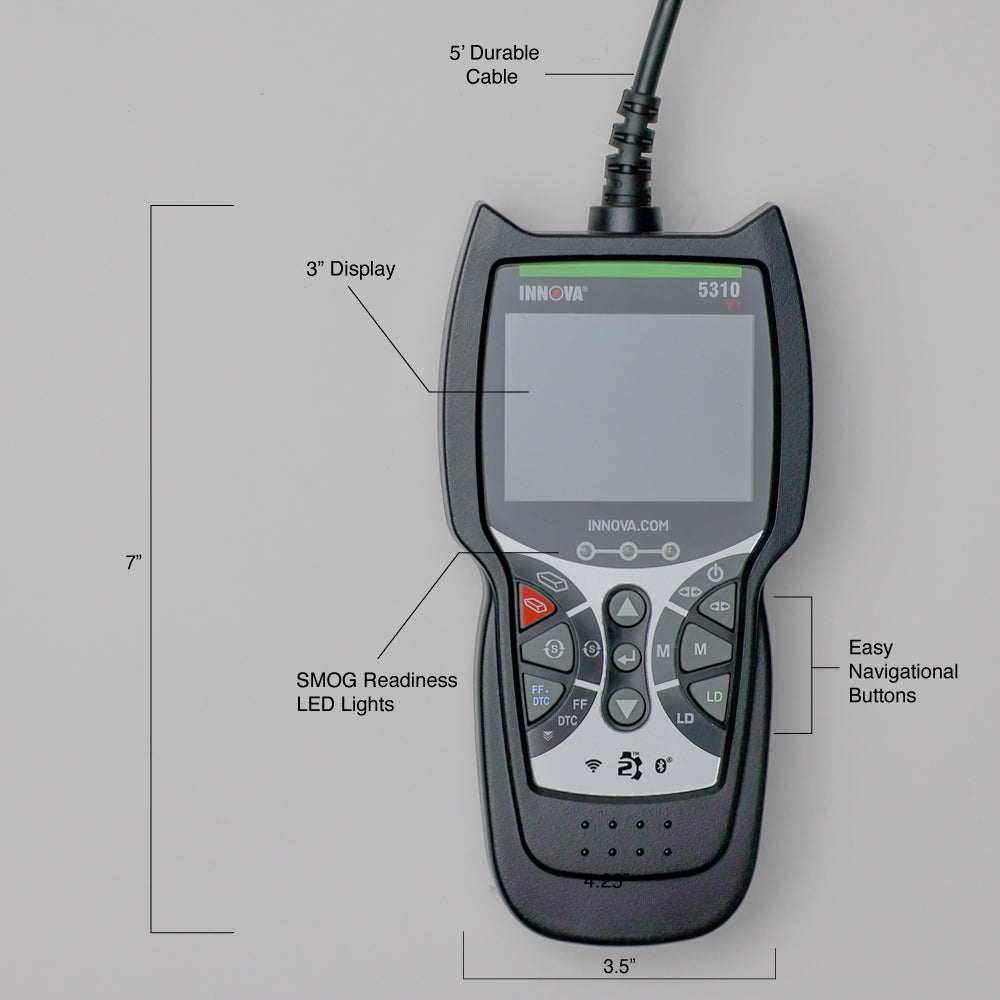
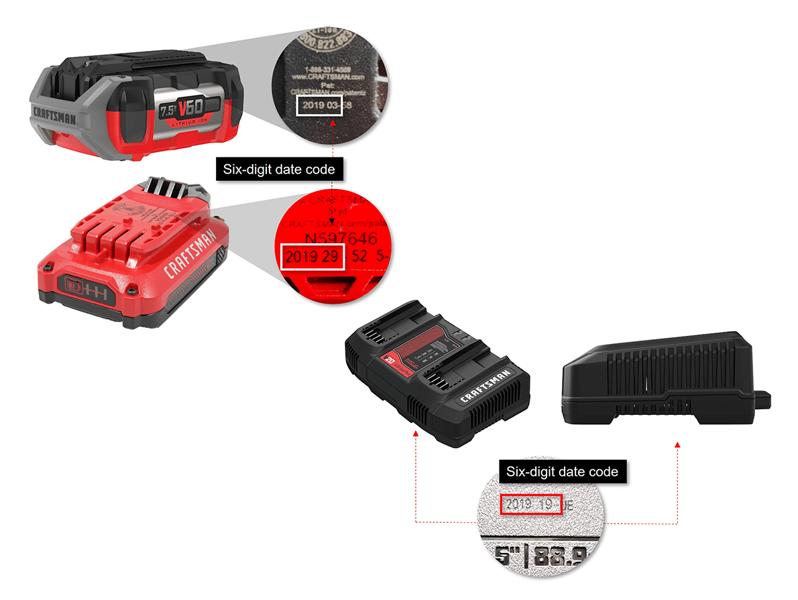
Credit: www.innova.com
Tools For Reading Date Codes
Reading date codes on electronic components requires the right tools. These tools help identify manufacturing dates quickly and accurately. Using proper tools saves time and reduces errors during decoding.
There are two main categories of tools for reading date codes: manual decoding tools and digital decoding applications. Each offers unique benefits depending on your needs and experience level.
Manual Decoding Tools
Manual tools include charts, tables, and reference guides. These show how to interpret various date code formats. Many manufacturers use different coding systems, so reference materials are essential.
- Printed charts listing common date code formats
- Decoding tables showing year and week codes
- Magnifying glasses to read small or faded codes
- Flashlights or good lighting to enhance visibility
Manual tools require some practice but provide a reliable, offline method. They work well in environments without internet access. These tools also help understand the logic behind date codes.
Digital Decoding Applications
Digital apps simplify the decoding process using software. Many apps allow users to input or scan date codes. The app then instantly translates the code into readable dates.
- Mobile apps with scanning and recognition features
- Desktop software for batch decoding multiple codes
- Online databases that update with new manufacturer codes
- Barcode scanners combined with decoding software
These applications reduce human errors and speed up decoding. They are especially useful for large inventories. Some apps also store decoded data for future reference.
Common Pitfalls And Mistakes
Reading date codes on electronic components can be tricky. Many beginners and even experienced users face common pitfalls that lead to errors. These mistakes can cause wrong assumptions about component age and reliability. Knowing these pitfalls helps avoid costly problems in electronics projects and repairs.
Misinterpretation Of Codes
Date codes often use numbers and letters that look similar. Confusing these symbols leads to wrong dates. Some codes represent the year and week, others use month and year. Without clear understanding, you may think a component is newer or older than it really is.
Manufacturers use different formats. Some codes start with the year, others with the week number. It is easy to mix these up. A small mistake can mean a difference of years in component age. Always double-check the format before making a decision.
Ignoring Manufacturer Guidelines
Each manufacturer may have unique date code systems. Ignoring their guidelines causes errors. The datasheet or company website usually explains the code format. Missing this step leads to incorrect interpretations.
Some manufacturers update their coding systems over time. Using old information results in mistakes. Always verify you have the latest guidelines. Following the official instructions ensures accurate reading of date codes.
Tips For Accurate Interpretation
Reading date codes on electronic components demands attention and care. Mistakes can lead to wrong conclusions about the component’s age or authenticity. These tips help ensure the reading process is precise and reliable.
Double-checking With Manufacturer
Always verify date codes using the manufacturer’s official datasheets. Manufacturers sometimes use unique coding systems. Checking their documents confirms the exact meaning of each code.
Contacting customer support can clarify confusing codes. Some companies update their coding schemes without wide notice. Direct verification reduces errors and misunderstandings.
Staying Updated With Code Changes
Date code formats may change over time. Stay informed about updates from manufacturers or industry sources. Regularly review websites and newsletters that track component standards.
Join forums or groups focused on electronics components. Members often share news about new or altered date codes. This helps keep your knowledge current and accurate.
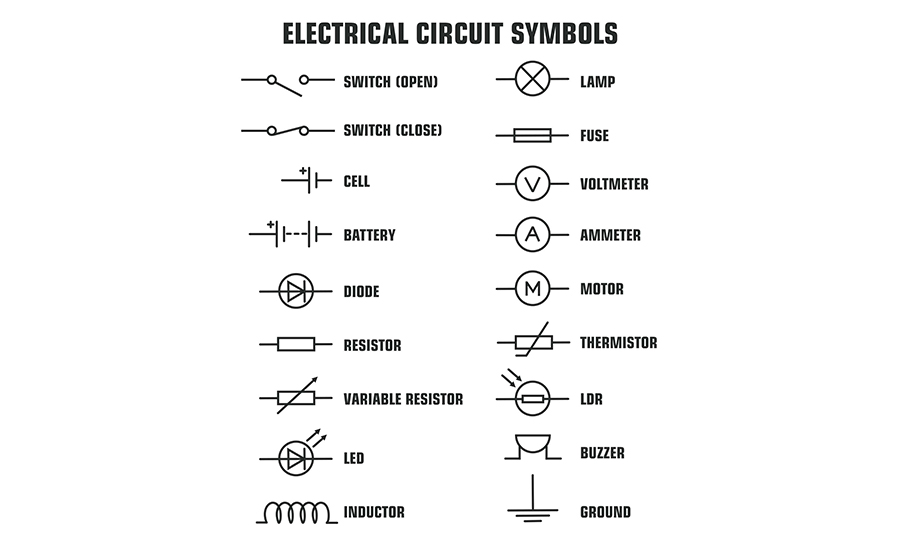
Credit: www.agsdevices.com
Frequently Asked Questions
What Do Date Codes On Electronic Components Mean?
Date codes indicate the manufacturing date of a component. They help track production batches and ensure quality control. Typically, the code shows the year and week of manufacture, aiding in inventory management and warranty claims.
How To Identify Year In Electronic Component Date Codes?
Most date codes use a two-digit year format. For example, “21” means the year 2021. This helps users quickly recognize the manufacturing year and assess component freshness and reliability.
Why Is Reading Date Codes Important For Electronics?
Reading date codes prevents using outdated parts that may fail early. It ensures compatibility and maintains device performance. Proper interpretation helps in warranty validation and reduces counterfeit risks.
Can Date Codes Vary By Manufacturer?
Yes, date code formats differ across manufacturers. Some use Julian dates, while others use week-year formats. Always refer to the specific datasheet or manufacturer guidelines for accurate decoding.
Conclusion
Reading date codes on electronic parts helps you check their age quickly. Knowing the date helps avoid using old or faulty components. It also ensures better performance in your projects. Always look for the code format used by the manufacturer.
Practice reading different codes to get comfortable. This simple skill saves time and prevents errors. Keep your components fresh and reliable by checking dates. Stay confident when buying or using electronic parts. It’s a small step that makes a big difference.