Why is Computer System Maintenance Important: Vital Insights
Have you ever felt the frustration of a slow or crashing computer right when you need it most? Your computer is more than just a device—it’s a tool that powers your work, entertainment, and daily tasks.
But without proper maintenance, it can quickly turn from a helpful companion into a source of stress. Understanding why computer system maintenance is important can save you time, money, and headaches. Keep reading to discover simple yet powerful ways to keep your computer running smoothly and protect your valuable data.
Benefits Of Regular Maintenance
Regular maintenance of your computer system offers several benefits that directly impact how well your device works and how long it lasts. Taking the time to care for your system can save you frustration, money, and unexpected interruptions. Have you ever thought about how much smoother your computer could run just by keeping it in good shape?
Improved Performance
Regular maintenance helps your computer run faster and more efficiently. Cleaning up unnecessary files, updating software, and optimizing settings can reduce lag and speed up boot times. You might notice your programs open quicker and multitasking feels smoother after just a simple tune-up.
Extended Hardware Lifespan
Keeping your hardware clean and well-maintained prevents early wear and tear. Dust buildup, overheating, and neglected components can shorten your computer’s life. Simple actions like cleaning fans and ensuring proper ventilation can keep your machine running longer, saving you from costly replacements.
Enhanced Security
Regular updates and system checks protect your computer from security threats. Outdated software and unpatched vulnerabilities make your device an easy target for hackers. Staying on top of maintenance helps you avoid malware, ransomware, and data theft, keeping your personal information safe.
Reduced Downtime
Maintenance helps identify and fix small issues before they become major problems. This means fewer unexpected crashes and less time spent troubleshooting. Imagine how much more productive you could be if your computer stayed reliable every day.
Credit: us.norton.com
Common Maintenance Tasks
Regular computer system maintenance is not just a technical chore—it’s essential for keeping your device running smoothly and securely. Understanding the common maintenance tasks can empower you to take control of your system’s health and avoid unexpected problems. These tasks address both software and hardware aspects, ensuring your computer performs at its best.
Software Updates
Keeping your software up to date is crucial. Updates fix security vulnerabilities that hackers often exploit, protecting your personal data and sensitive information. They also improve performance and add new features, so your system stays efficient and current.
Have you ever ignored an update only to face a sudden software crash later? Staying on top of updates can save you from such frustrations.
Disk Cleanup And Defragmentation
Over time, your hard drive collects unnecessary files like temporary data, old downloads, and cached files. Disk cleanup removes these cluttered files, freeing up valuable space and speeding up your computer.
Defragmentation rearranges fragmented data, allowing your hard drive to work more efficiently. While modern SSDs don’t require defragmentation, traditional HDDs benefit greatly from it. How much faster could your system run if you regularly cleared out the junk?
Hardware Inspections
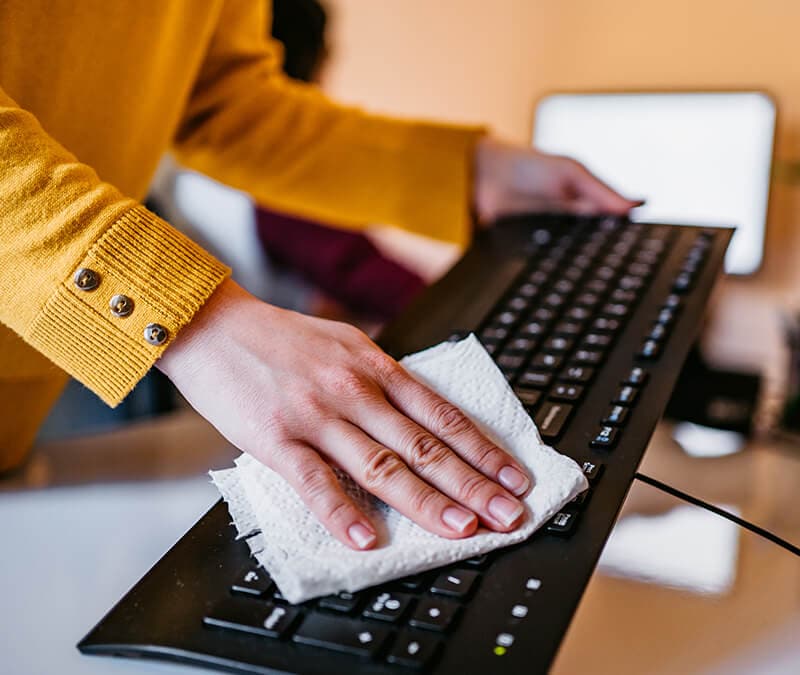
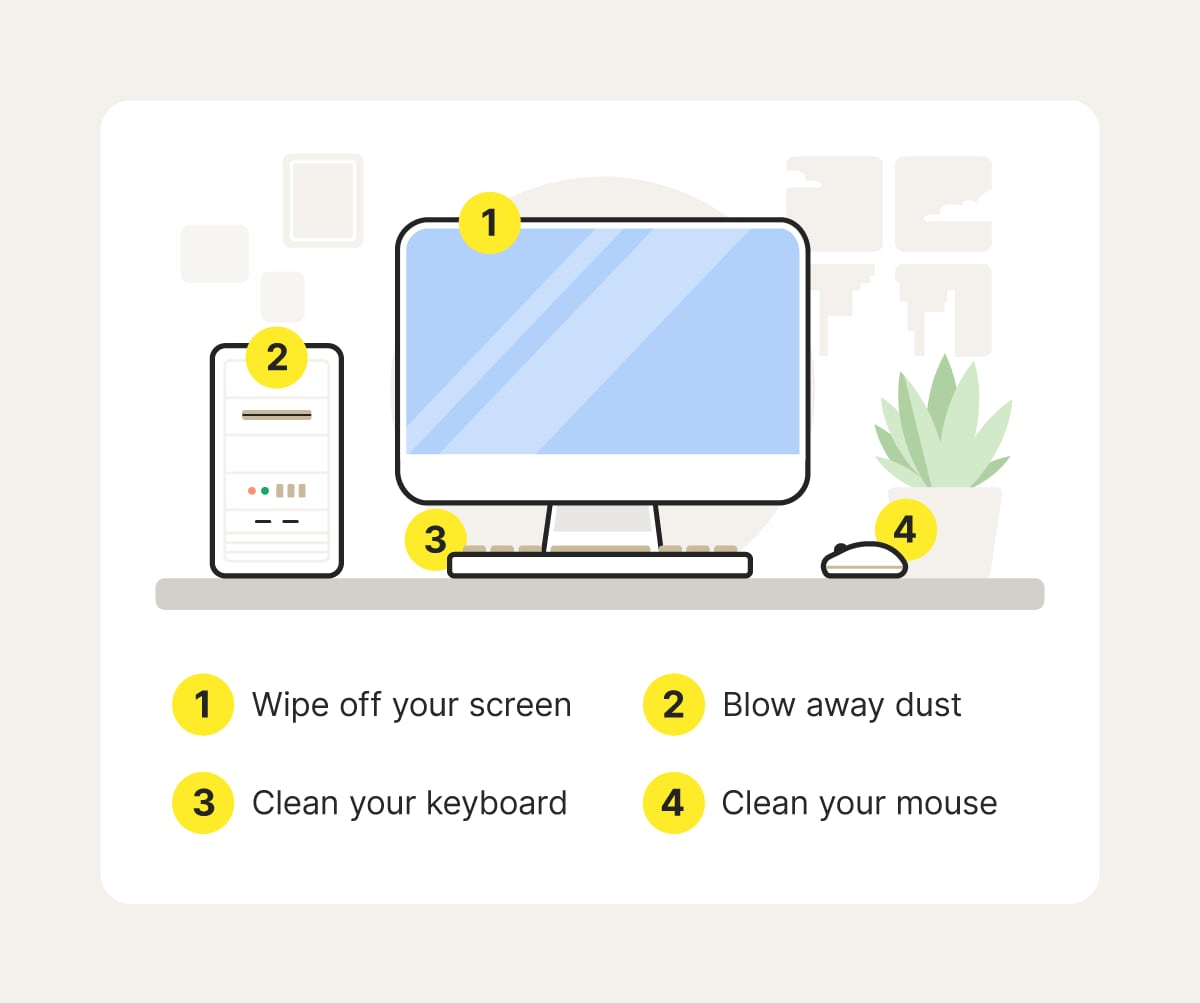
Physical checks on components like fans, cables, and ports can prevent hardware failures. Dust buildup inside your computer can cause overheating, which slows down performance and damages parts.
By inspecting and cleaning hardware periodically, you extend your device’s lifespan and avoid costly repairs. When was the last time you opened your computer case to give it a thorough look?
Backup And Recovery
Backing up your data is your safety net against unexpected data loss caused by crashes, malware, or accidental deletion. Use external drives or cloud services to keep copies of important files.
Establishing a recovery plan ensures you can restore your system quickly without losing valuable work. What would you do if your computer suddenly stopped working tomorrow? Preparing backups today can prevent panic tomorrow.
Risks Of Neglecting Maintenance
Neglecting computer system maintenance puts your device at serious risk. Problems can build up slowly, then cause major issues. These risks affect both performance and data safety. Understanding these dangers helps keep your system running smoothly.
System Failures
Without regular upkeep, hardware and software can fail unexpectedly. Broken parts or outdated programs cause crashes and slowdowns. This disruption can stop your work and lead to lost time. Regular checks prevent sudden system breakdowns.
Data Loss
Failing to maintain your computer increases the chance of losing important files. Hard drives can fail or become corrupted. Viruses can delete or damage data. Backups and updates protect your information from permanent loss.
Security Vulnerabilities
Outdated systems are easy targets for hackers. Missing updates leave gaps for malware and cyberattacks. These threats steal private information or damage files. Keeping your system updated improves security and privacy.
Increased Repair Costs
Ignoring small issues leads to bigger, costly repairs later. Fixing minor problems early saves money. Emergency repairs or replacements are expensive and time-consuming. Proper maintenance lowers repair bills and extends device life.
Tools And Techniques
Maintaining a computer system requires the right tools and techniques. These help keep the system fast, secure, and reliable. Using proper tools can detect problems early and fix them before they cause damage. Techniques guide users on how to protect and optimize their computers daily.
Automated Maintenance Software
Automated software handles routine tasks without manual effort. It cleans temporary files, updates software, and scans for malware. These programs run in the background to ensure smooth performance. They save time and reduce human errors in maintenance.
Diagnostic Utilities
Diagnostic tools check hardware and software health. They find errors in hard drives, memory, and system files. Running these utilities helps identify issues quickly. Users can act on the results to prevent system crashes.
Preventive Measures
Regular updates and backups are key preventive steps. Installing security patches blocks vulnerabilities. Backups protect data from loss due to failures or attacks. Simple habits like cleaning dust and organizing cables also help.
Professional Services
Experts offer advanced support for complex problems. They provide thorough inspections and repairs. Professionals ensure systems meet performance and security standards. Hiring them can extend the life of your computer.
Maintenance Best Practices
Maintaining your computer system is more than just fixing problems when they arise. It’s about creating a routine that keeps everything running smoothly and prevents issues before they start. Adopting the right maintenance best practices can save you time, reduce costs, and extend the life of your equipment.
Scheduling Regular Checks
Set a clear timetable for checking your computer system. This could be weekly, monthly, or quarterly, depending on how heavily you use your devices. Regular checks help you catch small problems early, like disk errors or outdated software, before they turn into bigger headaches.
Think about your own experience: When was the last time you ran a full system scan or cleaned out unnecessary files? You might be surprised how much smoother your computer runs after just a little regular attention.
User Training
Your system’s health depends a lot on how you use it. Learning simple habits like safely installing updates and recognizing phishing emails can protect your system from many risks. Training yourself and others who use your computer helps prevent accidental damage and security breaches.
Ask yourself: Do you know how to spot suspicious activity on your computer? Taking a bit of time to improve your skills can save you from costly repairs or data loss later on.
Documentation And Logs
Keeping records of maintenance activities might sound tedious, but it’s a smart move. Documenting updates, repairs, and system changes creates a clear history that helps you track what works and what doesn’t. Logs can also speed up troubleshooting when issues come up.
Imagine trying to fix a problem without knowing when the last update was installed. Having detailed notes can cut your frustration in half and guide you to the right solution faster.
Balancing Cost And Effort
Maintenance doesn’t have to drain your budget or your time. Find the sweet spot where the effort you put in matches the benefits you get out. Prioritize tasks that offer the most impact, like backing up data and installing security patches.
Consider this: Is it worth spending hours each week tweaking settings, or could a simple monthly routine keep your system healthy enough? Focus on what truly matters for your setup, and don’t get bogged down in unnecessary details.
Credit: us.norton.com
Credit: 1800officesolutions.com
Frequently Asked Questions
Why Is Computer System Maintenance Essential?
Computer system maintenance ensures optimal performance, prevents crashes, and extends device lifespan. Regular upkeep helps identify and fix issues early, reducing downtime and data loss risks. It also improves security by updating software and removing malware, keeping your system safe and efficient.
How Often Should Computer System Maintenance Be Done?
Computer system maintenance should be performed at least monthly. Regular checks include software updates, disk cleanups, and antivirus scans. Frequent maintenance prevents slowdowns and potential failures. Timely care keeps your system running smoothly and protects against security threats.
What Are The Key Tasks In Computer Maintenance?
Key tasks include updating software, scanning for malware, cleaning hardware, and backing up data. Disk defragmentation and removing unnecessary files also improve performance. These tasks help maintain system stability, security, and speed, ensuring a better user experience.
Can Maintenance Prevent Computer System Failures?
Yes, regular maintenance can prevent many system failures. It identifies issues like hardware wear or software conflicts early. Timely fixes avoid costly repairs and data loss. Proper upkeep keeps your computer reliable and extends its functional life.
Conclusion
Regular computer system maintenance keeps devices running smoothly. It helps prevent slowdowns and unexpected crashes. Clean systems use less energy and last longer. Simple tasks like updates and virus scans protect your data. Small efforts now save big problems later.
Protect your work and enjoy better performance daily. Maintenance is key to a safe, fast computer. Don’t ignore these easy steps for a healthy system.